Applications
52
Gallery
Introduction
View and manage photos and videos stored in the device.
Viewing images or videos
1
Tap
Gallery
on the Apps screen.
2
Select an image or a video.
Video files show the
icon on the preview thumbnail. To play a video, tap .
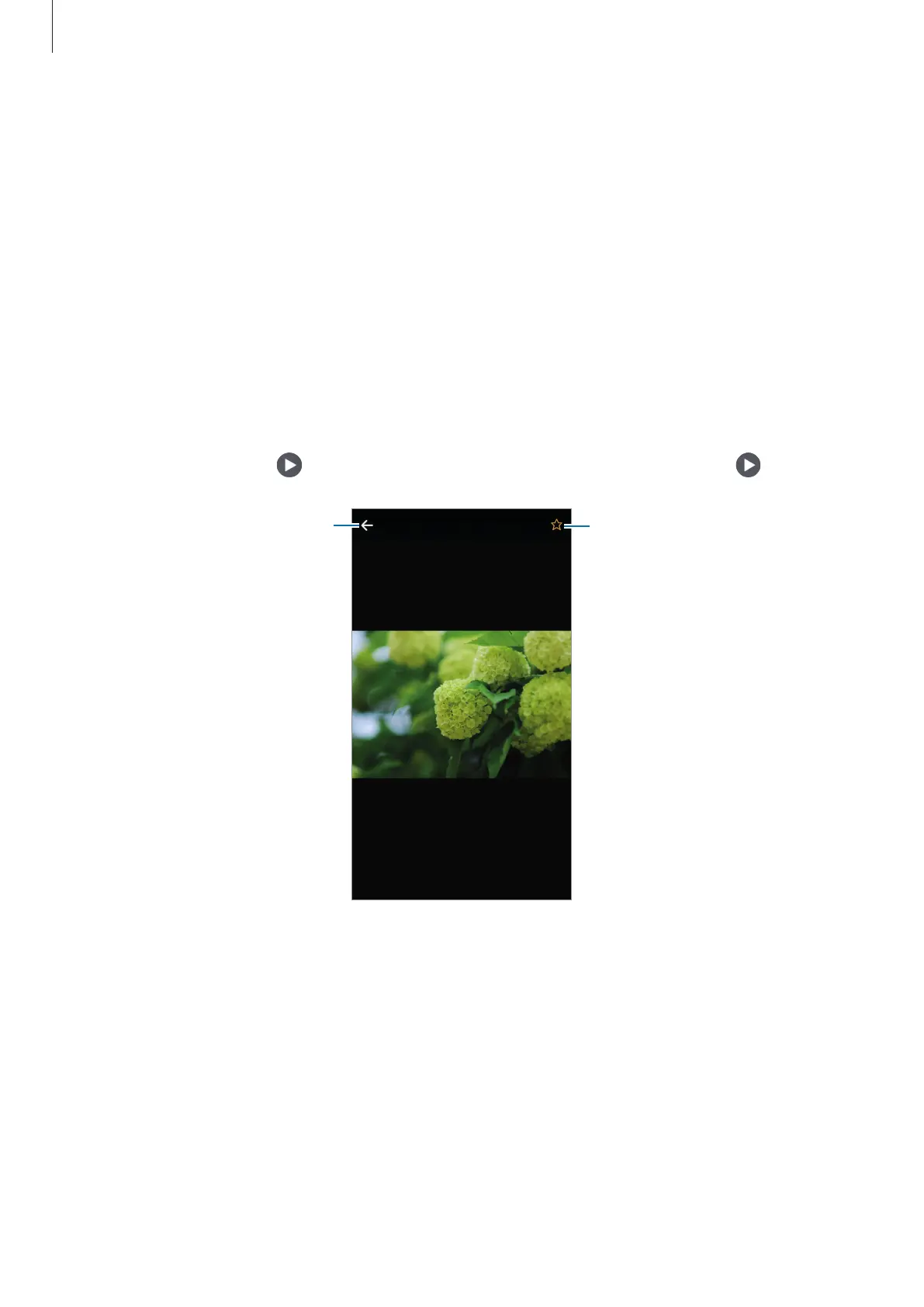
Add the image to favourites.
Move to the previous screen.
To hide or show the menus, tap the screen.











 To Next Page