Applications
44
Camera
Introduction
Take photos and record videos using various modes and settings.
Basic shooting
You can take photos or record videos. View your photos and videos in
Gallery
.
Tap
Camera
on the Apps screen.
Camera etiquette
•
Do not take photos or record videos of other people without their permission.
•
Do not take photos or record videos where legally prohibited.
•
Do not take photos or record videos in places where you may violate other people’s
privacy.
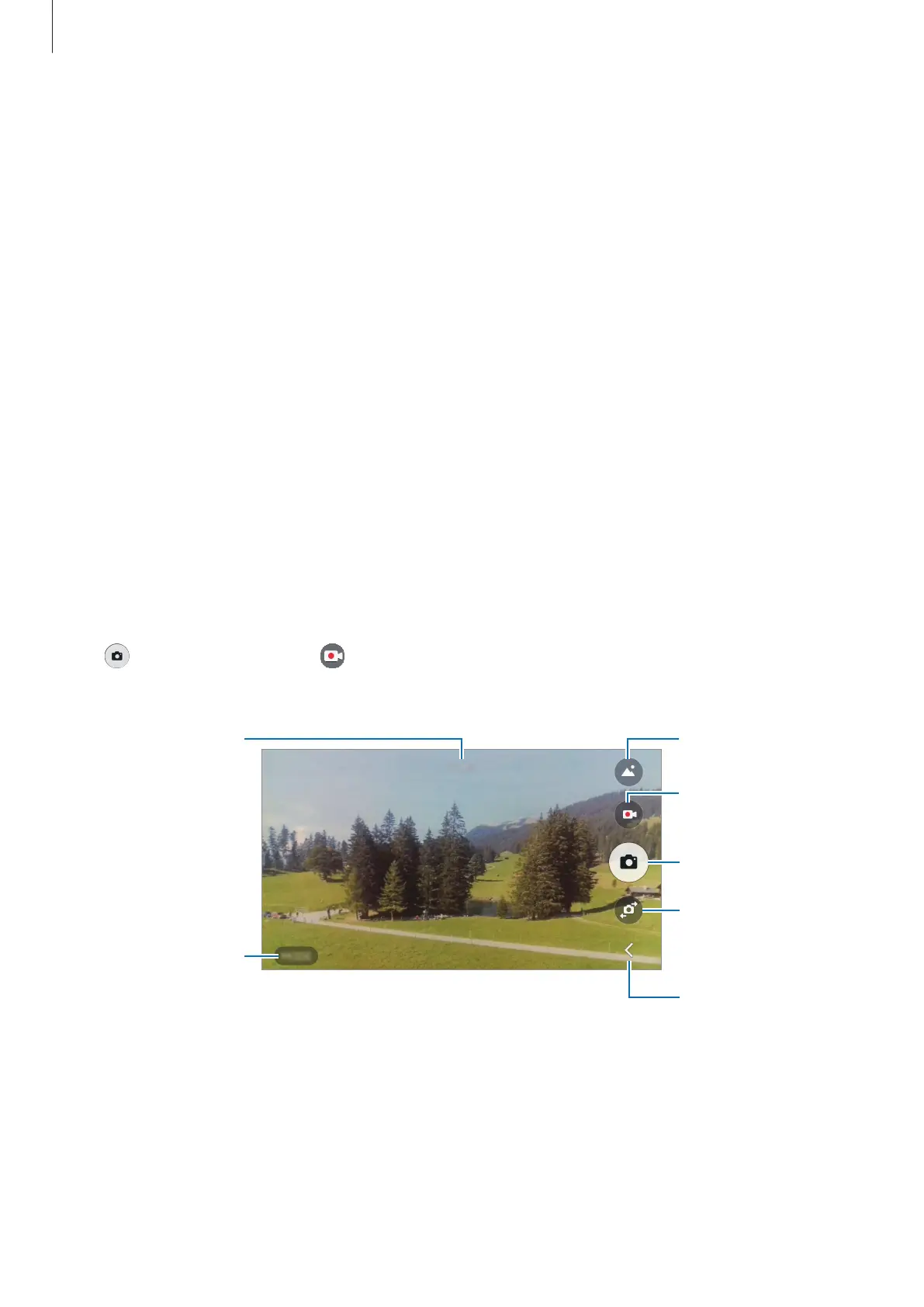
Taking photos or recording videos
Tap
to take a photo or tap to record a video.
Spread two fingers apart on the screen to zoom in, and pinch to zoom out.
Shooting modes
Record a video.
Take a photo.
Switch between the
front and rear
cameras.
Hide or show the
quick setting icons.
Preview thumbnail











 To Next Page