Applications
42
Internet
Browse the Internet to search for information and bookmark your favourite webpages to
access them conveniently.
1
Tap
Internet
on the Apps screen.
2
Tap the address field.
3
Enter the web address or a keyword, and then tap
Go
.
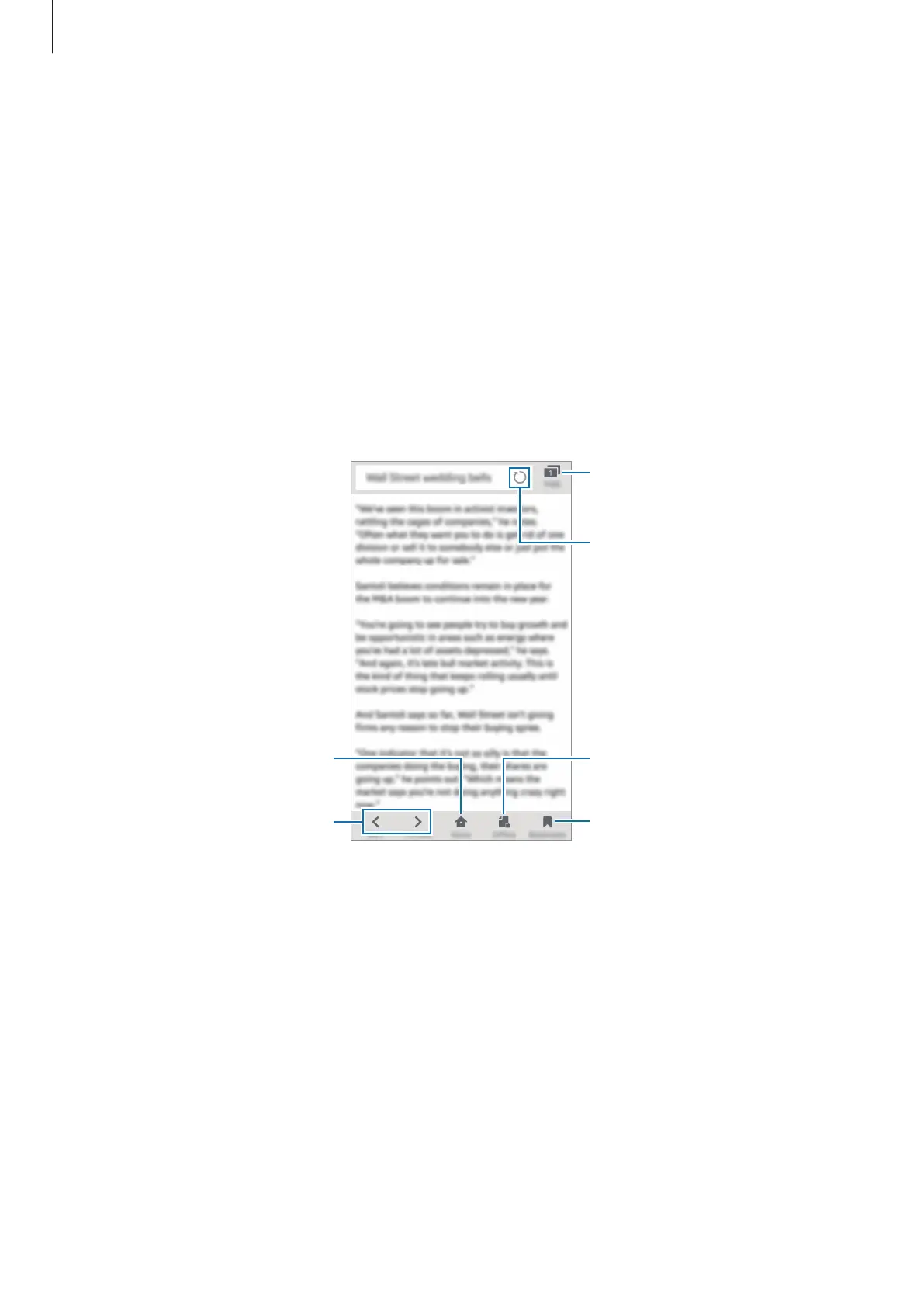
To view the toolbars, drag your finger downwards slightly on the screen.
Move to the previously visited
page.
Open the homepage.
Open the browser's tab
manager.
View your bookmarks and recent
history.
View saved offline webpages.
Refresh the current webpage.











 To Next Page