Basics
23
Icon Meaning
HSDPA network connected
HSPA+ network connected
Wi-Fi connected
Bluetooth feature activated
GPS activated
Call in progress
Missed call
New text or multimedia message
Alarm activated
Mute mode activated
Vibration mode activated
Flight mode activated
Battery power level
Lock screen
Pressing the Power key turns off the screen and locks it. Also, the screen turns off and
automatically locks if the device is not used for a specified period.
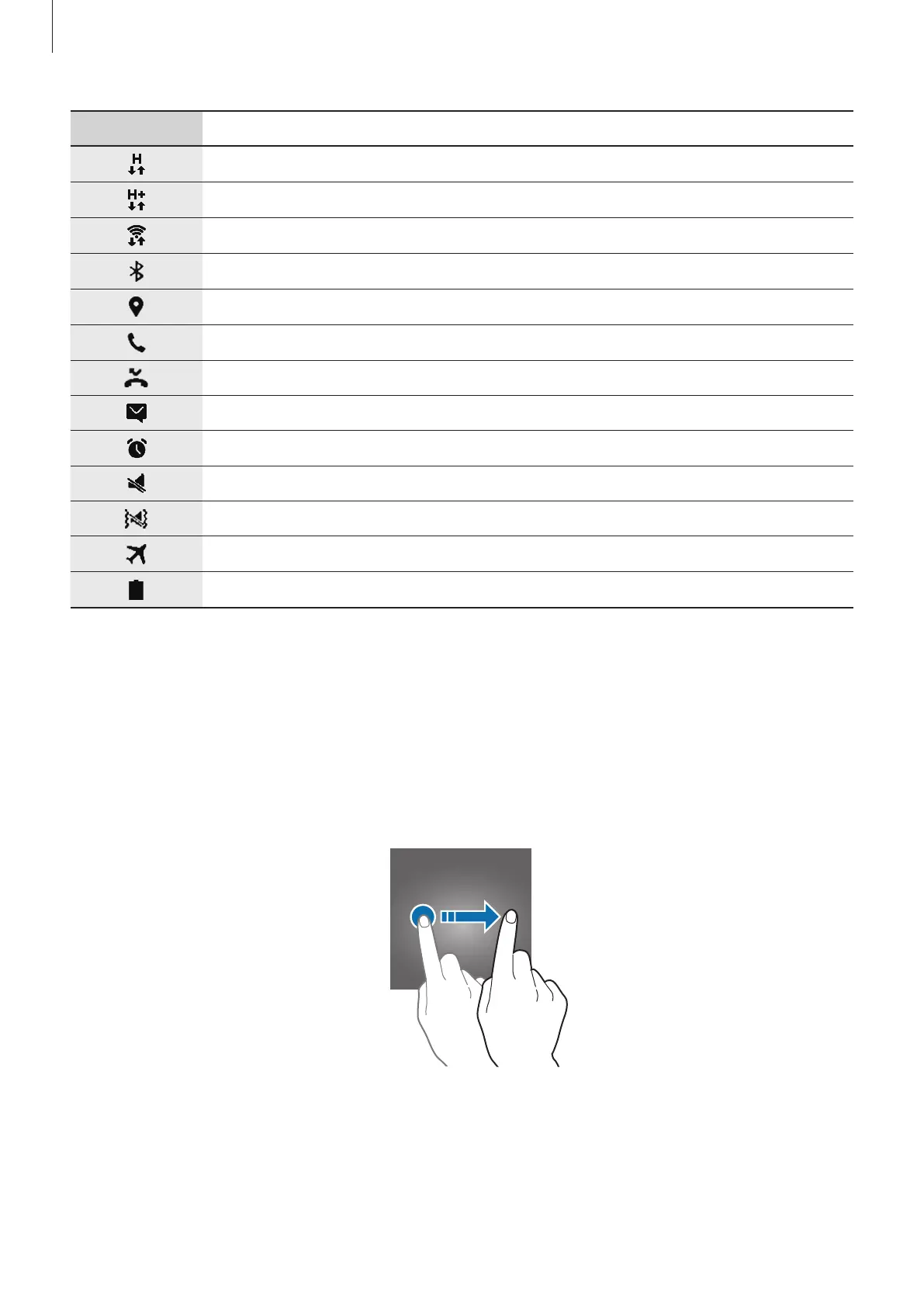
To unlock the screen, press the Power key or the Home key and swipe in any direction.











 To Next Page