Applications
54
3
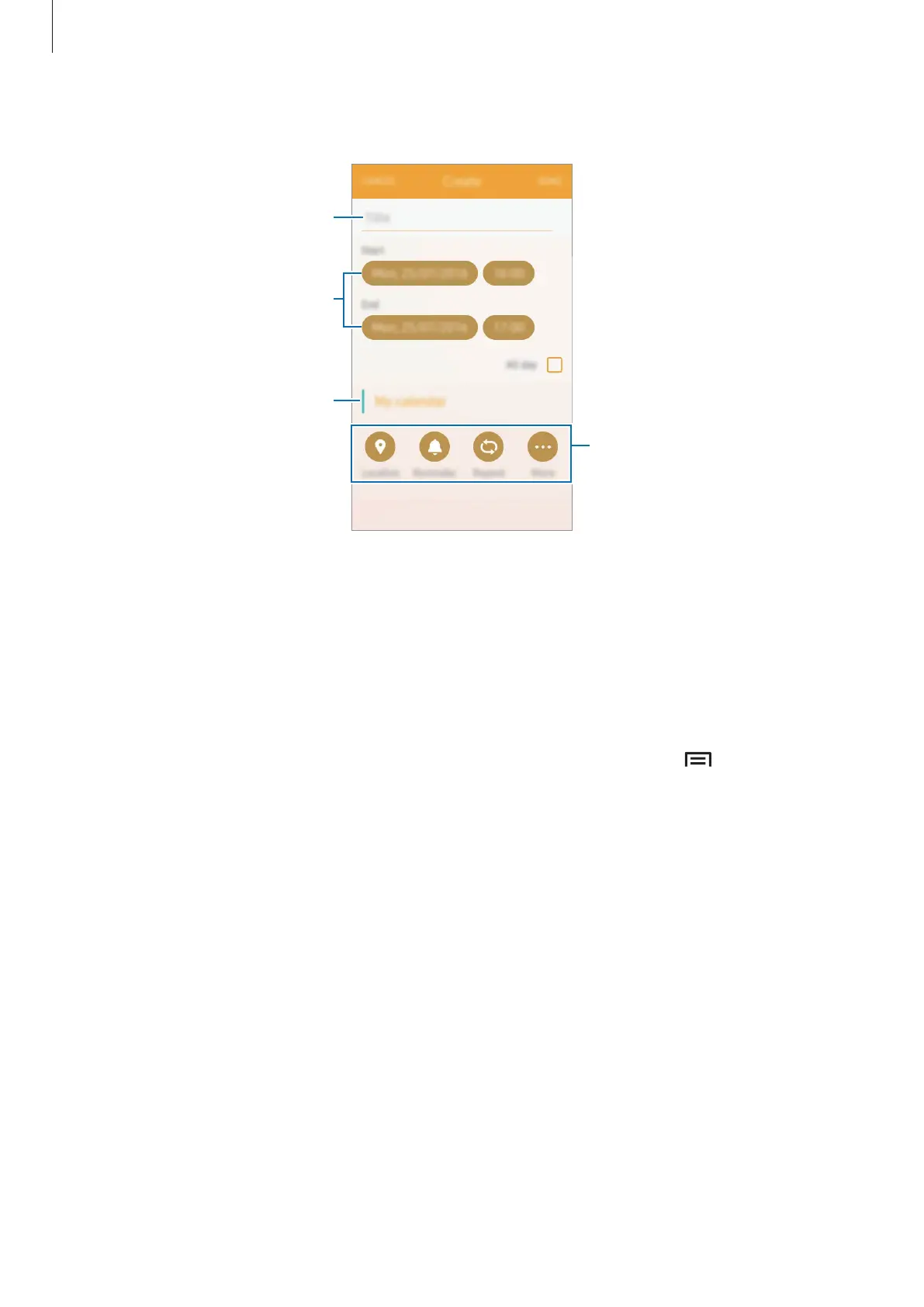
Enter event details.
Select a calendar to use or sync
with.
Enter a title.
Set a start and end date for the
event.
Add more details.
4
Tap
DONE
to save the event.
Syncing events with your accounts
On the Apps screen, tap
Settings
→
Accounts
, select an account service, and then tap the
Sync Calendar
switch to sync events with the account.
To add accounts to sync with, open the Apps screen and tap
Calendar
→
→
Manage
calendars
→
Add account
. Then, select an account to sync with and sign in. When an
account is added, it will appear in the list of calendars.











 To Next Page