GB
26
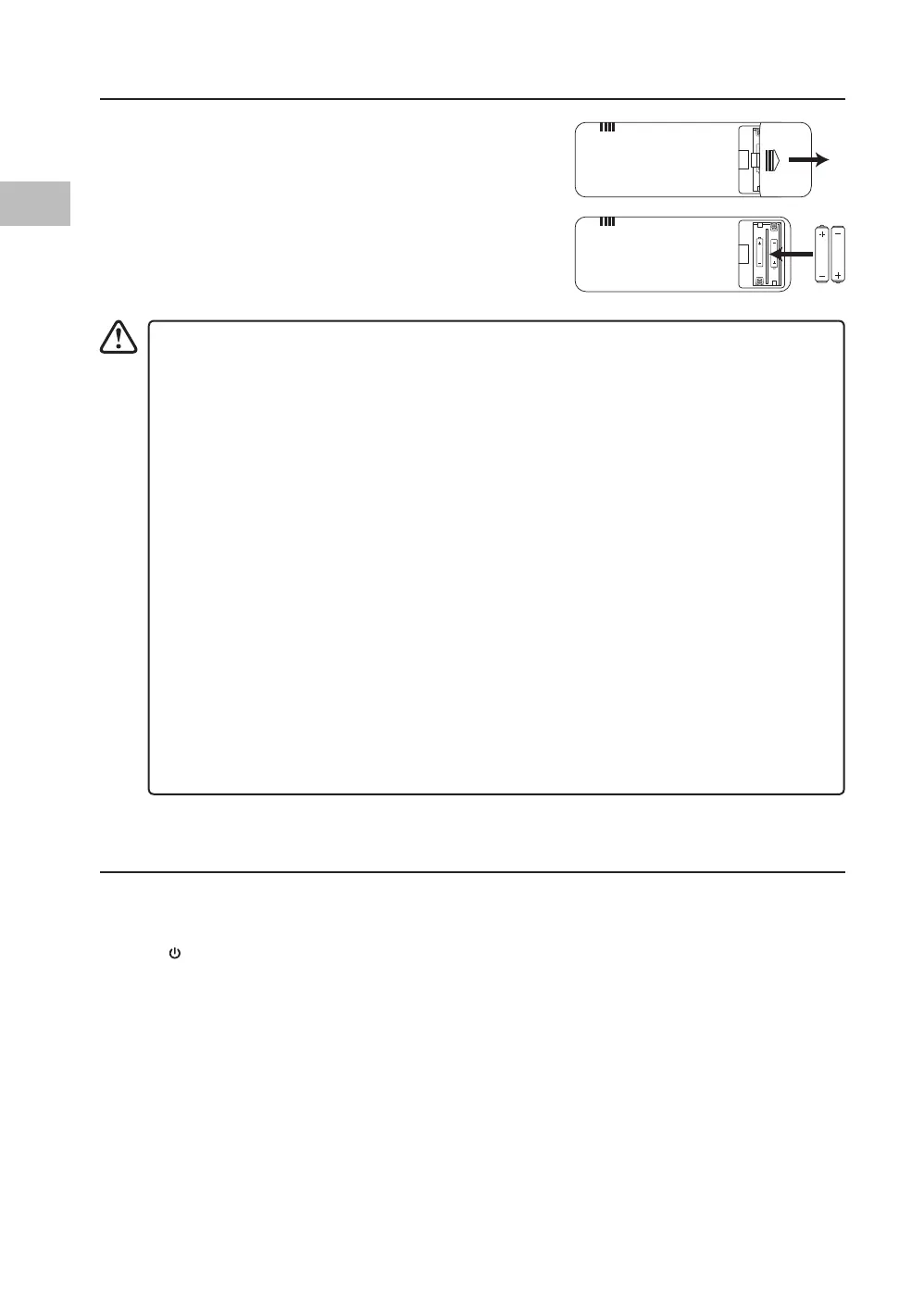
Installing the Batteries (Remote Control)
1. Remove the cover on the back of the remote control
by sliding the battery compartment cover o.
2. Insert 2 x AAA batteries, ensuring that their
polarities (+ / –) are pointing in the right direction.
3. Slide the cover back into place. It will click when
securely tted.
Switching the Unit On/O
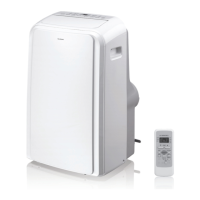
• Plug the unit into the mains supply. The Power Indicator will light up, indicating the unit is in
standby mode.
• Press
on the unit or ON/OFF on the remote control to switch on the unit. The Power
Indicator light will turn o.
• To completely switch o the unit, unplug from the mains supply.
Handling the Battery
• Improper or incorrect use of batteries may cause corrosion or battery leakage, which
could cause re, personal injury or damage to property.
• Only use the battery type indicated in this manual.
• When the batteries are exhausted, the remote control will not function. Replace both
batteries at the same time with new ones.
• Do not install new batteries with used ones and do not mix dierent types of
batteries.
• Do not dispose of used batteries as domestic waste. Dispose of them in accordance
with local regulations.
Handling the Remote Control
• Do not drop or cause impact to the remote control.
• Do not spill water or any liquid on the remote control.
• Do not place the remote control on a wet object.
• Do not place the remote control under direct sunlight or near sources of excessive
heat.
• Remove the battery from the remote control when not in use for a long period of
time, as it could cause corrosion or battery leakage and may result in physical injury
and/or property damage including re.
SAC05C19E_IB_5L_Final191128V2.indd 26 29/11/2019 15:38


 To Next Page