9
Finding new stations - DAB
From time to time, new DAB radio stations may become available. Or you may have moved to
a different part of the country. In this case you may need to cause your radio to scan for new
stations.
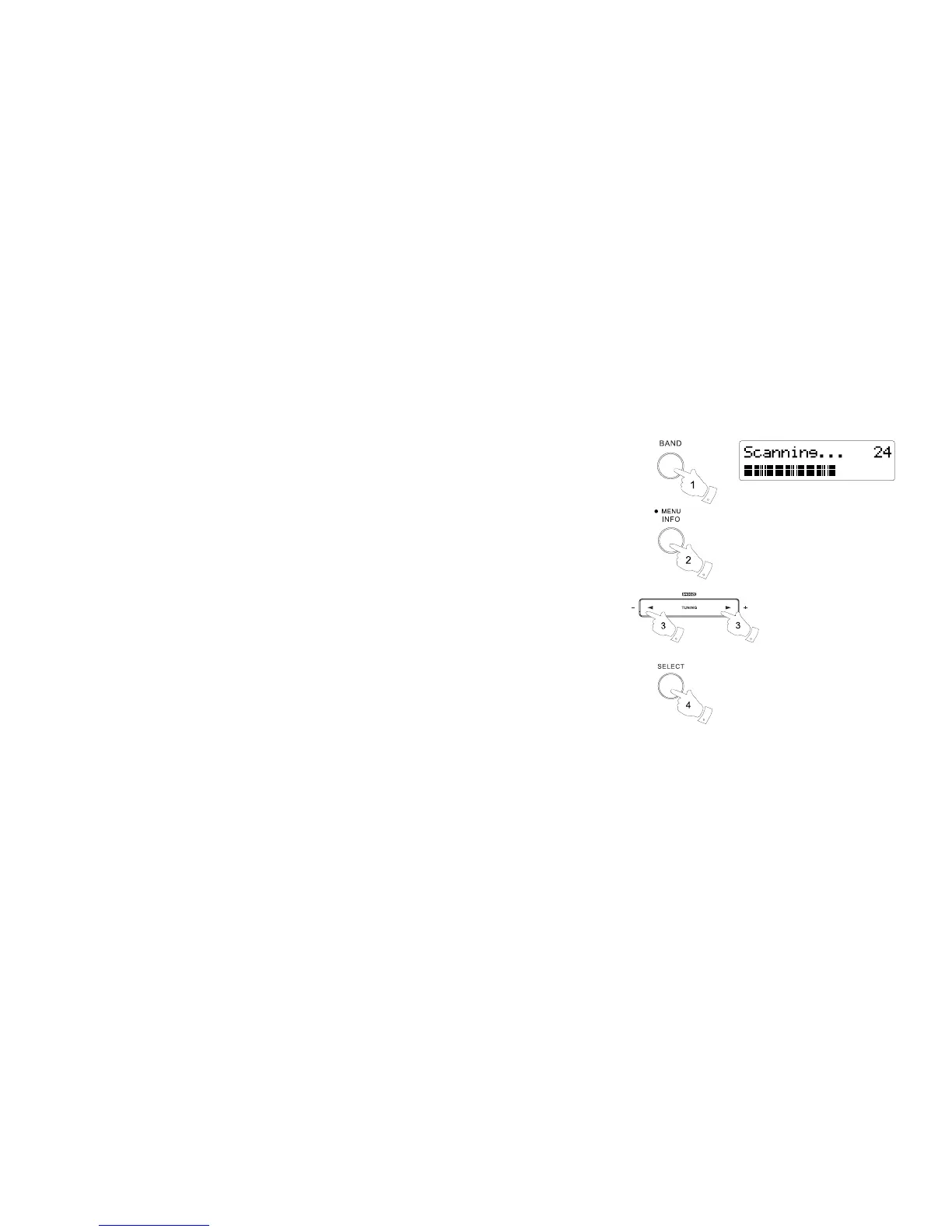
1. Press the band button to select DAB radio mode.
2. Once in DAB mode, press and hold the Menu button.
3. Press the Tuning up/ down button until 'Scan' is highlighted on the display.
4. Press the Select button to initiate the scan. The display will show 'Scanning' and your radio will
perform a scan of the DAB Band III frequencies.
As new stations are found the station counter will increase and stations will be added to the list.
The bar graph indicates the progress of the scan.


 To Next Page