5
Operating your clock radio
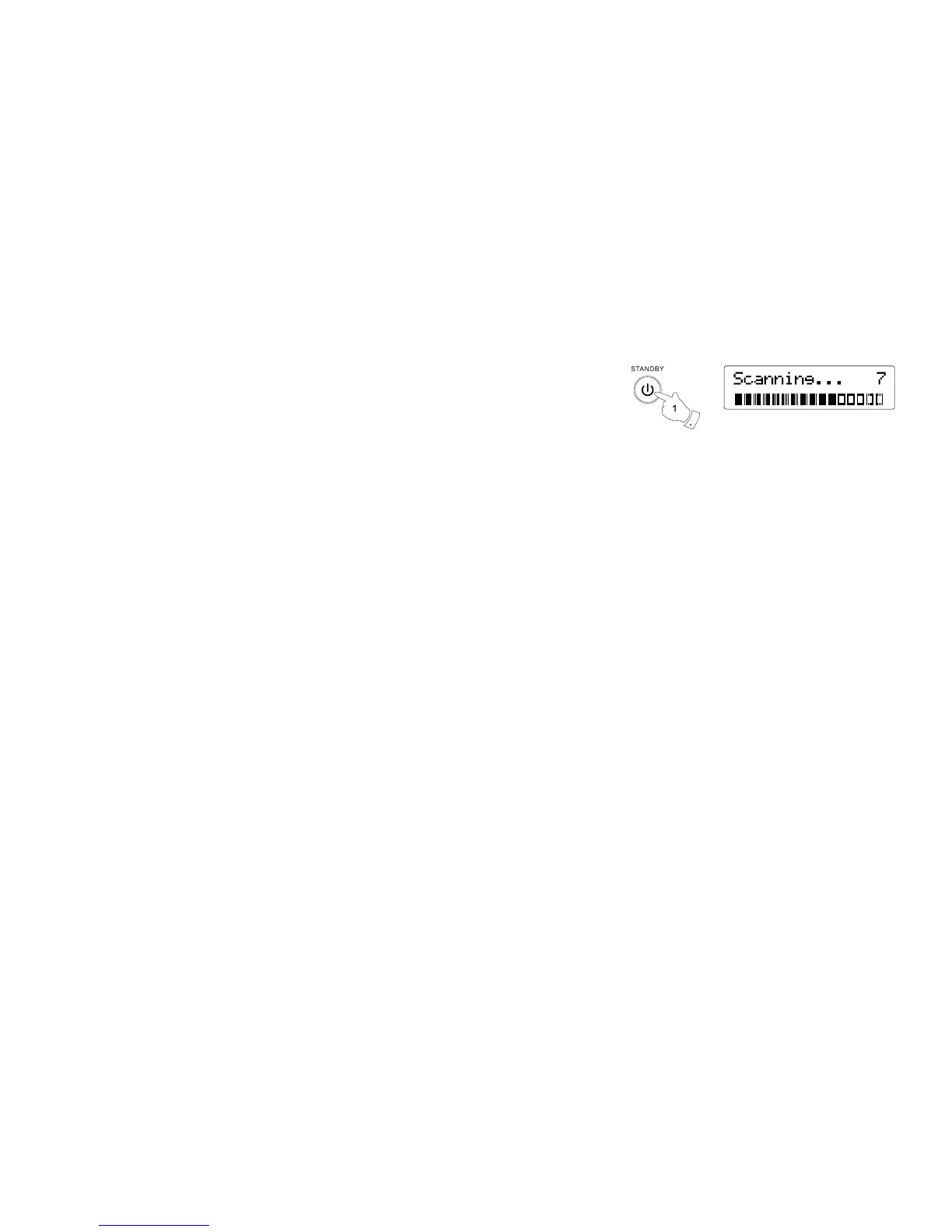
1. Press the On / Standby button to switch on your clock radio. The display will show “Welcome
to Digital Radio” for a few seconds.
2. If this is the rst time the radio is used to scan of the Band III DAB channels will be carried out.
The display will show “Welcome to DAB”. If the radio has been used before the last used
station will be selected.
3. During the scanning process, as new stations are detected the station counter on the right
hand side of the display will increase and stations will be added to the list. The lower line of
the display shows a bar-graph indicating progress of autotune.
● The display will revert to a conventional time display 10 seconds after the last button press
except when displaying scrolling text.
Note:
If you can see the name of the radio station on the display, but cannot hear any sound, you may
need to adjust the volume control which is located on the right hand side of your clock radio.


 To Next Page