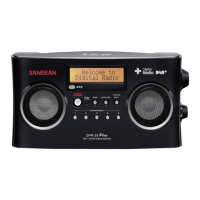
3. The display will show “Welcome to Digital
Radio” and start to scan the entire DAB+
channel range and stop at the first found
station. If the radio has been used before,
the last used station will be selected. Press
in the tuning/menu jog wheel to play the
station.
4. Turn the jog wheel either up or down to
display station list and find desired station.
Press in the jog wheel to select the station.
The radio will tune to the station and
display the station name.
5. Adjust the volume control for comfortable
listening.
Service Information – DAB
The Service Information display – Technical
information on the current status of the
station being broadcast.



 To Next Page