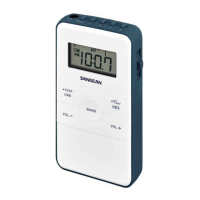
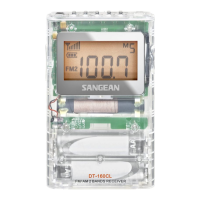
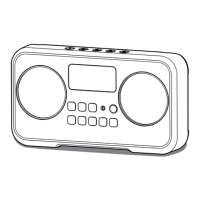
Setting FM frequency range
FM range is different from country. It is
necessary to adjust FM range to allow
the radio to work properly.
Press and hold DBB/
.
STEP button
when your radio is in power off mode,
the screen will show the software
version (e.g. A03)
Continuing pressing and holding the
DBB/
.
STEP button, now the screen
will show FM frequency range (e.g.
F00 (or F01-F03).
To choose different FM frequency
range, turn the Tuning jog wheel
up/down and then press the Tuning
jog wheel to select the option. The
frequency range option is available as
following:
F00: 76-90 MHZ
F01: 76-108 MHZ
F02: 87-108MHZ
F03: 64-108 MHZ
1.
2.
3.
9



 To Next Page
 Loading...