EasyManua.ls Logo

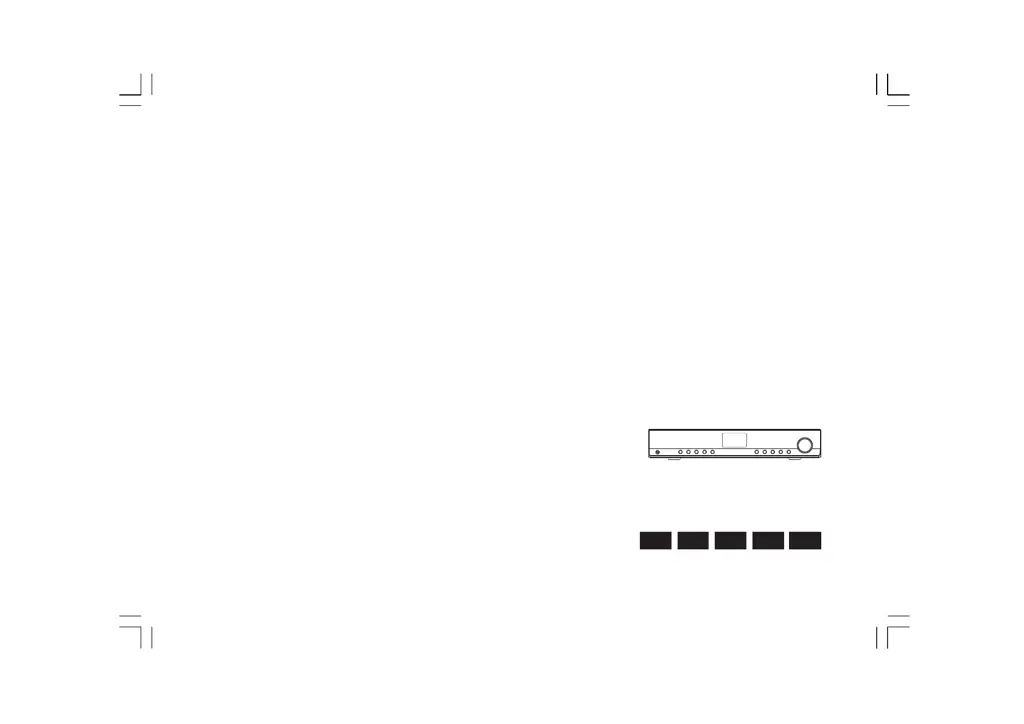
Sangean WFT-1Di - User Manual

Sangean WFT-1Di
225 pages
Print Icon
To Next Page IconTo Next Page
Loading...
Version 1
中文
DNLEFGB
WFT-1Di

Table of Contents

Questions and Answers

  • J
    Johnny EverettAug 11, 2025
    What to do if I am unable to hear sound in AUX IN mode on my Sangean WFT-1Di?
    • R
      richard53Aug 11, 2025
      If you can't hear sound in AUX IN mode on your Sangean Radio, the aux device or radio volume might not be adjusted correctly. Increase the volume on both the radio and the aux device.
  • T
    Theresa PottsAug 18, 2025
    Why are my Sangean WFT-1Di connections unstable?
    • B
      Brandon HoltAug 18, 2025
      If your Sangean Radio connections are unstable, it might be due to interference from other electronic devices. Try relocating the radio to a different spot. Alternatively, your internet may be experiencing bandwidth issues. In this case, consider connecting to a wired network. If the problem continues, close any programs on your computer that are using the internet to free up bandwidth.
  • M
    Monica FitzgeraldAug 26, 2025
    What to do if my Sangean WFT-1Di Radio is unable to connect to certain stations?
    • H
      heatherwilkinsAug 26, 2025
      If your Sangean Radio is unable to connect to certain stations, the selected Internet radio station might be temporarily unavailable. Check if your PC can access the Internet radio portal (http://www.wifiradio-frontier.com) when connected to the same Wi-Fi network. It's also possible that the station doesn't support the format used by the Internet radio. In this case, try connecting to the radio station again later. The radio station might not be broadcasting at this time of day, or it may have reached its maximum number of listeners. Try connecting to the radio station again later.
  • V
    Vanessa PhillipsSep 2, 2025
    How to fix Sangean Radio unable to connect to Wi-Fi network?
    • B
      Brittany HowardSep 2, 2025
      If your Sangean Radio is unable to connect to a Wi-Fi network or get an internet listing, the router might be down. Verify if your PC can connect to the network. Also, check if you entered the network password correctly.

Sangean WFT-1Di Specifications

General IconGeneral
BrandSangean
ModelWFT-1Di
CategoryRadio
LanguageEnglish

Related product manuals