EasyManua.ls Logo

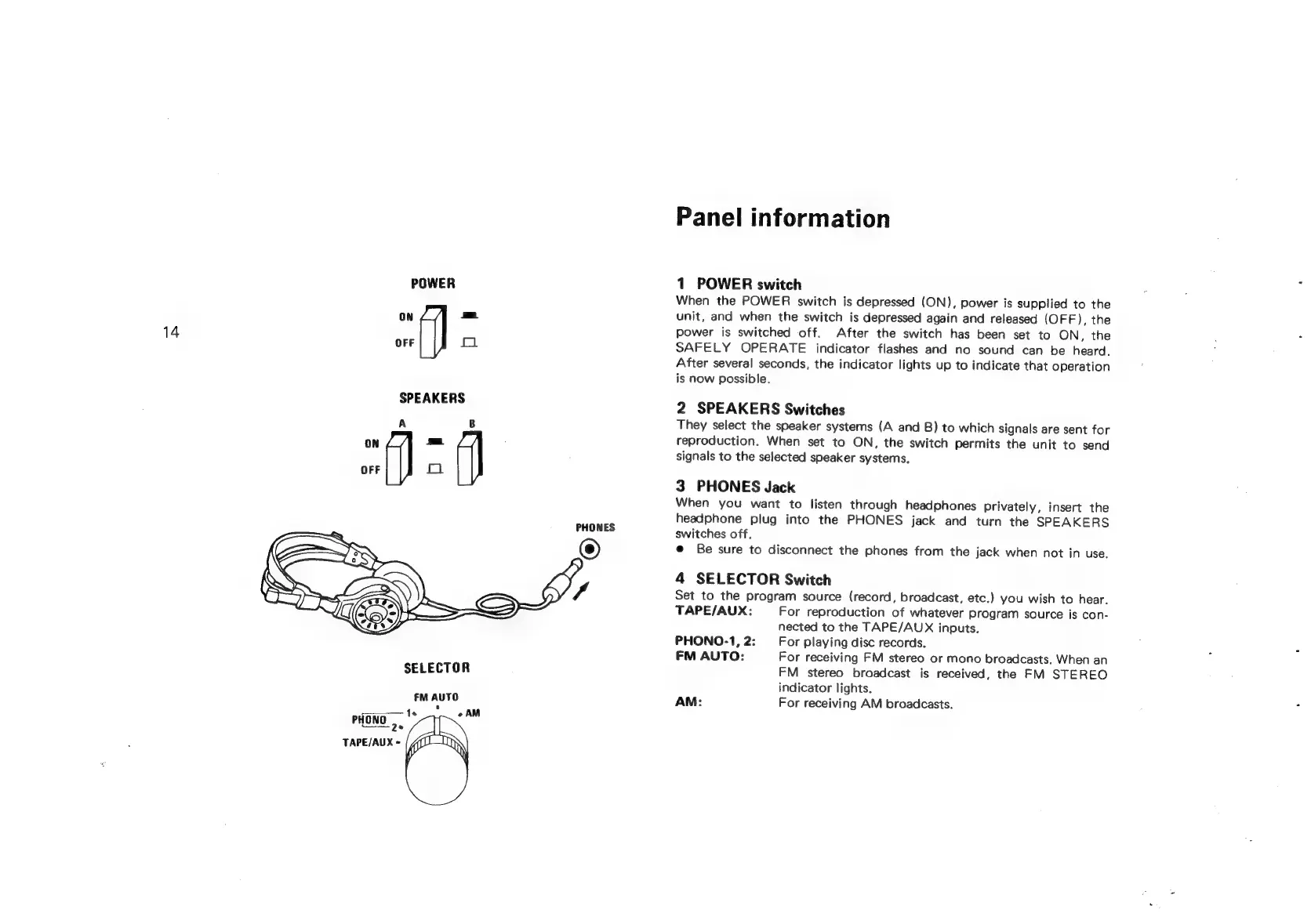
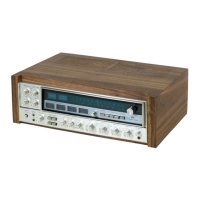
Sansui G-9700 - Front Panel Overview; POWER Switch; SPEAKERS Switches; PHONES Jack

Sansui G-9700
50 pages
Print Icon
To Next Page IconTo Next Page
To Previous Page IconTo Previous Page
Loading...
POWER
14
OFF
f1
SPEAKERS
PHONES
SELECTOR
FM
AUTO
PHONO
1s
oAM
Qe
TAPE/AUX
=
Panel
information
1
POWER
switch
When
the
POWER
switch
is
depressed
(ON),
power
is
supplied
to
the
unit,
and
when
the
switch
is
depressed
again
and
released
(OFF),
the
power
is
switched
off.
After
the
switch
has
been
set
to
ON,
the
SAFELY
OPERATE
indicator
flashes
and
no
sound
can
be
heard.
After
several
seconds,
the
indicator
lights
up
to
indicate
that
operation
is
now
possible.
2
SPEAKERS
Switches
They
select
the
speaker
systems
(A
and
B)
to
which
signals
are
sent
for
reproduction.
When
set
to
ON,
the
switch
permits
the
unit
to
send
signals
to
the
selected
speaker
systems.
3
PHONES
Jack
When
you
want
to
listen
through
headphones
privately,
insert
the
headphone
plug
into
the
PHONES
jack
and
turn
the
SPEAKERS
switches
off.
e@
Be
sure
to
disconnect
the
phones
from
the
jack
when
not
in
use.
4
SELECTOR
Switch
Set
to
the
program
source
(record,
broadcast,
etc.)
you
wish
to
hear.
TAPE/AUX:
For
reproduction
of
whatever
program
source
is
con-
nected
to
the
TAPE/AUX
inputs.
PHONO-1,
2:
For
playing
disc
records.
FM
AUTO:
For
receiving
FM
stereo
or
mono
broadcasts.
When
an
FM
stereo
broadcast
is
received,
the
FM
STEREO
indicator
lights.
AM:
For
receiving
AM
broadcasts.