EasyManua.ls Logo

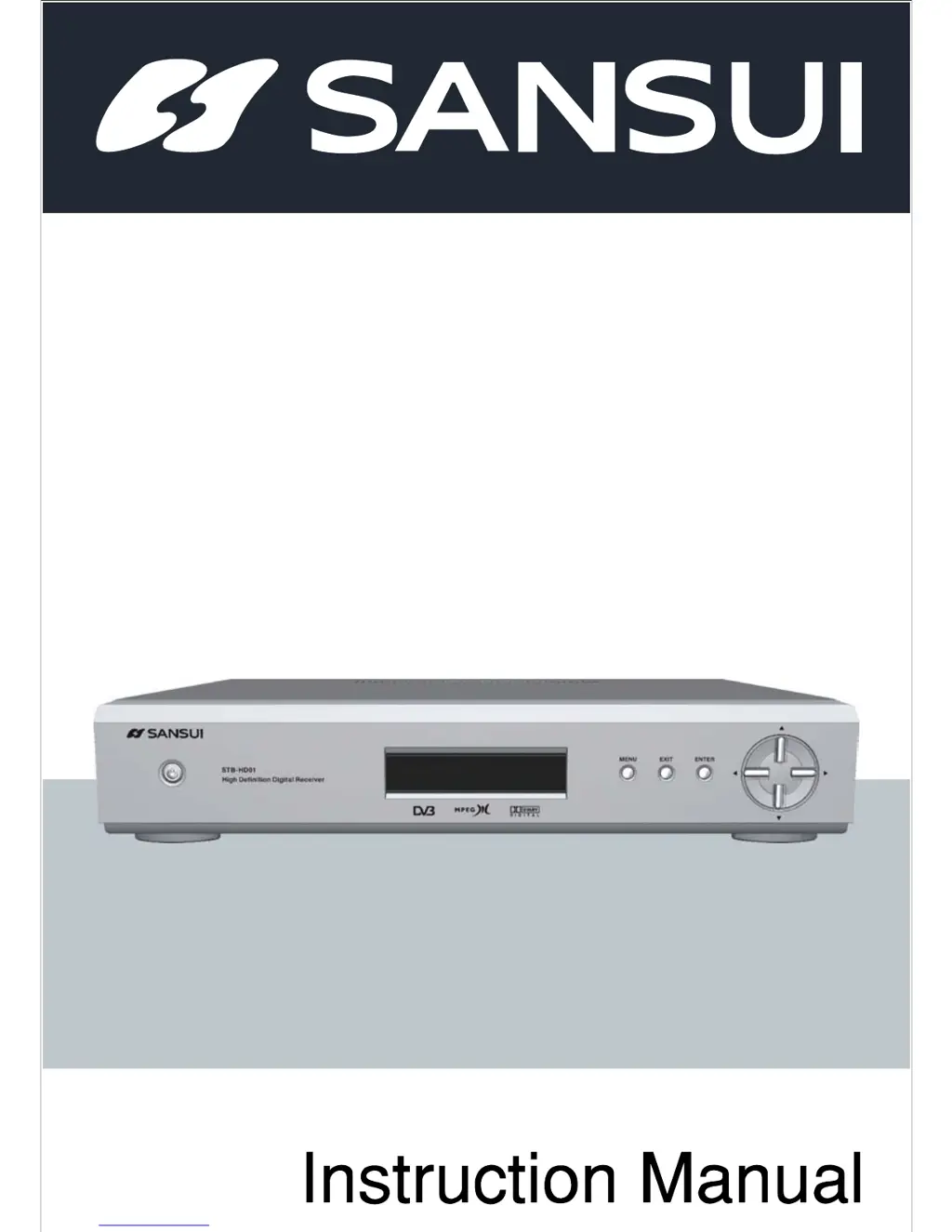
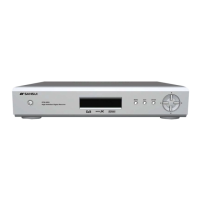
Sansui STB-HD01 - User Manual

Sansui STB-HD01
46 pages
Print Icon
To Next Page IconTo Next Page
Loading...
STB-HD01
Your life, your style.
High Definition Digital Receiver

Table of Contents

Questions and Answers

  • M
    Marissa RyanJul 30, 2025
    What to do if there is no sound or picture on my Sansui STB-HD01 but the front panel shows the time?
    • A
      austinmckeeJul 30, 2025
      If you see the time or --:-- on the front panel but have no sound or picture, the HD-STB may not be powered on. Press the power button on the front of the unit or the remote controller to power it on.
  • S
    Sara MartinezAug 4, 2025
    What to do if the sound is OK, but the picture is collapse on Sansui STB-HD01 Receiver?
    • P
      Patricia MillerAug 4, 2025
      If the sound is okay but the picture is collapsing, the HDTV might not support the selected video resolution. Simply change the DISPLAY switch and MODE switch to a different video resolution.
  • A
    Autumn MillerAug 9, 2025
    What to do if the picture stops or is squared on my Sansui STB-HD01?
    • G
      Glenda BryantAug 9, 2025
      If the picture stops or appears squared, the signal might be too weak, or the antenna might not be connected. Check the antenna and its connection. Also, check the analog reception of the TV.
  • K
    klutzAug 14, 2025
    What to do if the sound is OK, but the picture is blank or the picture is OK, but the sound is blank on my Sansui STB-HD01?
    • S
      Stephanie DodsonAug 14, 2025
      If the sound is okay but the picture is blank, or vice versa, the audio or video connection might be faulty. Check the audio/video cable and its connection.
  • S
    swilkinsAug 20, 2025
    Why is my Sansui STB-HD01 remote control not working?
    • J
      Jennifer WashingtonAug 20, 2025
      The remote control might not be working because the batteries are exhausted, it is incorrectly aimed, or something is blocking the front panel of the HD-STB. Try changing the batteries, aiming the remote control directly at the HD-STB, and ensuring nothing obstructs the front panel.
  • D
    Danielle GibsonAug 25, 2025
    How to fix a Sansui STB-HD01 when the display on the front panel does not light up?
    • B
      Bryan ArmstrongAug 26, 2025
      If the display on the front panel isn't lighting up, the power cable might not be connected. Check that the power cable is plugged into the AC wall socket.

Summary

Important Safeguard

Use Correct Power

Ensure the HD-STB is operated only from the indicated power source type.

Install to Stable Place

Advise against placing the HD-STB on unstable surfaces to prevent injury or damage.

Do Not Open

Warns against opening the cabinet due to dangerous voltages and lack of user-serviceable parts.

Object and Liquid Entry

Warns against inserting objects or spilling liquids into openings to prevent shock or fire.

Connecting Your HD-STB

Antenna Connection

Provides instructions and diagrams for connecting an external antenna to the HD-STB.

Video Connection

Guides on connecting the HD-STB to various types of TVs and monitors via video cables.

Audio Connection

Explains how to connect audio signals from the HD-STB to a TV or audio system.

Setting up the Display Mode

Details how to adjust display resolution settings for optimal TV compatibility.

Getting Started

Connecting the Video and Video Mode Setting

Outlines the process for video connection and configuring display mode settings.

Using the MENU System

Channel Setup

Facilitates automatic/manual channel tuning, favorite channel management, and program editing.

Trouble Shooting

Sansui STB-HD01 Specifications

General IconGeneral
BrandSansui
ModelSTB-HD01
CategoryReceiver
LanguageEnglish

Related product manuals