Step 1. Check the contents in the gift box.
After opening the gift box, you should check and find the following items.
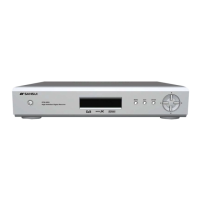
- Digital HD-STB
- Universal Remote Control
- User's Guide
- Batteries (2 AAA size)
- SD A/V Cable (Yellow/White/Red) & HD Video Cable (Green/Blue/Red)
- RF Cable
If you find a missing or broken part, then ask your supplier or contact the service
center.
Step 2. Connect ANT Cable.
Connect external ANT cable to ANT IN.
Connect another ANT cable between LOOP OUT of HD-STB and ANT IN of TV for analog
reception.
Step 3. Connecting the Video and Video Mode Setting
Prepare HD-STB and HDTV you want to connect.
There are several methods to You should find the correct
connection method for your HDTV. Please Video Connection Diagram.
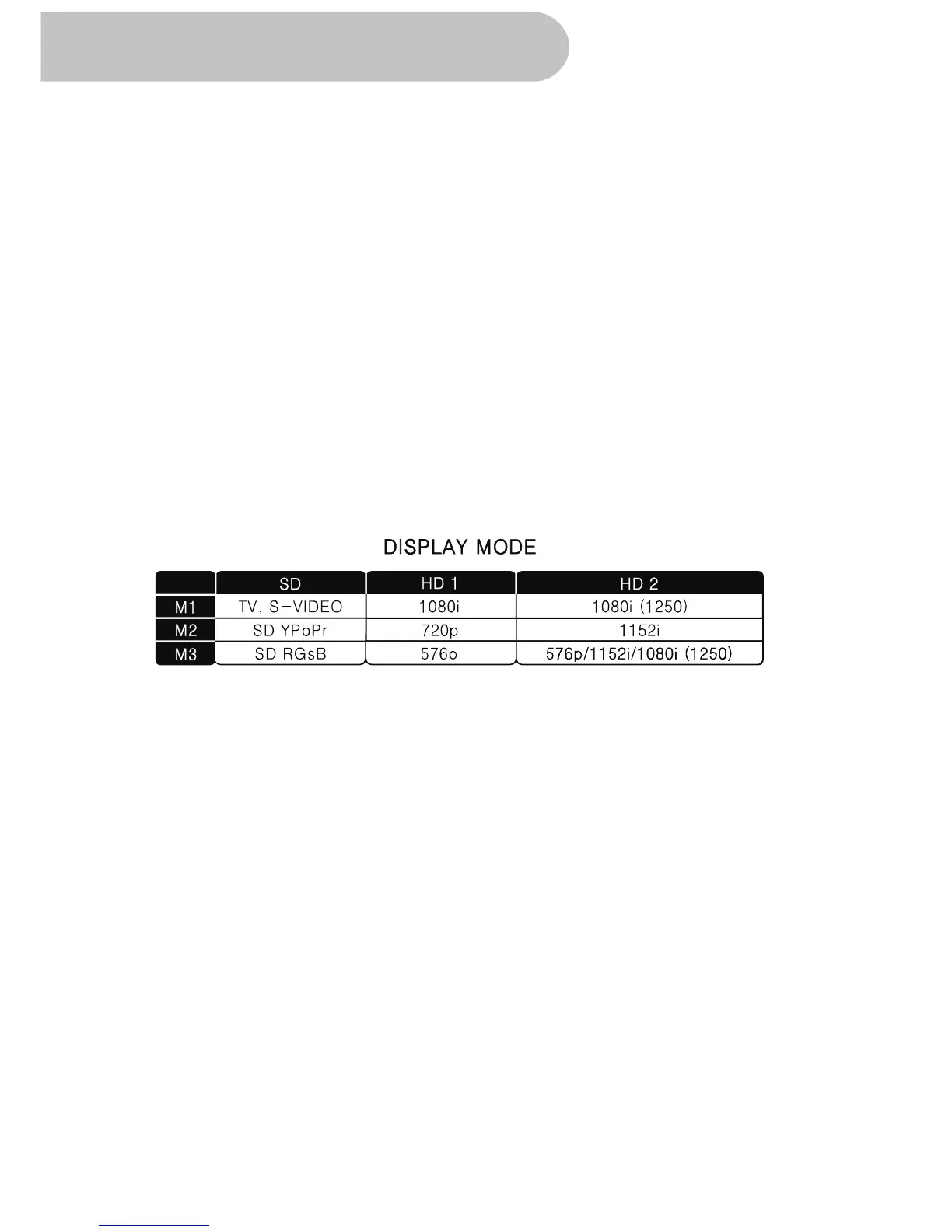
For the Video Mode Setting, you should check the Display switch and Mode switch
as follow.
Step 4. Connecting the Audio
Prepare HDTV or Audio equipment you want to connect.
There are four different connection methods for Audio connection.
For general TV analog audio connection, it has AUDIO 1 and AUDIO 2.
For digital audio connection, you should prepare Optical Audio cable for optical audio
connection to your Home Theater System.
If your Home Theater Equipment system has coaxial digital input, you can use a well-
shielded RCA cable for coaxial audio connection.
Step 5. Connecting the Power
Plug the Power Cord to wall AC outlet. The power source is AC 100-250V~/ 50/60Hz.
This unit is designed for continuous operation.
Switching it off does not disconnect it from the AC outlet. To disconnect this HD-STB
from AC outlet, you have to unplug the HD-STB.
connecting the video.
refer to the
They have the same audio output so selection is irrelevant.
16
Getting Started


 To Next Page