43
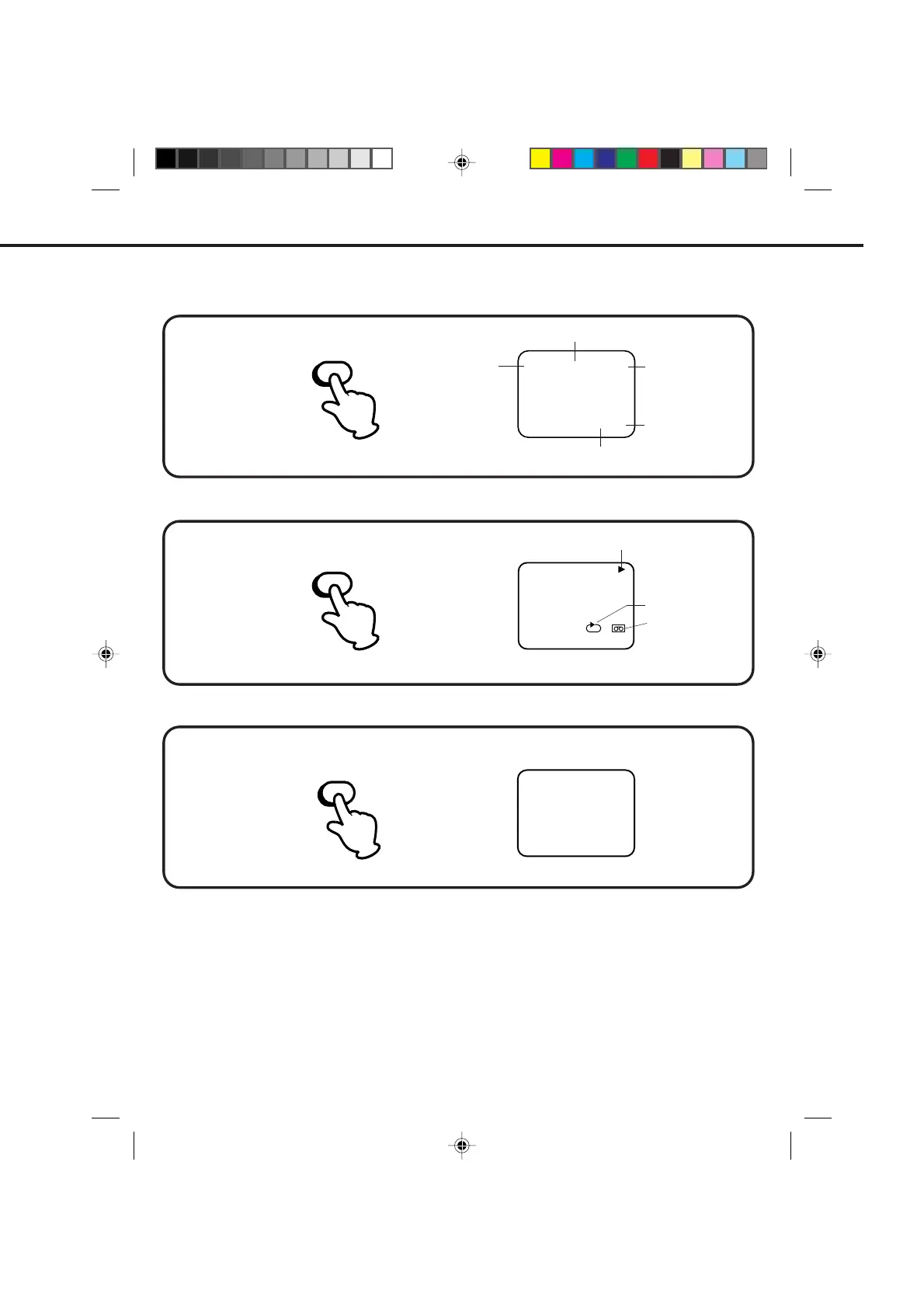
ON-SCREEN FUNCTION DISPLAY
Press the CALL button again to make the display disappear.
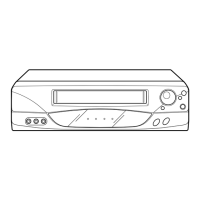
Press the CALL button again to make the display disappear.
8 : 30 AM THU CH125
00:00:00 SP
DAY OF THE WEEK
CLOCK
REAL TIME COUNTER
TAPE SPEED
CHANNEL
TAPE IN
NOTES:
Press the CALL button.
Press the CALL button.
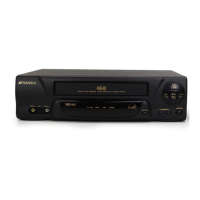
Press the COUNTER RESET button. The counter will appear on the screen.
COUNTER RESET
00 : 00 : 00 SP
CALL
CALL
WHILE WATCHING TV
WHILE OPERATING A TAPE
TO SET THE COUNTER TO '00:00:00'
00 : 00 : 00 SP
CH 1258 : 30 AM THU
STEREO SAP
OPERATING MODE
AUTO REPEAT
If you rewind the tape from "00:00:00", a minus sign ("–") will be displayed in front of the time.
When you load a tape, the counter will change to "00:00:00".
The counter does not function on nonrecorded (blank) sections of the tape. When you rewind, fast forward
or play tapes through blank sections, the counter stops.
•
•
•
4C83101A(P42-43) 9*9*99, 10:3343


 To Next Page