A4b Automatic Dispenser V1.0 8
6.2 Machine
When the software shows Ready, please start to adjust the machine.
Dismantle the cleaning box, fill some water or washing liquid, the cleaning wheel runs normally.
Check whether the piston is on the bottom; the initialization of turntable should be in normal condition.
Locate the base paint can in the center of tray. If there is no can or the can is taken away, the software
shows E18 “No Paint Can, colorant cannot be spouted out”.
Test the switch of top cover: the machine cannot work when the top cover is opened.
Press the Emergency Stop button if there is any issue.
Stirring would be stopped if the emergency Stop button is pressed.
6.3 Add Colorants
Before colorant is added into canister, it must be fully mixed by stirring ruler. Mixer is not recommended
for mixing since too many bubbles will be produced and it will affect the accuracy.
The machine has two kinds of canisters, the volume for small canister is 2.3L, The volume for big
canister is 3.8L. Pay attention to the maximum adding volume note on the canister; don’t add more
colorant into the canister.
See AllotCansColor.exe in the bin file of the installation catalog; With the instruction of Software
Manual, please assign the colorants to respective canisters if necessary to change.
The left side of the machine is default side for adding the colorant.
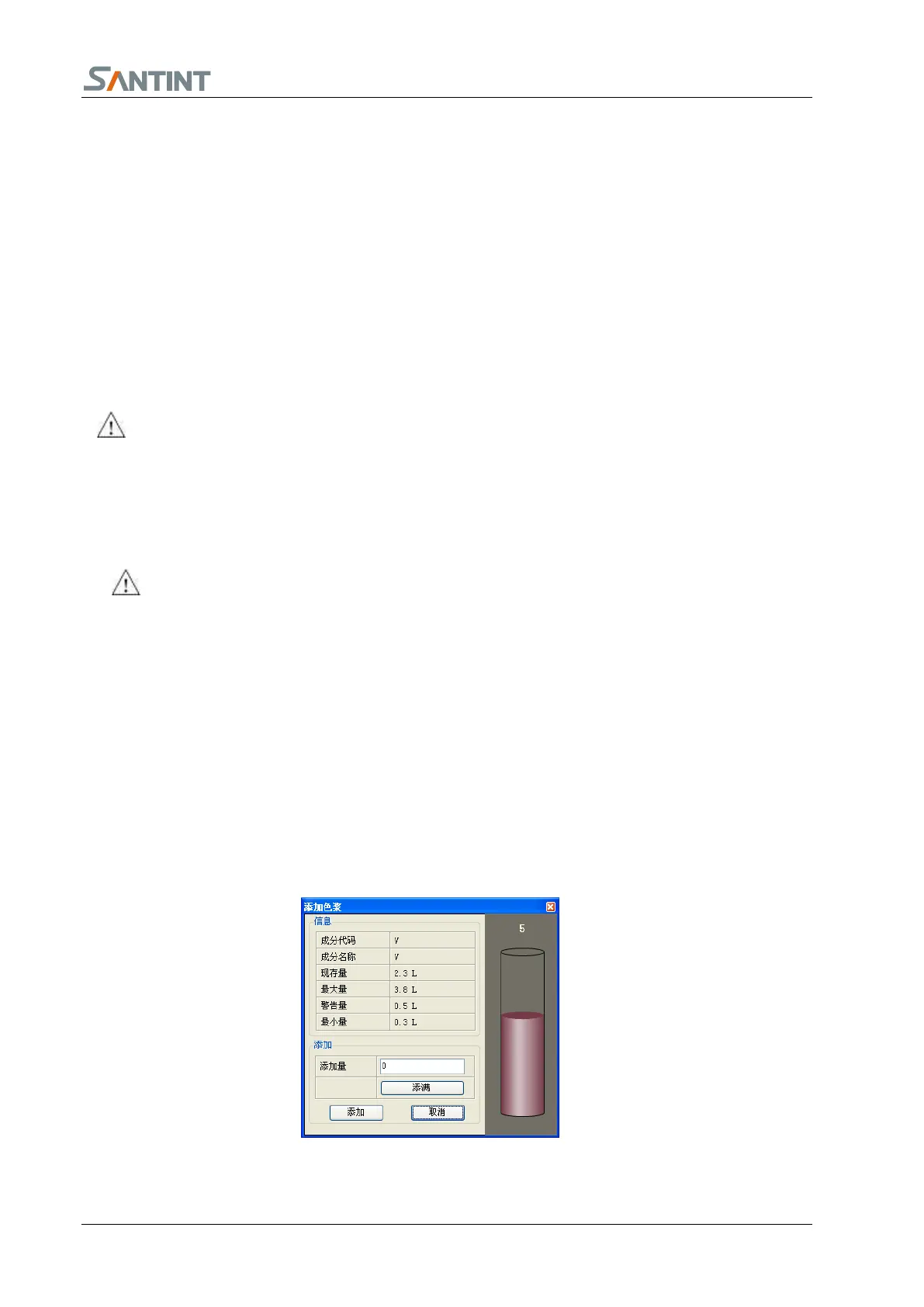
Open maintenance, choose the colorant code, click “add colorant” to add corresponding colorant (6.3.1),
please ensure the colorant names in the software match the colorant of the canisters.


 To Next Page