Santint
Automatic Shaker V1.0 6
Press any two buttons of T1, T2 and T3 simultaneously can get new shaking time (the
combination of each shaking time).
--Stop & Up Button.
a) Press the button in the process of shaking. The machine will stop shaking and the clamping
plate will rise to a certain height.
b) Press the button in the process of clamping. The machine will stop clamping. Keep
pressing the button, the clamping plate will continue moving up until the button is released.
c) LCD displays “Ready” when the machine is ready to work. Press the button. The clamping
plate will rise. Keep pressing the button. The clamping plate will continue moving up until
the button is released.
Emergency Stop Button.
a) For any unexpected occasion occurs, press the button immediately to stop shaking and take
actions accordingly.
b) Release the button by turning it clockwise, then initialization begins. The clamping plate
will rise to its highest position. The machine is ready to work only after initialization.
2)The paint container must be sealed well without leakage. The paint can handle shall be
tightened by the hanging spring.
3)Ensure that the switch is in “OFF” position before the machine is connected to power supply.
4)Ensure that the Emergency Stop is released.
The preparation has been finished.
6. Operation and use
The built-in control panel makes the machine easy for operation.
Procedures are as below:
1) Switch on the machine, it will automatically initialize while
the LCD displaying “Initializing”. “Ready” is shown on LCD
after initializing. It means that the machine is ready to work.
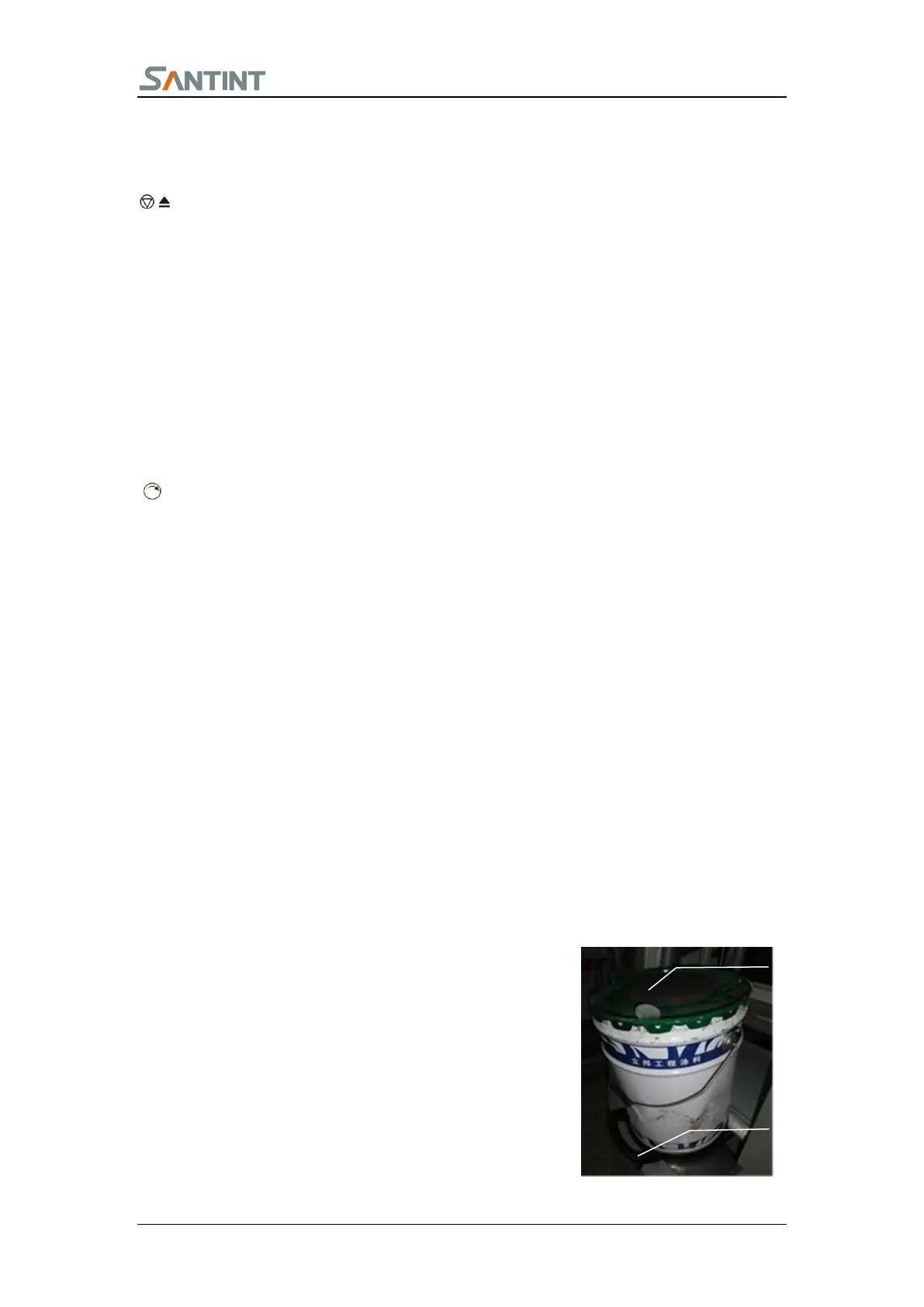
2) Open the viewing door. Put a big rubber cushion on the
roller and a paint container on the rubber cushion. Select a top


 To Next Page