9
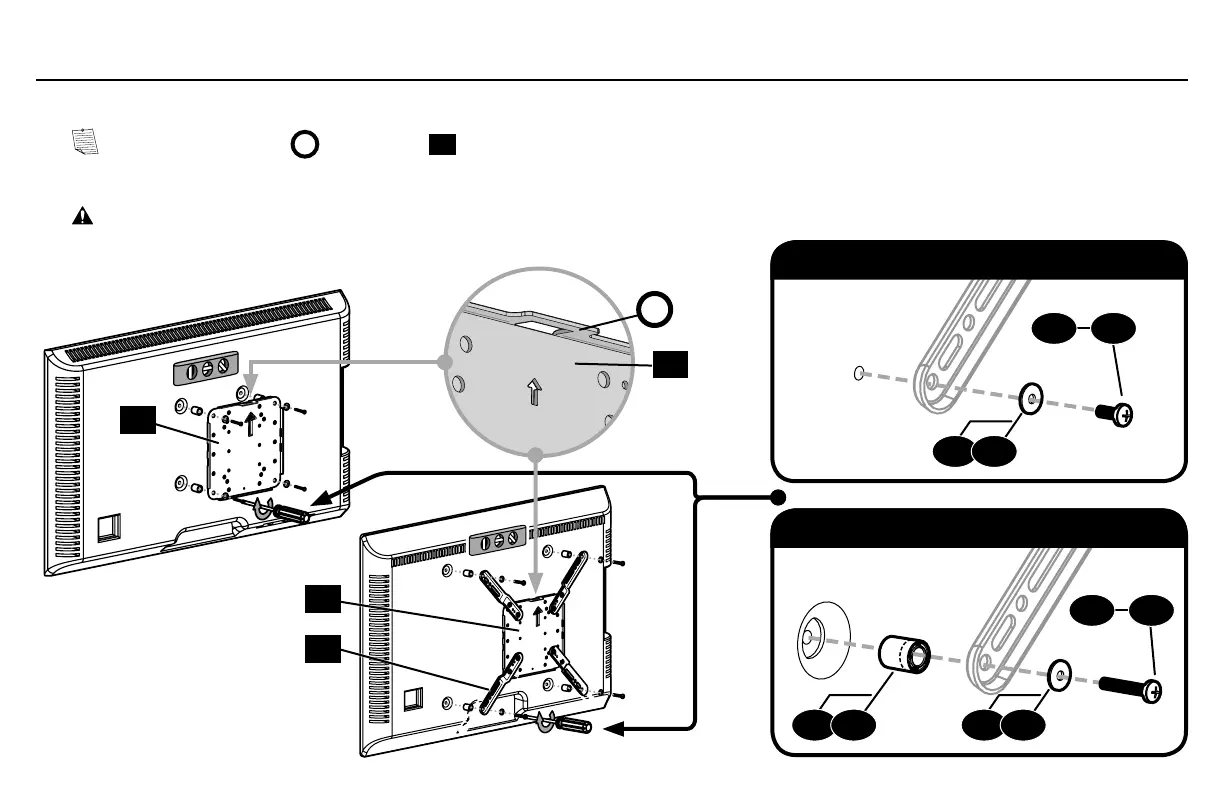
1.5 Attach TV Bracket
TV Bracket Configuration B
Illustrated (with spacers)
0406 0507
04 05
a: Flat Back
b: Round Back / Extra Space
TV Bracket Configuration A
Illustrated (with spacers)
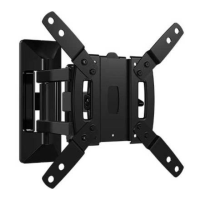
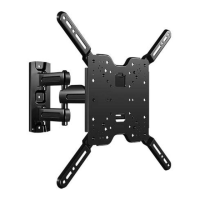
Position your TV bracket configuration (A, B, C, D or E) onto your TV, making sure the bracket is both centered and level over your TV hole pattern.
NOTE: The hanging tab
H
on faceplate
01
must be oriented toward the top of the TV.
Secure the TV bracket using your selection: (a) screw/washer or (b) screw/washer/spacer.
CAUTION: Avoid potential personal injuries and property damage! DO NOT use power tools for this step. Tighten the screws only enough to
secure the TV bracket to the TV. DO NOT overtighten the screws.
H
01
16
16
08
08
01
01
02


 To Next Page