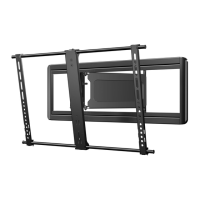
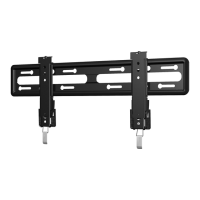
6901-002129 <01>
9
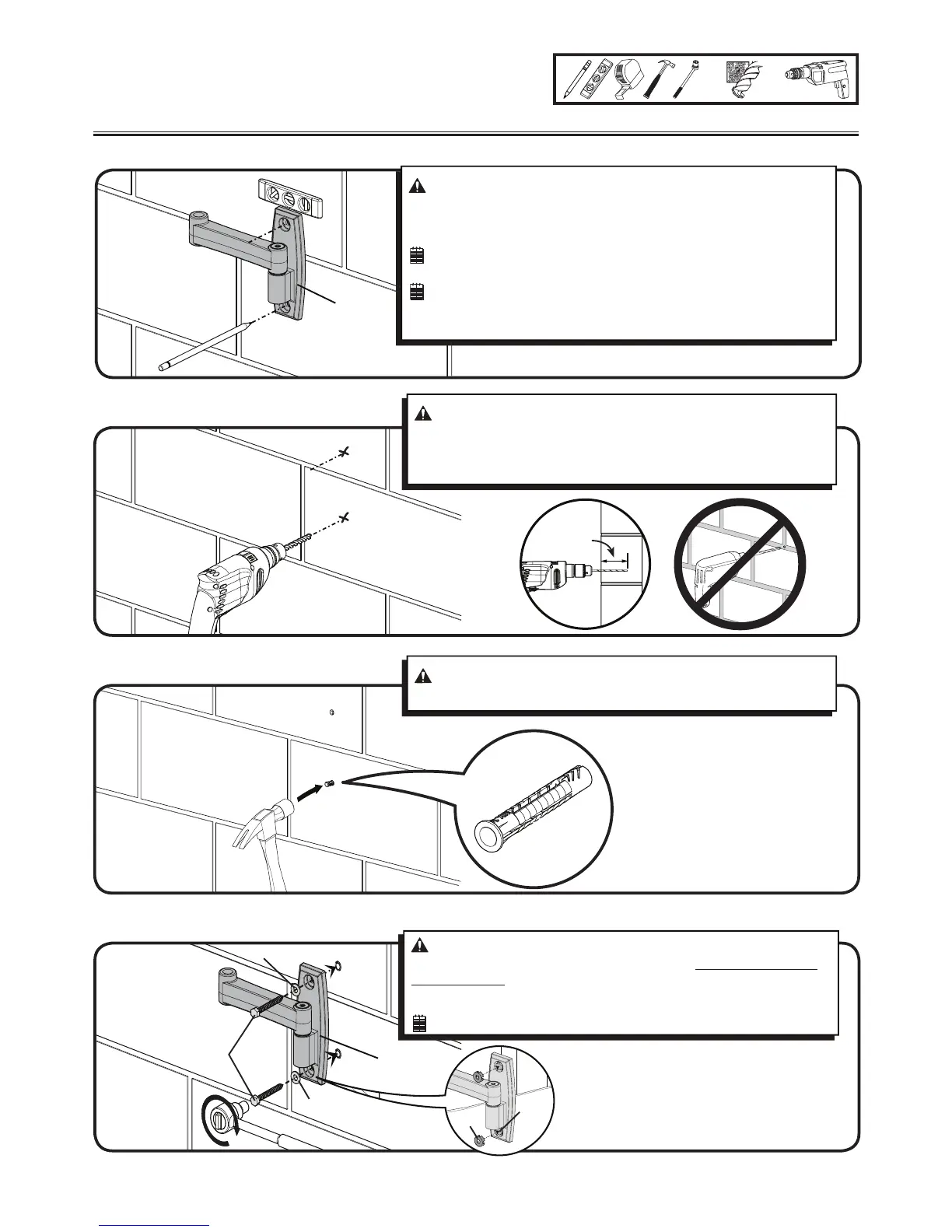
2 Wall Mounting - Solid Concrete
and Concrete Block
2-1
Level wall plate [02] and mark hole locations
2-2 Drill pilot holes as illustrated
2-3 Insert anchors [25]
2-4 Tighten lag bolts [23] only until the washers [24] are pulled rmly against the wall plate [02]
For assitance in determining wall plate location, see Height Finder at sanus.com.
[23]
[02]
[02]
[26]
[23]
75 mm
(3 in.)
[25]
[24]
[24]
10mm
(3/8 in.)
13 mm
(1/2 in.)
CAUTION: To avoid potential injuries or property damage:
Ù Pilot holes MUST be drilled to a depth of 75 mm (3 in.) using a 10 mm
(3/8 in.) diameter drill bit.
Ù Never drill into the mortar between blocks.
CAUTION: To avoid potential injuries or property damage be sure
the anchors [25] seat ush with the concrete surface.
CAUTION: Avoid potential personal injuries and property damage!
Ù Mount the wall plate [02] directly onto the concrete surface.
Ù Minimum solid concrete thickness: 8 in.
Ù Minimum concrete block size: 8 x 8 x 16 in
.
NOTE: The MF209 is shown.
NOTE: For the MF209 only:
TV will shift 15 cm (6 in.) to the right or left when in the home position.
Consider this when selecting the location of your wall mount.
CAUTION: Improper use could reduce the holding power of the lag
bolt. To avoid potential injuries or property damage DO NOT over-tighten
the lag bolts [23].
Fit lag bolt covers [26] over lag bolts [23].
NOTE: The MF209 is shown.


 To Next Page