6
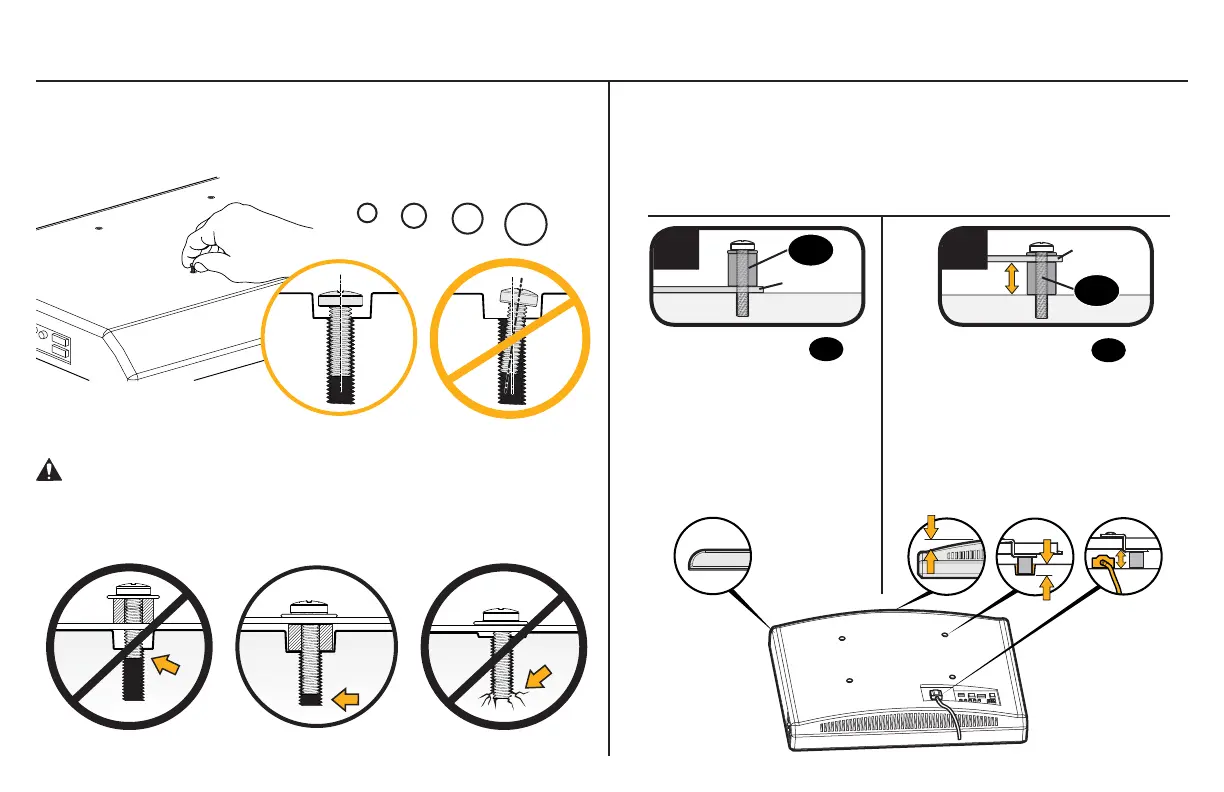
1-1 Select TV Screws
Hand thread screws into the threaded inserts on the back of your TV
to determine which screw diameter (M4, M5, M6, or M8) to use.
1-2 Spacers
M4 M6 M8M5
CAUTION: Verify adequate thread engagment of the screw/
spacer combination on your TV.
Too short will not hold the TV and too long will damage the TV.
Too Short Correct Too Long
Mount the spacers
09
above the TV bracket,
so the TV bracket sits
close to the TV surface
for flat back panels.
Mount the spacers
09
under the TV bracket to
create extra space needed
for irregular shape TV
backs or large cables.
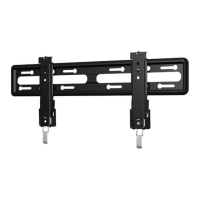
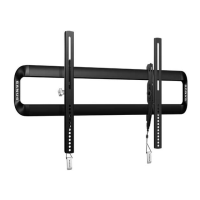
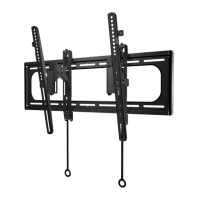
Spacers and screws are supplied to install your TV bracket.
Determine your preference for spacer configuration when
attaching your TV bracket.
Round Back CablesInset HolesFlat Back
TV Bracket
TV Bracket
09
09
a
b


 To Next Page