7
IMPORTANT:
For ease of access,
straps should
be level with the
bottom of the TV.
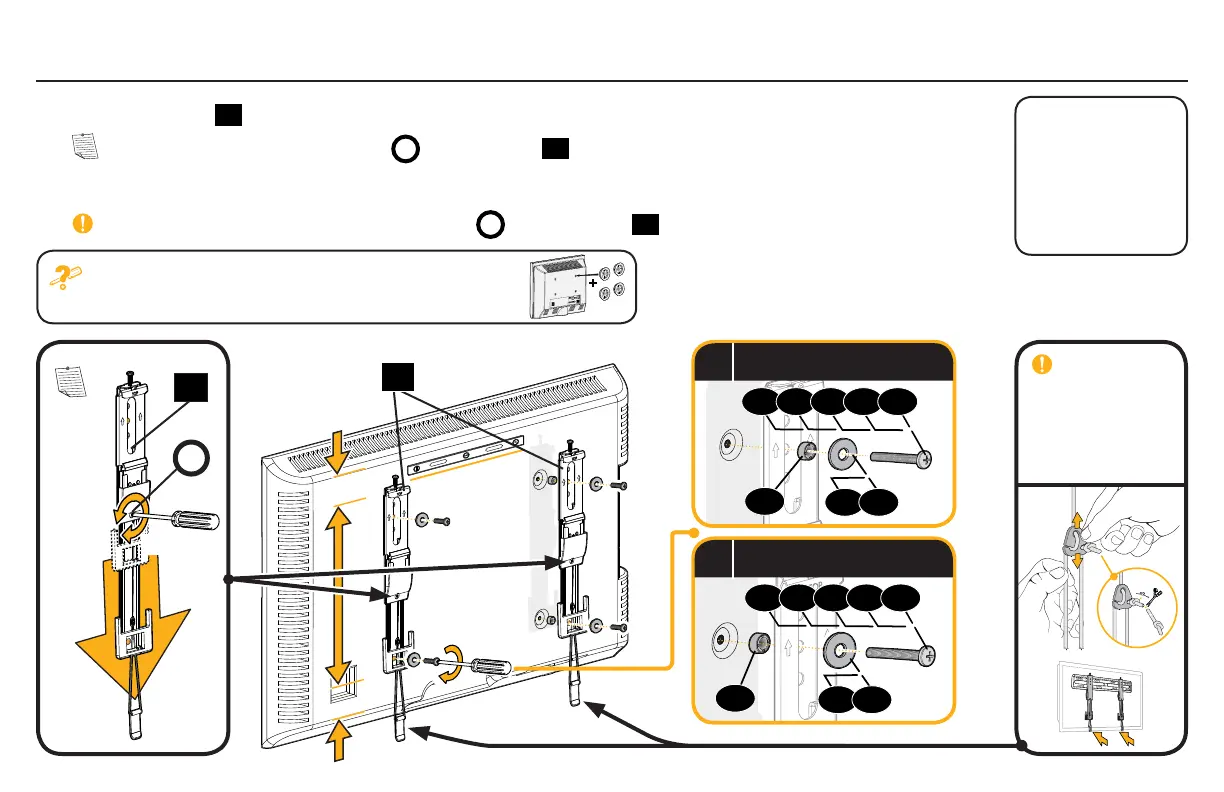
1-3 Attach TV Brackets
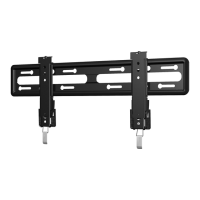
Center the TV brackets
01
over your TV hole pattern as shown. Be sure to use the same holes and that the brackets are level.
NOTE: Loosen the adjustment screws
A
on TV brackets
01
to extend the mounting holes over your TV hole pattern.
Install using the spacer, TV screw and washer combination you selected for your TV.
IMPORTANT: Tighten the adjustment screws
A
on TV brackets
01
when finished.
If your TV included inset spacers or wall mount adapters,
see Troubleshooting on PAGES 20-21.
01
Loosen
Tighten
A
Standard
configurations are
shown. For special
applications, or if
you are uncertain
about your hardware
selection, contact
Customer Service at
1-800-359-5520
.
01
09
a
Spacer, screw and washer
07 08
02 03 04 05 06
09
b
Spacer, screw and washer
07 08
02 03 04 05 06


 To Next Page