14
HEAVY! You may need assistance with this step.
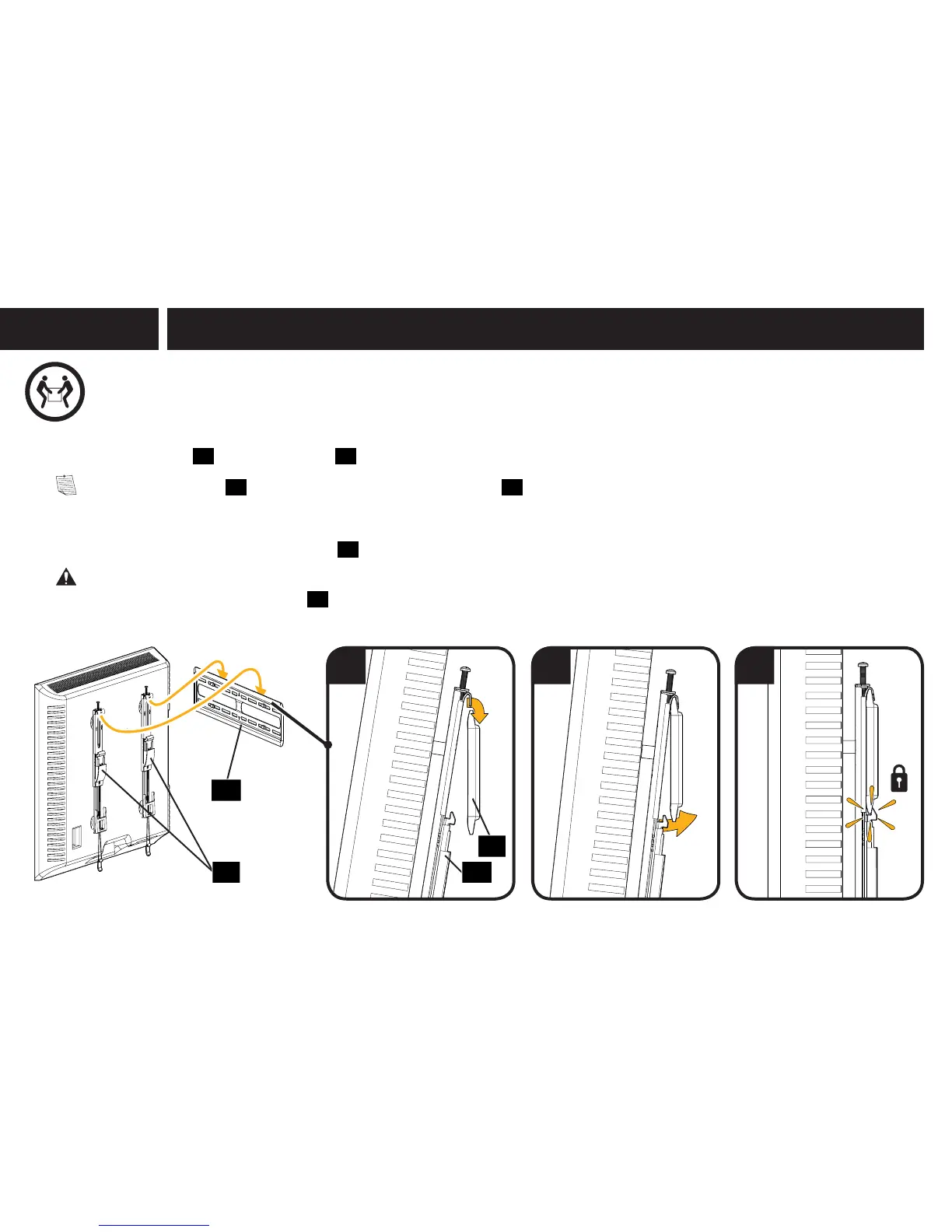
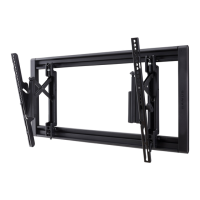
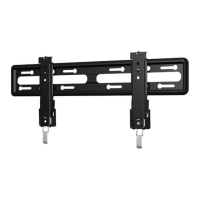
1. Hook the TV brackets
01
onto the wall plate
11
.
NOTE: The TV brackets
01
can be slid anywhere along the wall plate
11
for optimal positioning of your TV.
2. Rest the TV into place against the wall. v
3. Press the bottom of the TV into the wall plate
11
to ensure the latches lock the TV in place.
CAUTION: Avoid potential personal injury or property damage! Always make sure your TV brackets are in the locked position so the
TV is securely fastened to the wall plate
11
.
11
0101
11
1 2 3
STEP 3
Attach TV to Wall Plate


 To Next Page