18
HEAVY! You may need assistance with this step.
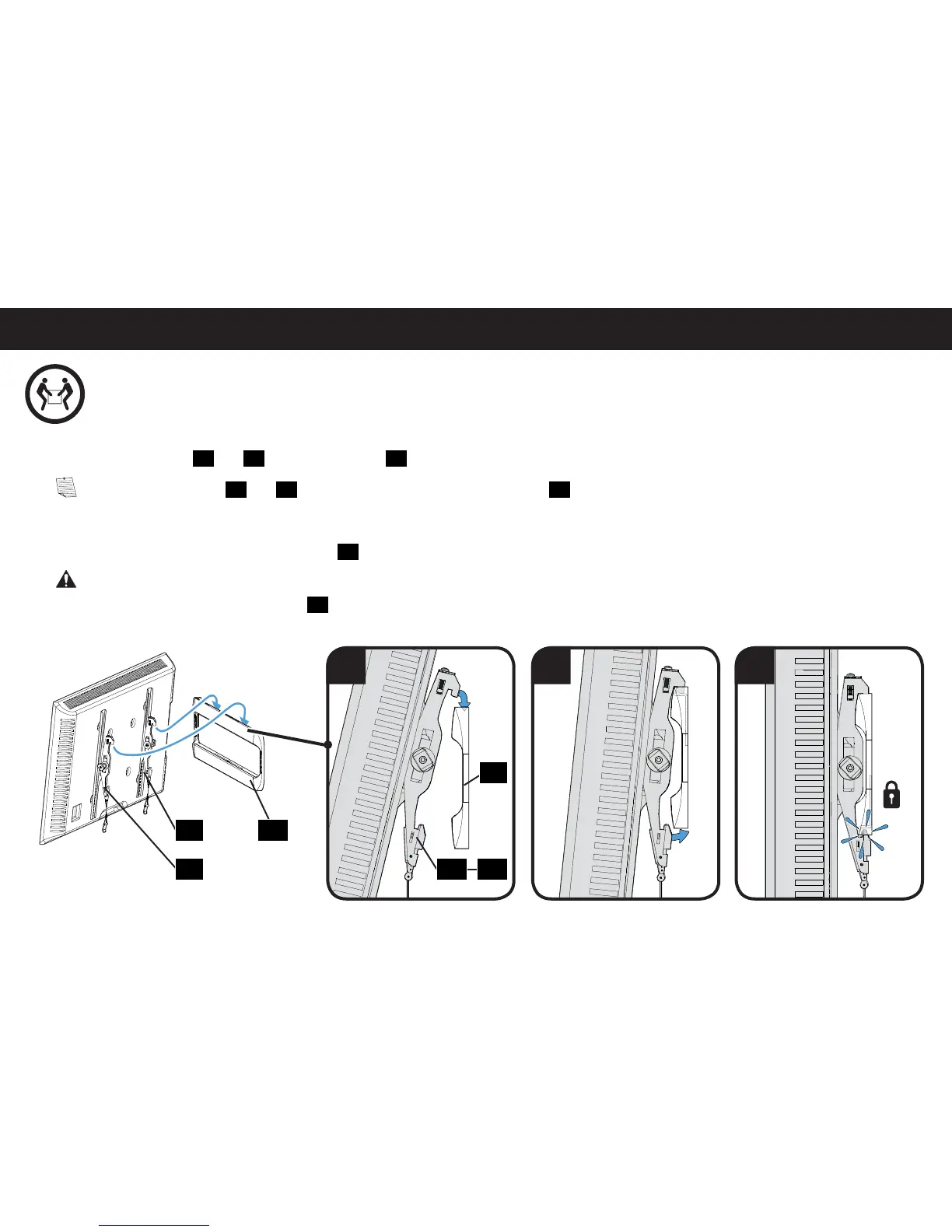
STEP 3 Attach TV to Wall Plate
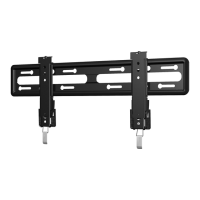
1. Hook the TV brackets
01
and
02
onto the wall plate
12
.
NOTE: The TV brackets
01
and
02
can be slid anywhere along the wall plate
12
for optimal positioning of your TV.
2. Rest the TV into place against the wall.
3. Press the bottom of the TV into the wall plate
12
until the latches lock the TV in place.
CAUTION: Avoid potential personal injury or property damage! Always make sure your TV brackets are in the locked position so the
TV is securely fastened to the wall plate
12
.
01
02 12
12
0201
1 2 3


 To Next Page