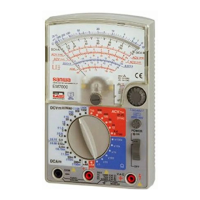
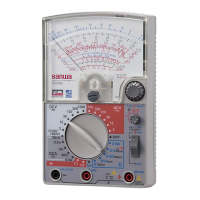
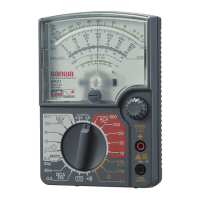
【
3
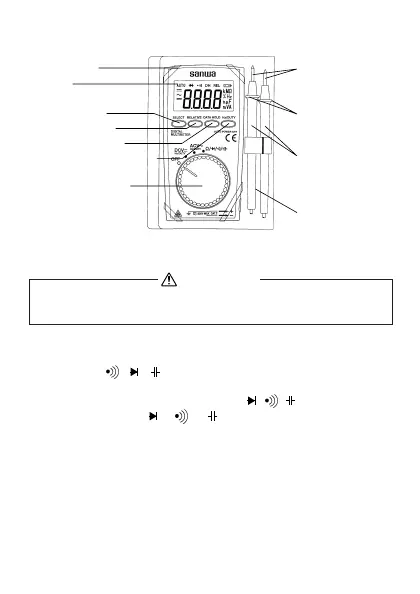
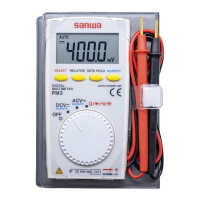
】NAME OF COMPONENT UNITS
【4】DESCRIPTION OF FUNCTIONS
WARNING
In the case of action or cancel that function as follows, do not
turn the function switch in the condition applied input.
1) Power switch and function switch
Turn this switch to turn on and off the power and select the functions of
DCV, ACV,Ω, , , .
2) Select switch
This switch uses it for the switching of Ω/ / / .Inthecaseofthe
mode change as
Ω→ → → →Ω.
3) Data hold switch
When this switch is pressed, the data display at that time continues
(DH lights on the display). When the measuring input changes, the
display will not change. When this switch is pressed again, the hold
status is canceled you can return to the measuring status. (DH on the
display disappears.)
(DATA HOLD function does not work when measuring frequency.)
Case holder
Display
Select switch
Relative switch
Data hold switch
Hz/DUTY select
switch
Power switch and
function switch
Test pins
Finger
guards
Test probe
(Red and Black)
Test leads
ー3ー


 To Next Page