DRAWING No. RD700/701 06-1404 2040 6010
[4] DESCRIPTION OF FUNCTIONS
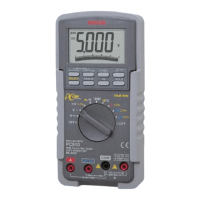
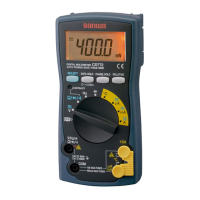
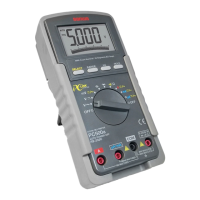
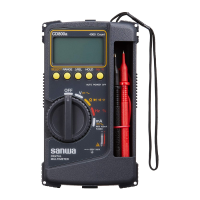
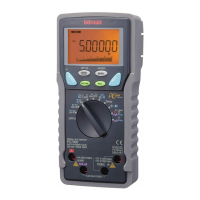
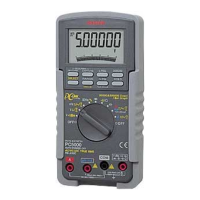
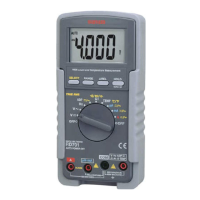
4-1 Function Switch
Turn this switch to turn on and off the power and to select the
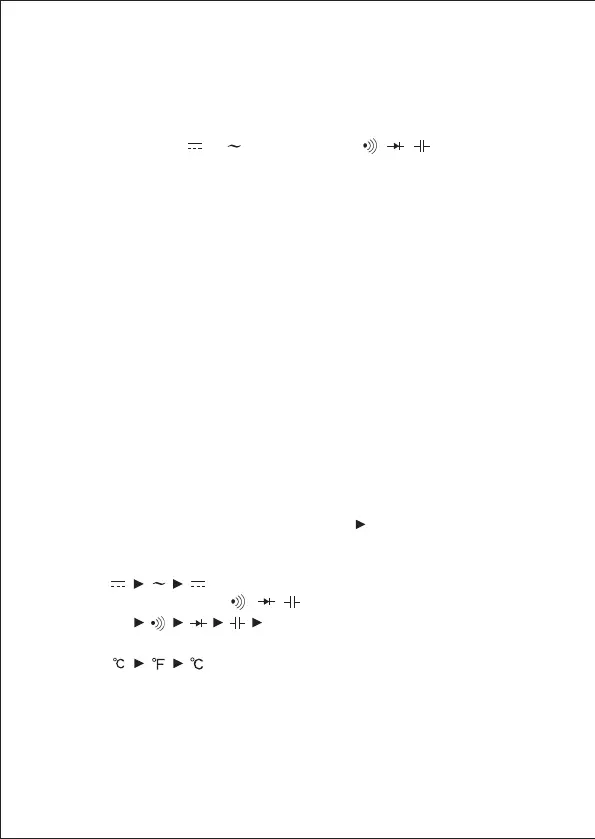
functions of ''V / V / Hz / ADP / Ω ••• / TEMP / µA /
mA / A''.
4-2 Auto Power Off
The meter will enter a low power consumption sleep mode
automatically to extend battery life after approximately 30 minutes
of no function switch or push button operations. To wake up the
meter from Auto Power Off, press any buttons momentarily or
turn the function switch to the OFF position. Then turn back on
again.To disable the Auto Power Off feature, press the SELECT
button while turning the function switch on.
Note: Always turn the function switch to the OFF position when
the meter is not in use.
4-3 Low Battery Indication
If the internal battery has been consumed and the internal battery
drops below approx. 2.6 V, Battery mark is shown in the display.
4-4 Measurement Function Select
When the SELECT button is pressed ( ), the functions change
as follows.
• In the case of ADP, µA, mA & A, the modes change as:
.
• In the case of Ω • • • , the modes change as:
Ω Ω.
• In the case of TEMP, the modes change as:
.
—
5
—


 To Next Page