PRO PM335 QuickStart www.satec-global.com
BASIC CONFIGURATION AND OPERATION
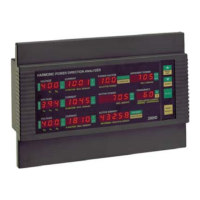
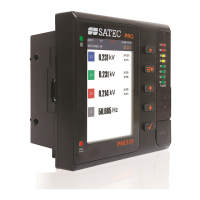
The PRO PM335 is operated via the LCD display, 2 LEDs and 4 pushbuttons (figure 1: front
panel).
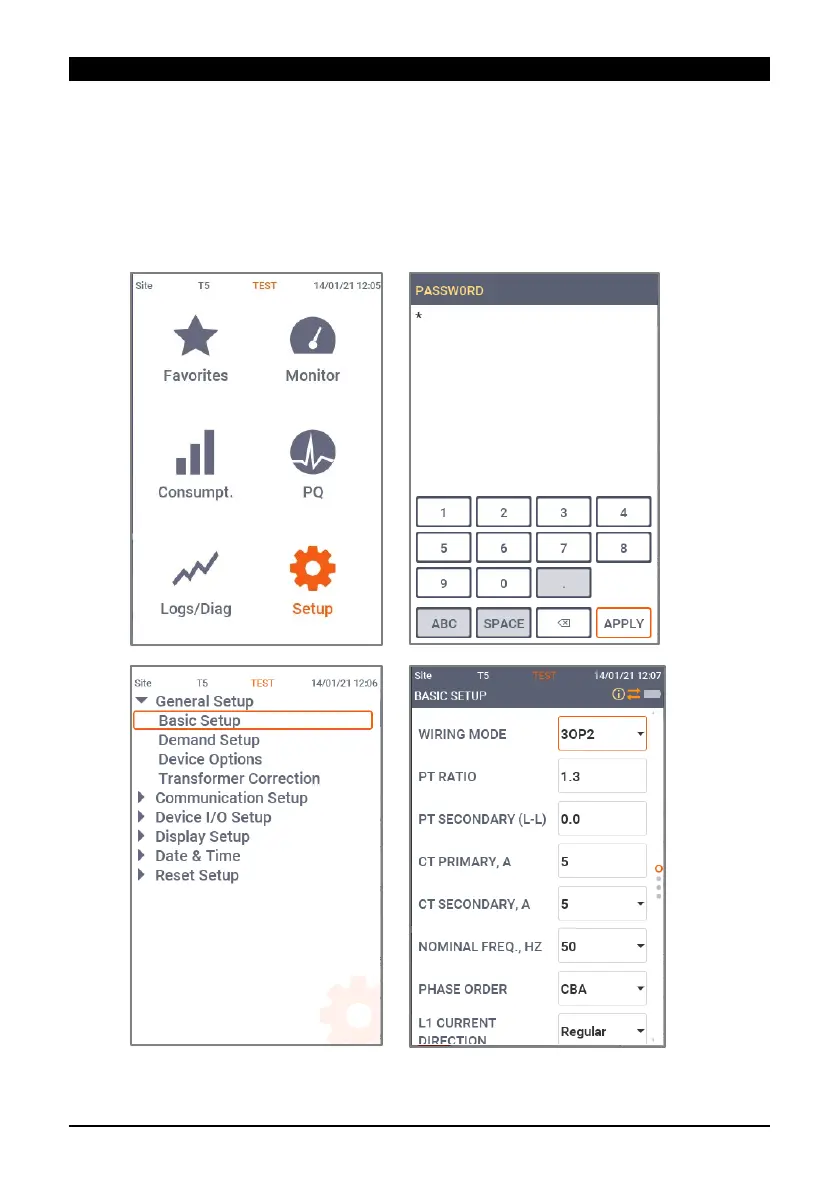
When powered on, the device will default to displaying voltages, for basic setup back up (<-
button) to the home screen navigate with arrows to “setup” (select with ), enter default
password (“9”) and select (“apply”). Open “general setup” to reveal “basic setup” for
configuration.
Figure 3: Screenshot sequence for basic setup


 To Next Page