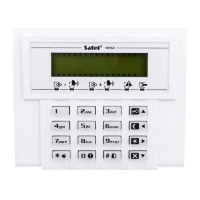
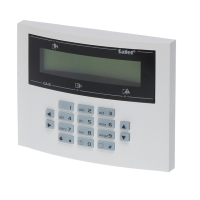
SATEL CA-5 3
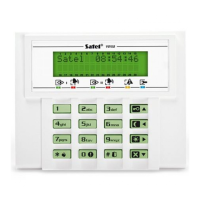
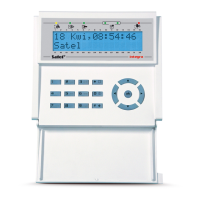
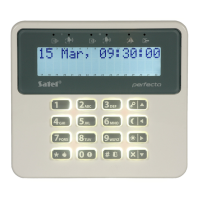
1.1 Display [LCD keypads]
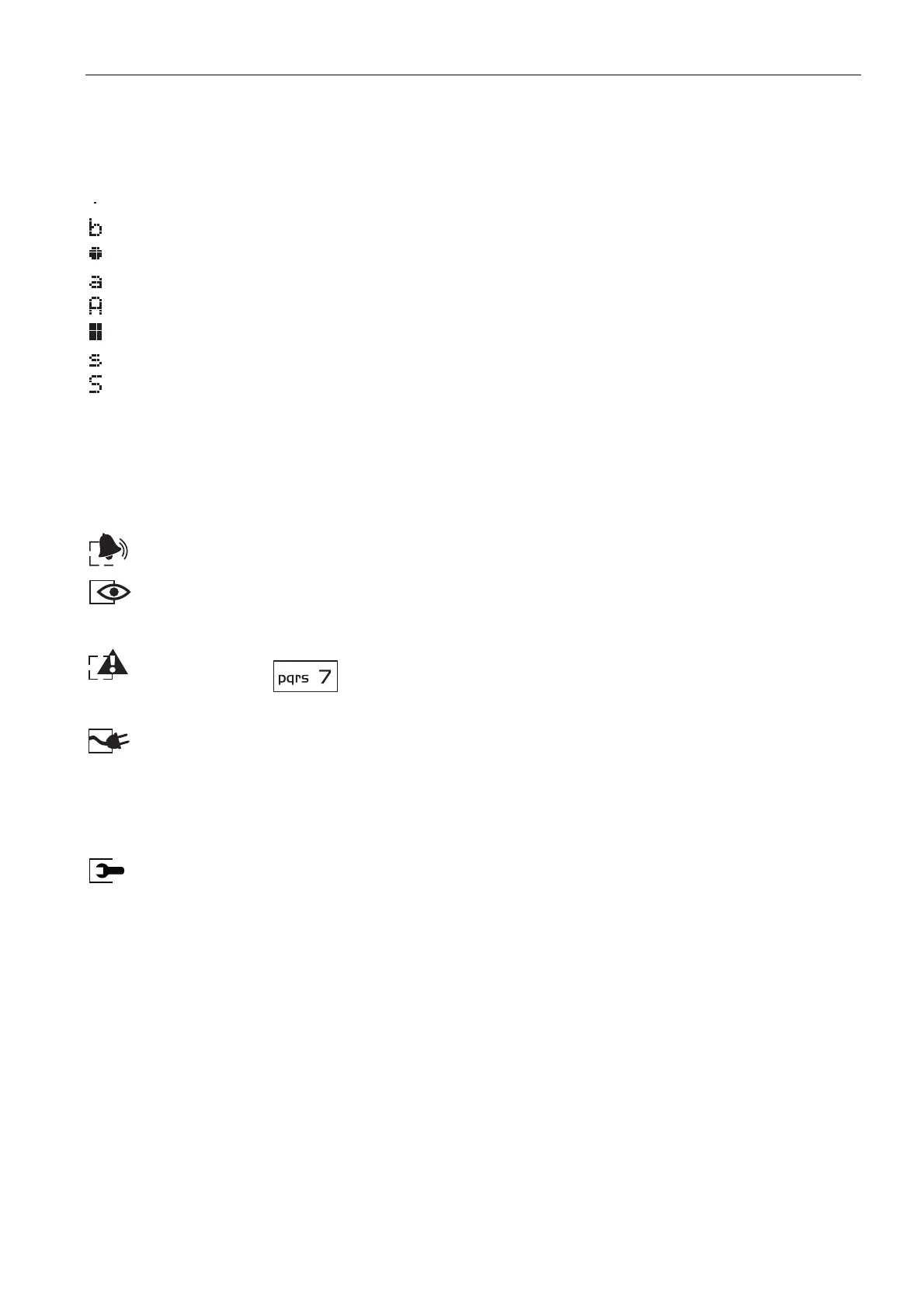
Date and time are presented in the upper line of the display. In the lower line, the current
state of zones is shown by means of symbols (first symbol – first zone, second symbol –
second zone, etc.):
– normal zone status,
– zone bypassed,
– zone violated,
– alarm memory,
– first alarm memory,
– zone tampered (double EOL zone wiring),
– tamper memory (double EOL zone wiring),
– first tamper memory (double EOL zone wiring).
The display provides many data in the process of using the keypad, which facilitates
communication between the alarm system and the user.
The display backlight mode is programmed by the installer.
1.2 LEDs indicating system state
Red LED. Illuminated – indicates an alarm. Blinking – indicates alarm memory.
Green LED. Illuminated – the system is armed. Blinking – indicates exit delay
countdown.
Yellow LED. Blinking – indicates trouble. To check the cause of trouble, press and
hold down the key.
Green LED [CA-5 KLED-S only]. It indicates the control panel supply status:
− illuminated – 230 V AC mains and battery power OK,
− blinking – low battery,
− extinguished – 230 V AC power failure.
Red LED [CA-5 KLED-S only]. Indicates that menu or function is entered:
− blinking slowly – on entering the user function menu,
− illuminated – on entering the service function menu,
− blinking rapidly – on entering a function.
1.3 LEDs indicating zone state [CA-5 KLED-S]
5 numbered LEDs in CA-5 KLED-S keypad provides information about zone state:
− LED extinguished – normal zone status,
− LED blinking slowly – zone bypassed,
− LED illuminated – zone violated,
− LED blinking rapidly – alarm memory,
− LED blinking very rapidly – first alarm memory,
− LED illuminated, briefly extinguishing every 2 seconds – zone tampered (double EOL
zone wiring),


 To Next Page