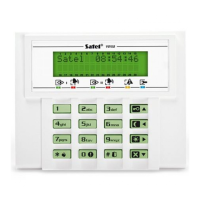
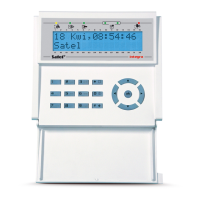
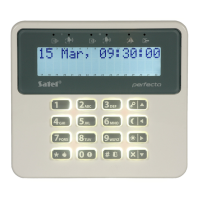
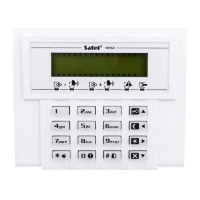
6 CA-5 SATEL
3.1 Full arming
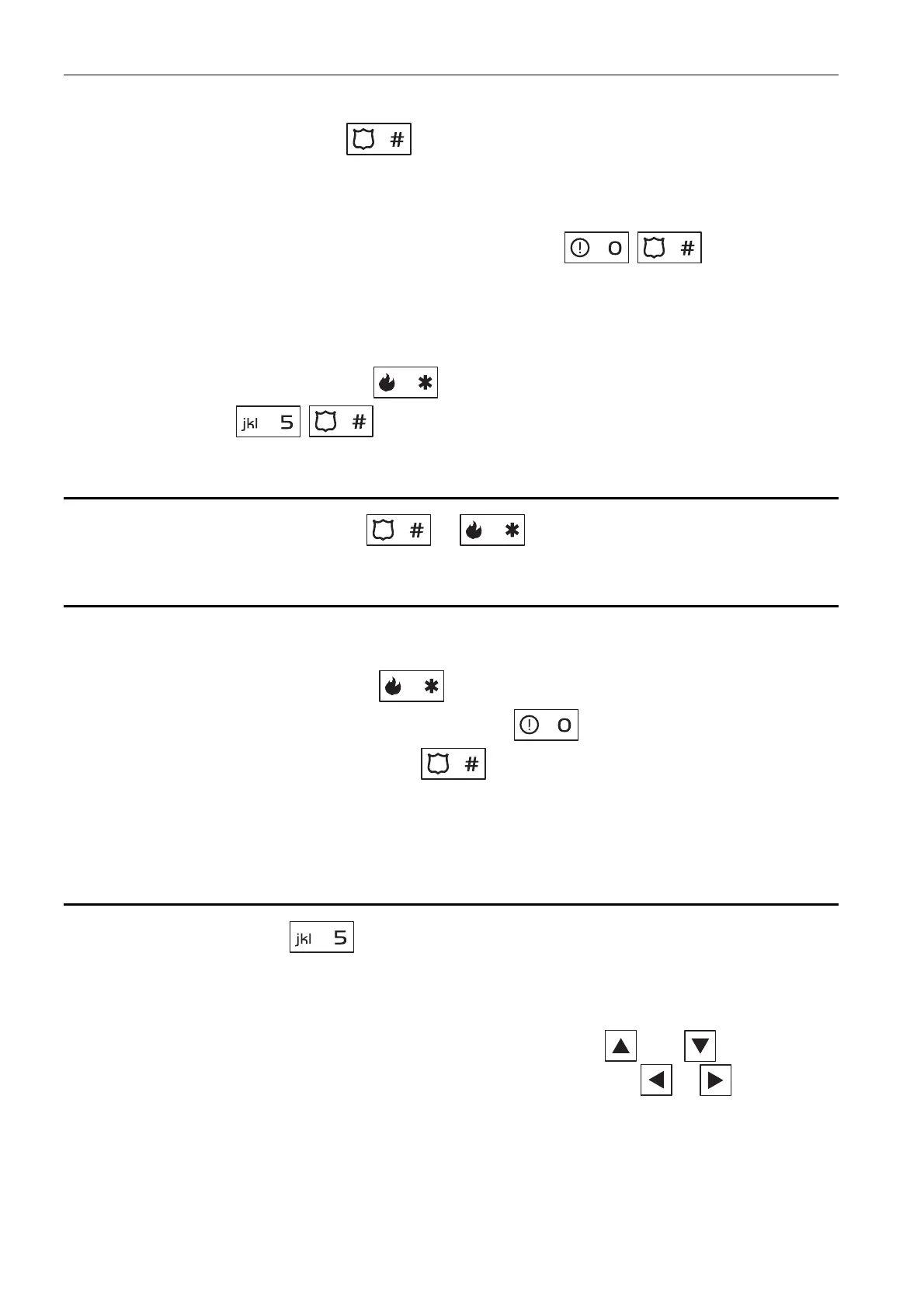
Enter the code and confirm using key.
3.2 Quick arming
If your installer has enabled the Quick Arm feature, you will be able to arm the system without
using the code. To quickly arm the system, press in turn the keys.
3.3 Arming in silent mode
In the silent arm mode the alarms from zones are not signaled on the OUT1 output and on
the BURGLARY ALARM type output.
1. Enter the code and confirm using key.
2. Press in turn the keys (to start the 5. ARM SILENT user function).
4. Disarming and alarm clearing
Enter the code and confirm with the or key.
5. Triggering the alarm from keypad
If your installer has enabled this feature, the alarms can be triggered from the keypad as
follows:
fire alarm – press and hold down the key for approx. 3 seconds;
auxiliary (medical) alarm – press and hold down the key for approx. 3 seconds;
panic alarm – press and hold down the key for approx. 3 seconds. The installer
defines whether the triggered panic alarm is to be audible (activating the alarm signaling
on outputs) or silent (without alarm signaling on the OUT1 output and on the B
URGLARY
type output).
6. Viewing alarm log
Press and hold down the key for approx. 3 seconds. The way in which the alarm
memory is presented differs, depending on the keypad type.
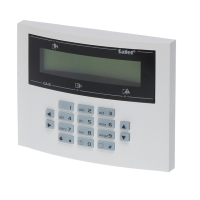
6.1 LCD keypad
Information on the alarms is presented on the display. Use the and keys to scroll
through the list. To get additional information about an alarm, use the or key.
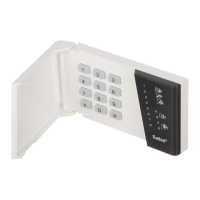
6.2 LED keypad
Information on the alarm is presented on the numbered LEDs:
− a single LED is illuminated – alarm from the zone whose number corresponds to that of
the LED;


 To Next Page