SATEL CA-5 7
− four of the five numbered LEDs are illuminated – alarm from the keypad. The
extinguished LED indicates the cause of alarm:
1 – fire alarm triggered from keypad;
2 – panic alarm triggered from keypad;
3 – auxiliary alarm triggered from keypad;
4 – three invalid codes entered;
5 – keypad tamper.
Information about the last alarm is displayed first. If you press any key (except for
)
information about the previous alarm will be displayed. Press the keys repeatedly to scroll
back the alarm log.
7. Viewing trouble log
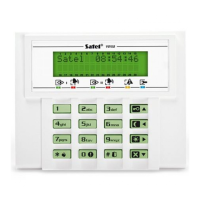
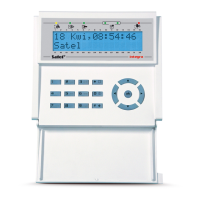
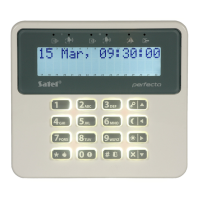
Press and hold down the key for approx. 3 seconds. The way in which the trouble
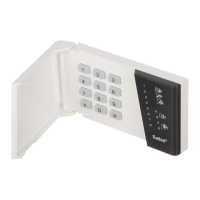
memory is presented differs, depending on the keypad type.
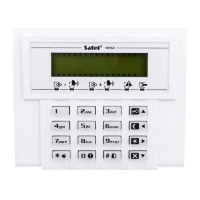
7.1 LCD keypad
Information on troubles is presented on the display. Use the and keys to scroll
through the list. To get additional information about a trouble, use the or key.
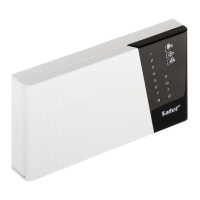
7.2 LED keypad
Information on troubles is presented on the numbered LEDs:
− a single LED is illuminated:
1 – AC power supply trouble;
2 – battery trouble;
3 – F2 fuse trouble;
4 – F3 fuse trouble;
5 – clock lost.
− four LEDs are illuminated, one LED is extinguished:
1 – telephone line trouble;
2 – DTA bus trouble;
3 – failed DOWNLOADING;
4 – monitoring trouble.
Information about the last trouble is displayed first. If you press any key (except for )
information about the previous trouble will be displayed. Press the keys repeatedly to scroll
back through the trouble log.
8. Viewing current troubles
Press and hold down the key for approx. 3 seconds. The way in which the current
troubles are presented differs, depending on the keypad type.


 To Next Page