1. Keypads description
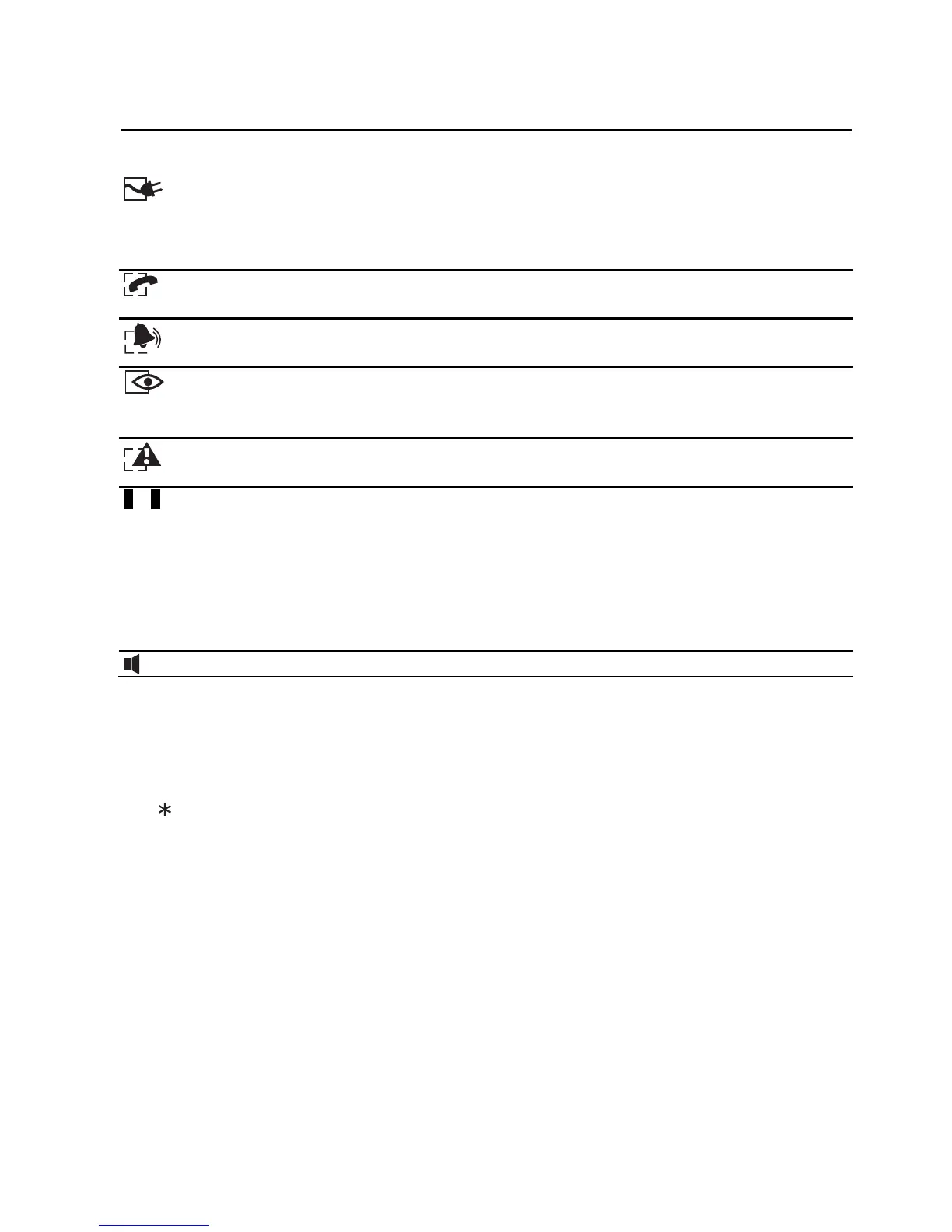
1.1 Indicator LEDs
Green
illuminated – 230 V AC mains and battery power OK
blinking – low battery
extinguished – 230 V AC power failure
Green
illuminated – control panel occupies telephone line
Red – letters A and B are used for partition identification
blinking – alarm
Yellow – letters A and B are used for partition identification
illuminated – partition armed
blinking – exit delay countdown
Yellow
blinking – trouble (to check the cause of trouble, press and hold down the 7 key)
1…8
Red – digits correspond to zone numbers
extinguished – normal zone status
blinking slowly – zone bypassed
illuminated – zone violated
blinking rapidly – alarm memory
illuminated, briefly extinguishing every 2 seconds – zone tampered
flashing every 2 seconds – tamper memory
Green [CA-6 KLED-S only] – illustrates the functioning of the buzzer in the keypad
When using the features available in the control panel, the LEDs can also provide additional
information.
1.2 Keys
The keys designated with digits and letters enable entering the code and data when using the
keypad.
The key allows you to:
− enter the user menu (after entering the code);
− enter the service mode (after entering the service code);
− exit some functions.
The # key allows you to:
− arm/disarm and clear alarm (after entering the code);
− enter the service mode (after entering the service code);
− confirm the entered data.
Note: The service mode is not available when there is an alarm or any partition is armed.
Press and hold down selected keys for about 3 seconds to:
5 - view the alarm log;
6 - view the trouble log;
7 - view the current troubles;
8 - enable/disable the CHIME signal in the keypad (signaling violation of selected zones
with 5 short beeps);



 To Next Page