36 / 37
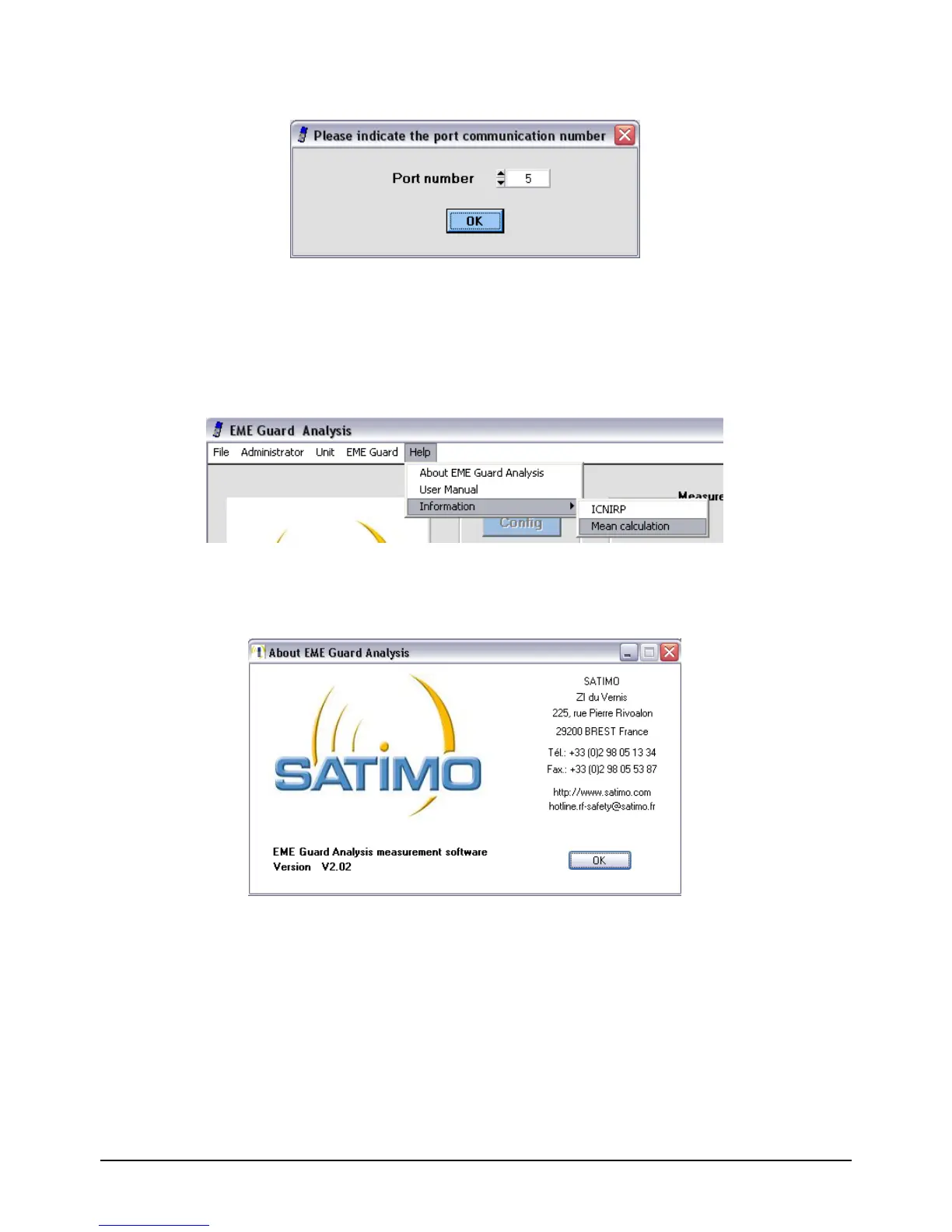
3. Manual identification of serial number: enables the serial number used for dialog
between the computer and dosimeter to be entered manually.
Figure 42 : Manual communication port identification
The communication port which was previously used or detected automatically is indicated
in the port number text box of the dialog box.
3.6.5 Help Menu
Figure 43 : Help Menu
1. About EME Guard Analysis: provides information on the software version and the
contact details of the company SATIMO.
Figure 44 : Software information screen
2. User manual: enables access to the EME Guard Analysis V2 user manual.
Adobe Reader is required for this operation.
3. Information on the subject of ICNIRP values: enables the display of the
different reference values for the exposure of the public and workers recommended in the
ICNIRP norm. When selected from the menu, the following dialog box is displayed:


 To Next Page