Hardware manual PCD1.M2220-C15 │ Document 27-640 – Version ENG03 │ 2020-03-25
Saia-Burgess Controls AG
Watchdog (software)
CPU/processor unit
3-17
3
3.10 Watchdog(software)
The hardware watchdog provides maximum safety. For uncritical applications, a
software watchdog may be adequate, whereby the processor monitors itself and
the CPU is restarted in the event of a faulty function or a loop.
The core of the software watchdog is the AWL command SYSWR K 1000, which is
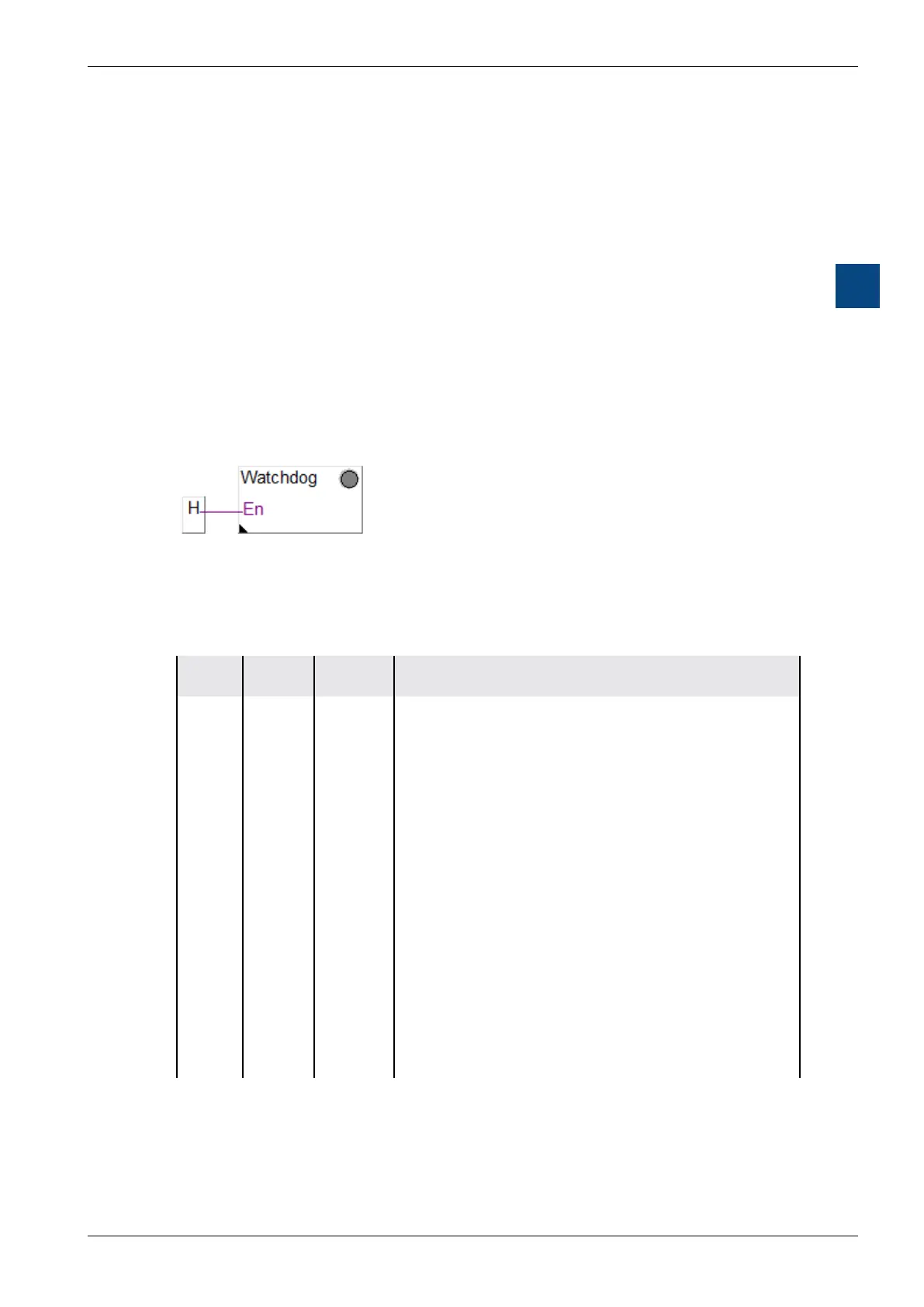
also used in the FBox “Software Watchdog”.
Function
The watchdog function is activated when this is output for the rst time. This in-
struction must then be output a minimum of every 200 ms, otherwise the watchdog
will be triggered and the PCD will be restarted.
ExampleFUPLAFBox:
FBox Selector -> System Information -> Software Watchdog
InstructioninAWLCode:
Label Com-
mand
Operand Comment
SYSWR K 1000 ; Software Watchdog instruction
R/K x ; Parameter in accordance with the
; following table
; K = constant or R = register
; followed by a space.
; x = 0 The software watchdog is
; deactivated.
; x = 1 The software watchdog is
; activated. If the instruction is
; not repeated within 200 ms,
; a cold start
; occurs.
; x = 2 The software watchdog is
; activated. If the instruction
; is not repeated within 200 ms,
; XOB 0 is called up and then
; a cold start
; occurs.
“XOB0”Call-upsareenteredinthePCDhistoryasfollows:
“XOB 0 WDOG START” if XOB 0 was triggered by the Software Watchdog
“XOB 0 START EXEC” if XOB 0 was triggered by a supply error


 To Next Page