Hardware manual PCD1.M2220-C15 │ Document 27-640 – Version ENG03 │ 2020-03-25
Saia-Burgess Controls AG Communication interfaces
5
5-2
On-board | PGU (USB Port)
5.2 On-board
In our case, the term “On-Board” denotes the CPU boards. For on-board interfaces,
for example, this means that they are already supplied on the CPU board or prepared
for them.
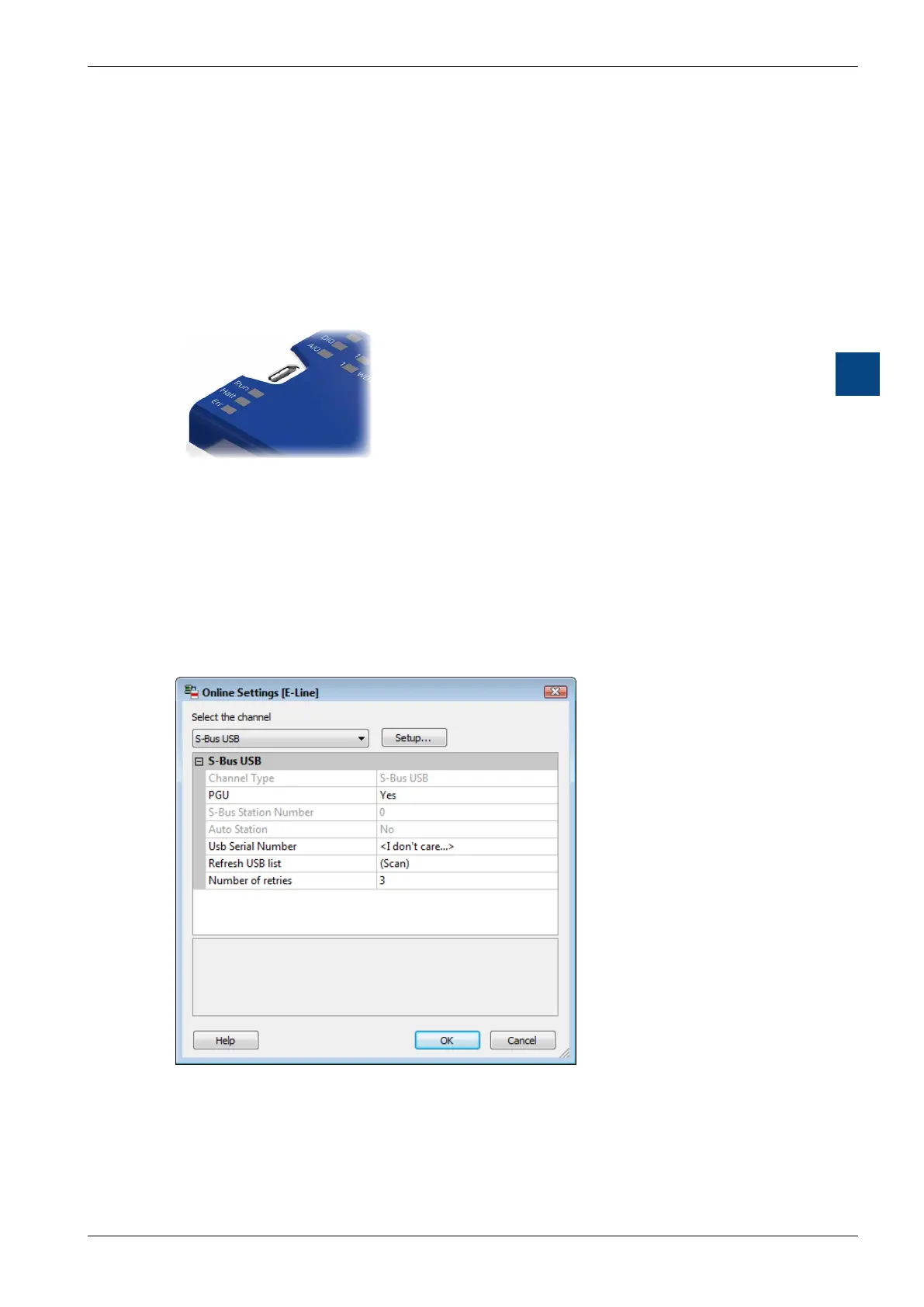
5.2.1 PGU(USBport)programminginterface
Connector: USB Micro-B (device connector)
Standard USB 1.1 device (slave),
full speed 12 Mbps,
with Softconnect
The USB port is only used as a PGU interface. To use the USB interface, the pro-
gram packet PG5 version 2.1 or later must be installed on the PC.
If the PCD is connected via the USB port with a PC for the rst time, the PC op-
erating system (Windows) automatically installs the appropriate PCD USB driver.
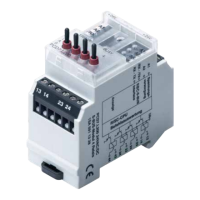
The PCD is connected via USB using the following setting in the PG5 project fold-
er for the respective device under “Online Settings”:
The activation of the “PGU Option” ensures that the PC can be directly connected
to the PCD independent of the congured S-Bus address.


 To Next Page