44
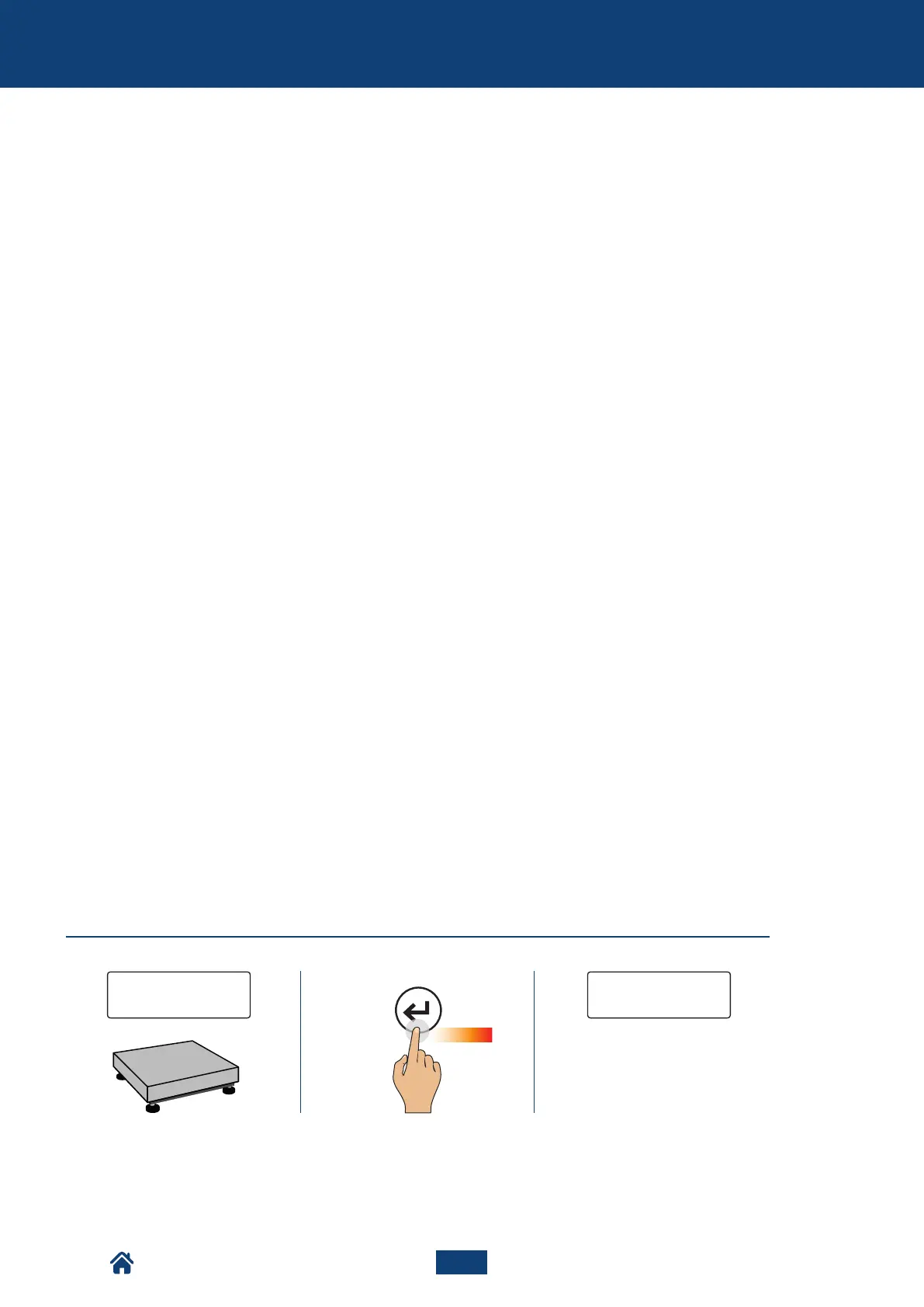
5 sec.
a. b. c.
0.0 0 0 CoNFIG
PRINT
The indicator is in the configuration
menu.
HOW TO ACCES THE CONFIGURATION MENU
How to access the configuration menu ....................................................................................44
Date and time (CloCk) .................................................................................................................... 45
High resolution reading division (preC.10) ..............................................................................45
Alibi memory reading (alibi) ......................................................................................................46
Relay output (setpnt) ....................................................................................................................46
Weighing filters (filter) ............................................................................................................... 47
Display backlighting (sCreen) .....................................................................................................48
Tare (tare) .........................................................................................................................................49
Automatic switching off (autoff) ................................................................................................49
Manual printer swiching on (on.prin) .......................................................................................49
Ticket number reset (tik.res) ....................................................................................................50
Factory configuration reset (reset) ...........................................................................................50
Diagnostics (diaG) ...........................................................................................................................50
CONFIGURATION MENU
of the scale
NU2-IPC20_50-E-0918



 To Next Page