3
LED FONCTIONS
->0<-
Indicates that the weight detected on the weighing system is near zero,
within the interval of –1/4 to +1/4 of the division.
~ Indicates that the weight is unstable.
NET Indicates that the displayed weight is a net weight.
SPE Special mode
W1/ SP1 ou
W2 / SP2
W1 or W2 show the functioning with 2 weighing ranges
SP1 or SP2 Indicates that the relay 1 or 2 has been enabled.
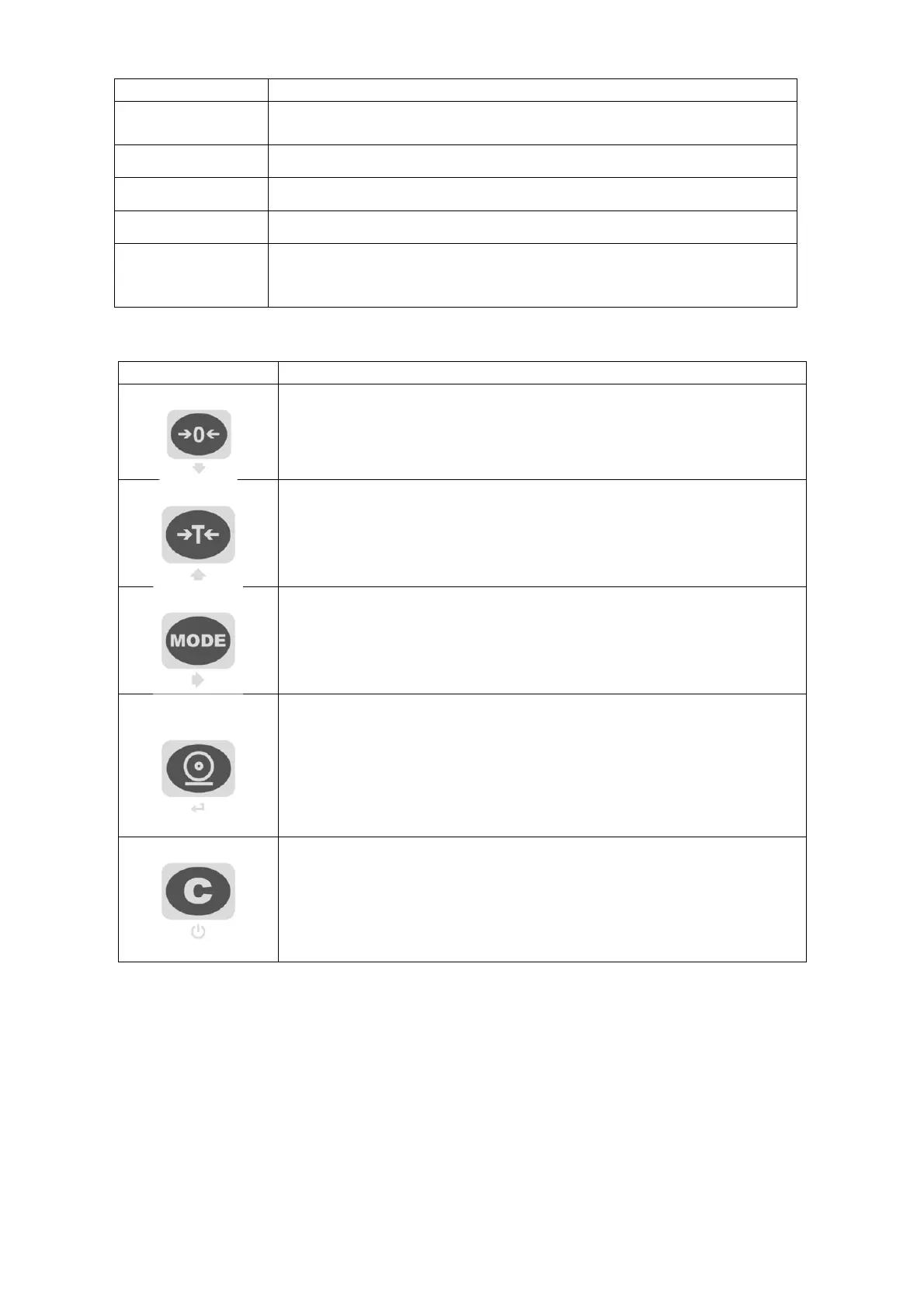
SCALE KEY FUNCTION
- Zeros the displayed gross weight, if is within +/- 2 to 50% of the total
capacity. (2% max in trade mode)
- Cancels the negative tare value
.
- If pressed for an instant it carries out the semiautomatic tare.
- If pressed at length it allows entering the manual tare from keyboard.
- Cancels the negative tare value
.
- In the numeric input phase it increases the digit to be modified.
- It carries out a specific function of the operating mode set in the set-up
environment.
- In the numeric input phase it selects the digit to be modified, from left to
right.
- It carries out a specific function of the operating mode set in the set-up
environment.
- In the numeric input phase, it confirms the entry made.
- In the SET-UP, it allows to enter a step or to confirm a parameter within a
step.
- It transmits the data from the serial port dedicated to the printer.
- It turns the instrument in the mode stand by.
-
In the numeric input phase, it quickly zeros the present value.
- In the set-up environment, it allows to exit a step without confirming the
change made.
- Cancel a tare



 To Next Page