2
POWER SUPPLY & START UP
Do not connect other equipment to the same socket as the one that the adapter is in.
Do not step on or crush the power supply cable
Power supply for IPE50 is from 12 to 25Vcc (except IPE50XLI)
The display shows in sequence:
07.xx indicate the version of software if you press the key ->0<-
09.01 09 indicate the type of unit, 01 indicate the metrological software version
XX.YY.ZZ version of the installed software
DGTX name of software
Ex :15001 the max capacity and the round
CloCK if the option timer is installed.
After this, the programmed capacity and minimum division are displayed; then the instrument executes a
countdown (self-check) and finally “hi rES” is displayed (in case of non approved instrument) or “LEGAL” and
the calibration area (in case of approved instrument).
The indicator has an “auto zero at start-up” function: in other words it means that, with a non approved
instrument the display shows the present weight after a few instants, while with an approved instrument “Zero”
is shown continuously on the display, until the weight does not re-enter within this tolerance; the auto zero
function at start-up may be disabled in the set-up environment (only with non approved instrument); see SEtuP
>> ConFiG >> Param. >> Auto-0 (TECH.MAN.REF.)
TO stand by the IPE50, keep the C key pressed until the - OFF – message appears on the display; then
release the key (the power supply of the sensors 5V is always present).
Press the C key to restart the unit.
To TURN OFF the IPE50, switch off the power supply
5 IPE50 FRONT PANEL KEYS AND INDICATORS
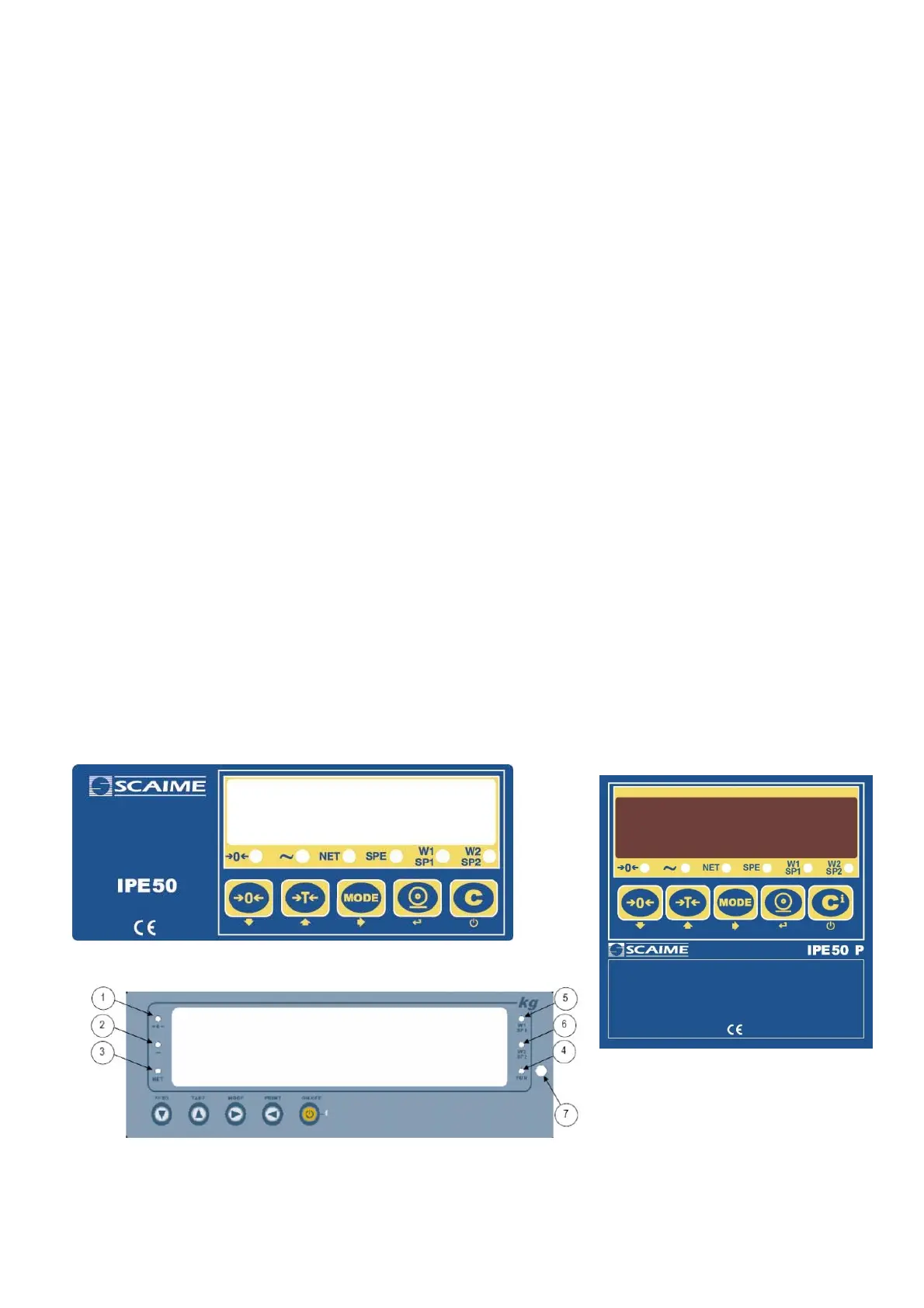
The front panel of the indicator is designed for quick but simple weighing applications. It consists of an LED
display with 6 digits 13 mm in height, 6 LED indicators and a keyboard 5 function keys.
.



 To Next Page