2904/2018
• Access the Knowledge database for documentation, guides, application notes, frequently
asked questions (FAQs), and best practices
• Contact representatives directly
Partners and distributors automatically receive access to the partner Portal when they sign Scale Computing’s
partner agreement. After the agreement is signed, the partner account is activated and the partner receives an
email from myscale@scalecomputing.com containing login information. After that time, additional partner
contacts associated with the partner that signed the agreement can register for a new login from the proper
Portal page linked here.
Login or Register for a Portal Account
Register for a Portal account using the following steps:
1. Open a web browser and navigate to www.scalecomputing.com.
2. Click Login in the upper right hand corner.
3. If you are a customer, click the Customer Portal link. If you are a partner or distributor, click the
Partner Portal link.
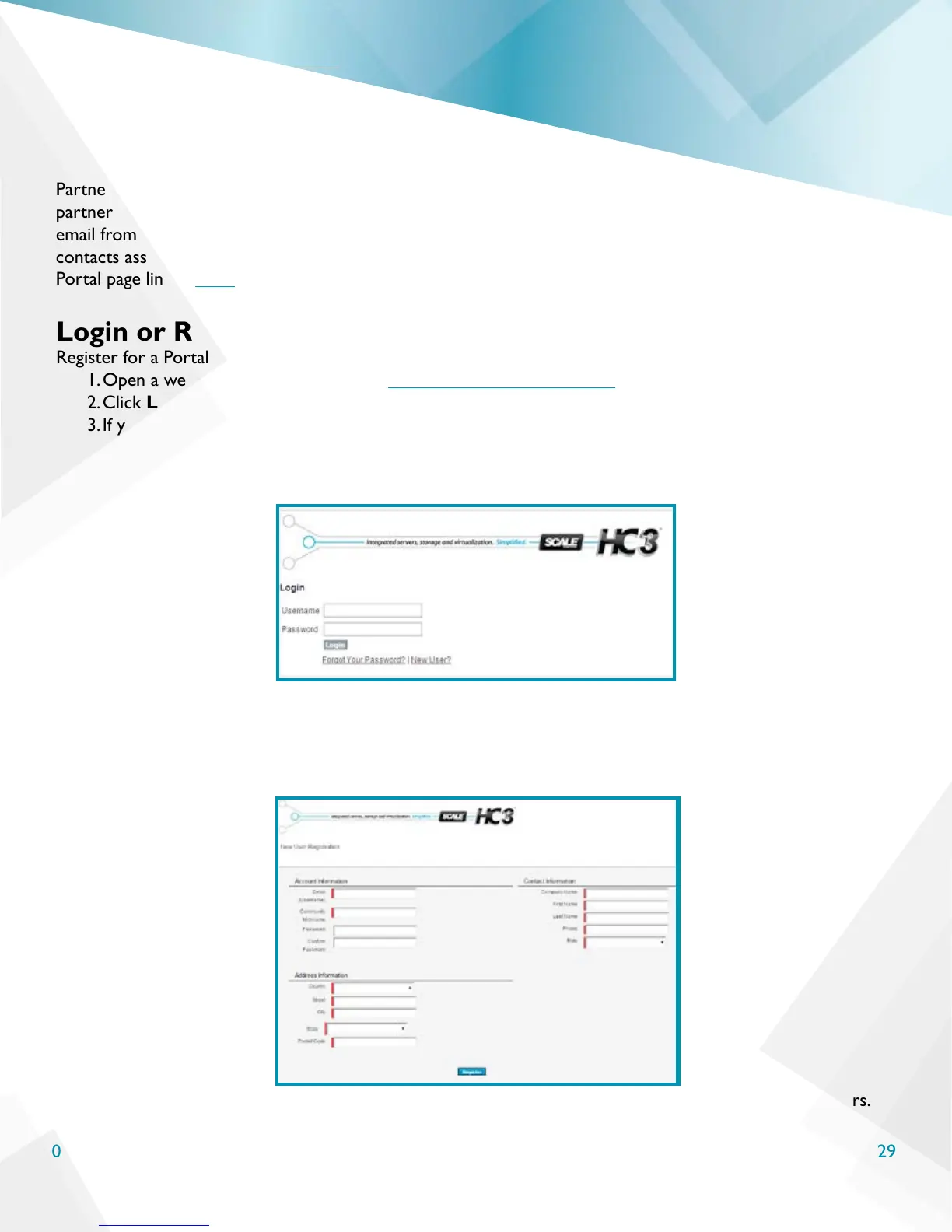
4. The Login screen shown below appears. The login screen appears the same for both the customer
Portal and partner Portal, so please be sure you are at the proper login page by verifying the URL.
5. If you have login credentials, type your username and password in the appropriate elds to access the
Portal.
6. If you are an additional partner, distributor, or customer registering after initial access was granted to the
account contacts, click New User? underneath the Username and Password elds. The New User
Registration screen will appear as shown below.
7. The registration screen is the same for partners, distributors, and customers; only the pathway differs.
Schedule Your Installation



 To Next Page