3004/2018
Ensure you are at the correct landing page by verifying the URL.
8. Provide the appropriate information for the three categories: Account Information, Contact
Information, and Address Information. The Email (Username) eld will default to your Portal
username for future access. The Community Nickname eld will be your general-use name in the
forums and chat boards. All elds marked in red are required.
9. Disregard the Password and Conrm Password elds. Your password is generated for you after
registration and sent to you by email. If you do ll out a password here it is ignored by the system.
10. Click Register once the form is complete. Your request is logged and reviewed for approval.
Environment Questionnaire and Scheduling
Your HC3 system installation and any purchased and/or included professional services can be scheduled on the
Scale Computing Portal quickly and easily.
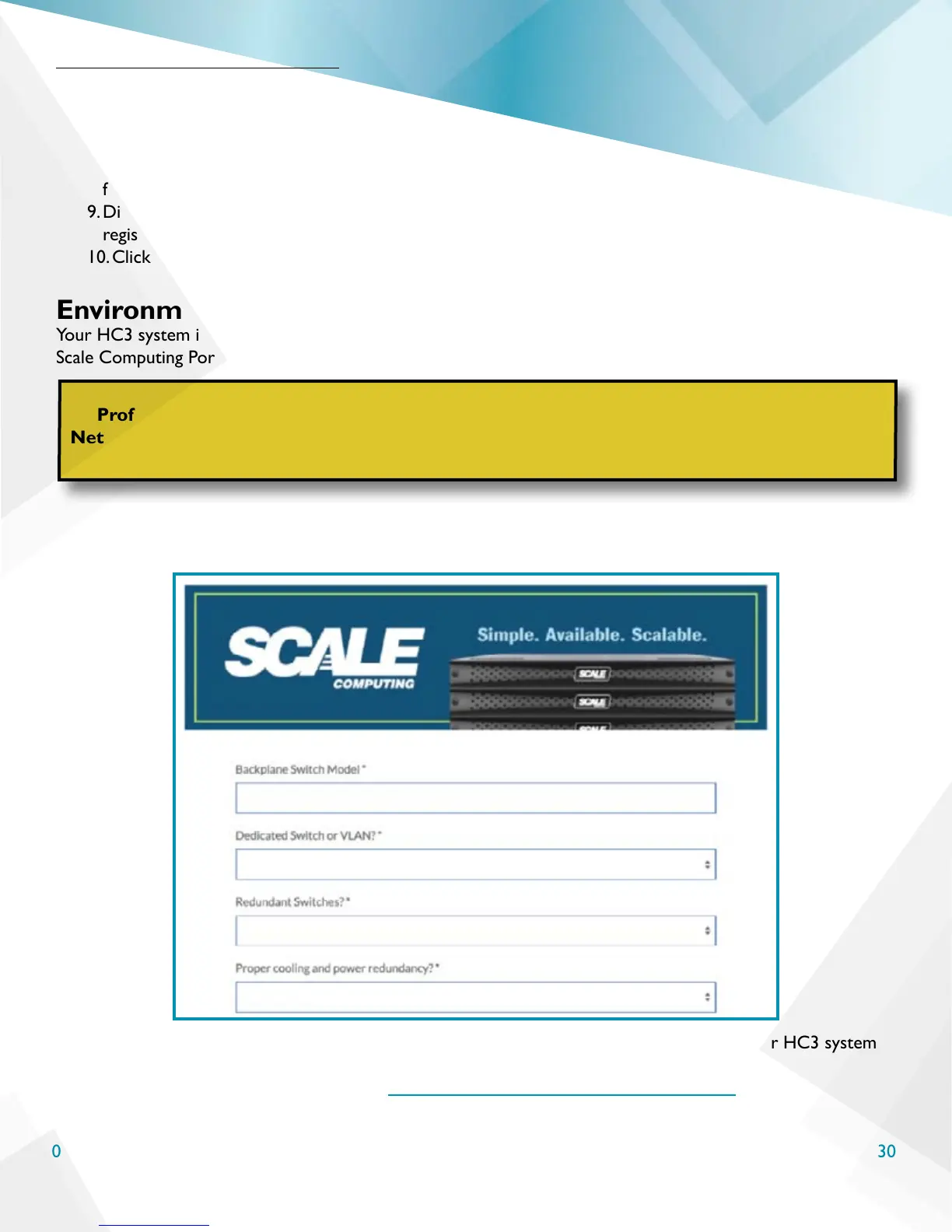
If you haven’t already, be sure to complete the environment questionnaire linked in your initial welcome email.
It will look similar to the image below:
When you are ready to begin scheduling your professional services engagements, including your HC3 system
installation, follow these steps.
1. Open a web browser and navigate to www.scalecomputing.com/support/login.
Schedule Your Installation
WARNING
Professional services can only be scheduled in their completion order. For example, the
Networking Conguration Service will be required to be scheduled and completed before the
HC3 System Installation Service can be scheduled.



 To Next Page