Sample Sessions with TextBridge 5–3
☞ In this session, you will learn to open a sample document. For
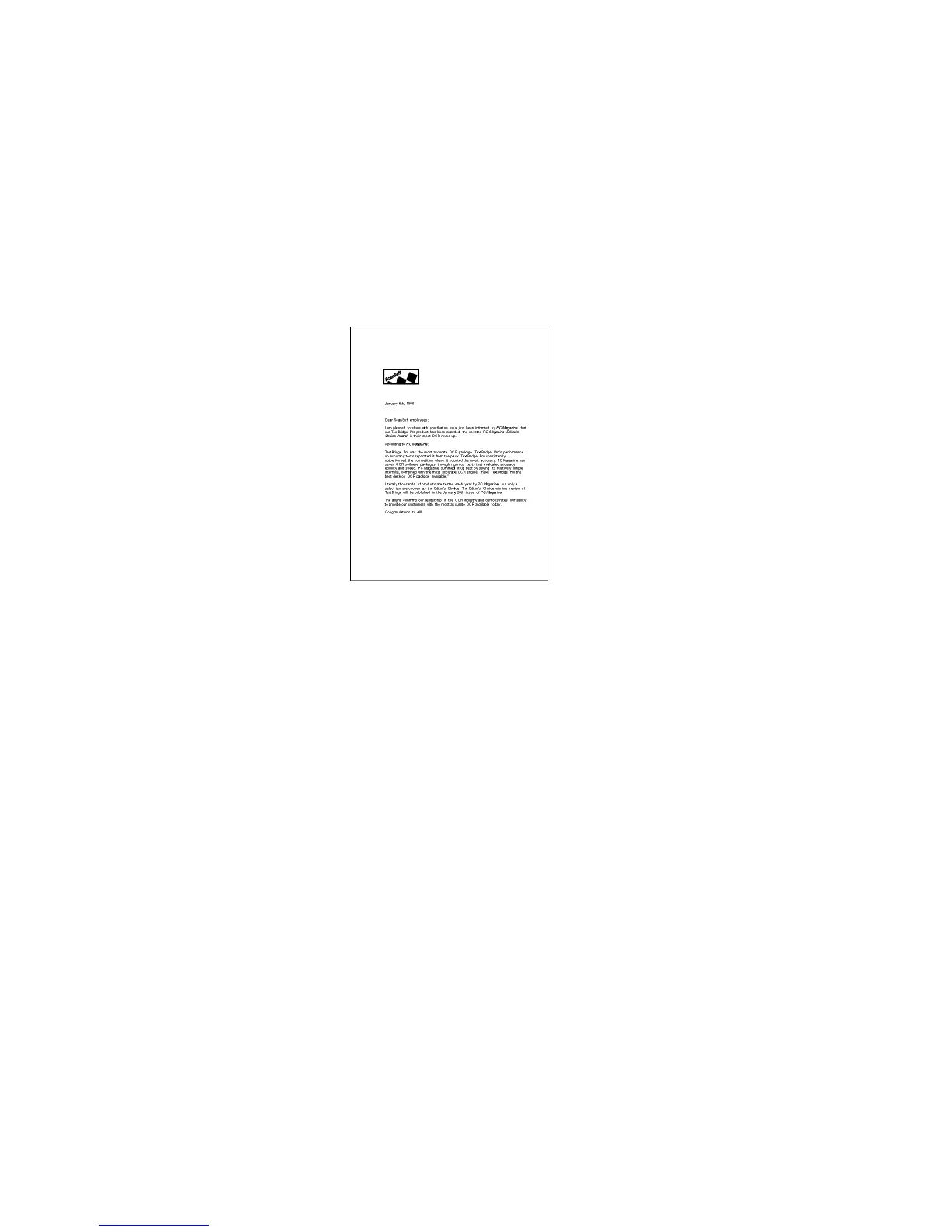
this session, use letter.tif (Figure 5–1).
Figure 5–1. Letter sample document
To find and open a sample document:
1. Select the page source.
Click the drop down arrow on the Get Pages button to select
Image File.
2. Select the page type.
Click the Page Type button to select Any Page (b&w), which
will handle most black and white pages (Figure 5–2, next page).



 To Next Page