Learning to Use TextBridge 4–3
TextBridge provides flexibility in performing the steps of the OCR
process. You can:
◆ Process your pages automatically or interact with processing in
manual mode
◆ Specify the type of page to optimize processing settings
◆ View and mark parts (zones) of pages to be recognized
◆ View and manipulate the pages of a document with page
thumbnails
☞ A thumbnail is a small image representation of your document.
Thumbnails make it easier for you to select and redo a poorly
recognized page, insert a page, delete a page, reorder pages, or
recognize a specific page.
◆ Process pages in any order
◆ Zone multiple pages before recognition
◆ Proofread the OCR results and correct any recognition errors
◆ Save the recognized text and optionally retain page layout and
pictures
STARTING TEXTBRIDGE
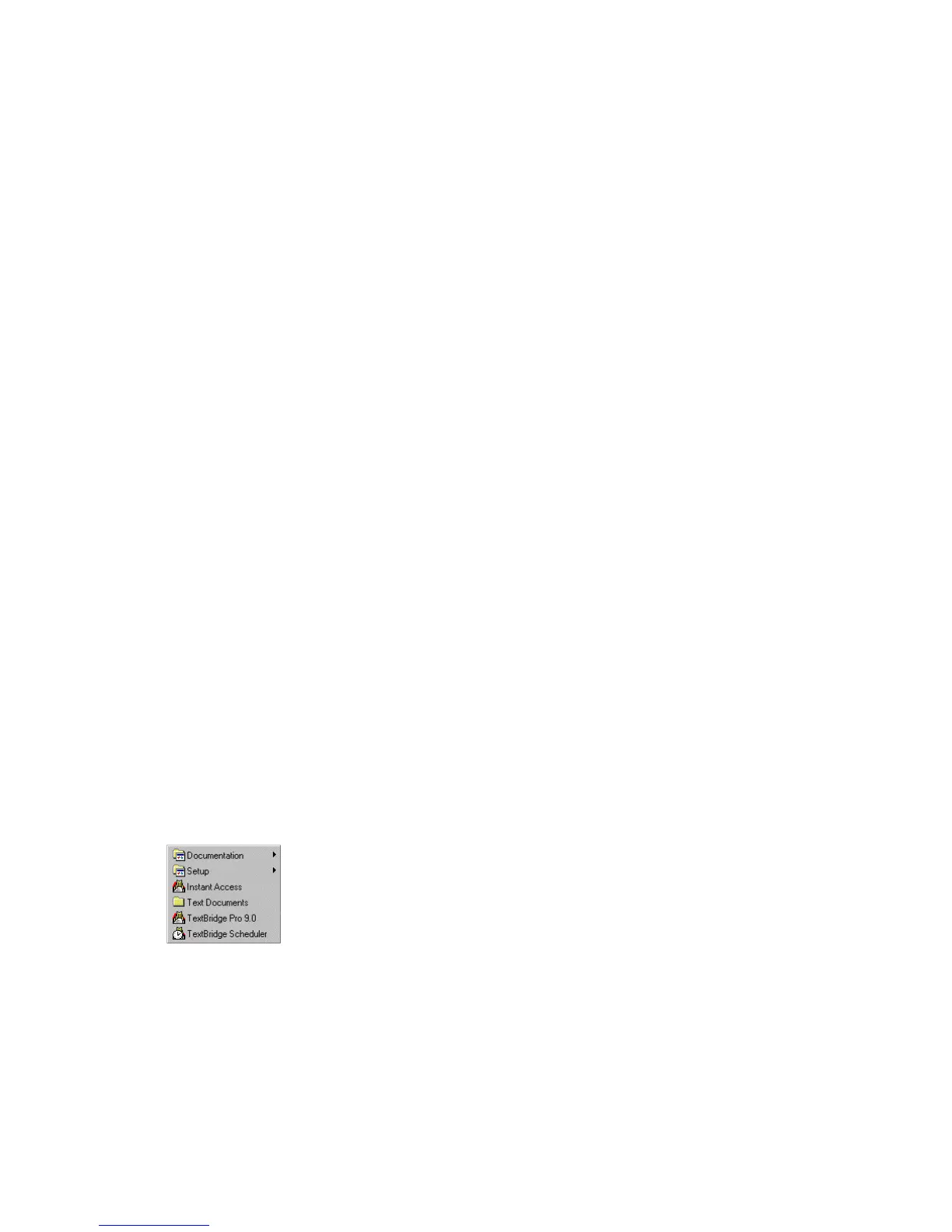
There are two ways to start TextBridge. You can start
TextBridge as a standalone application or through Instant
Access from most Windows-based text applications or
directly from Explorer.
In this section you will learn to start TextBridge as a
standalone application.



 To Next Page