4–4 TextBridge Pro User’s Guide
To start TextBridge:
1. On the Windows task bar, click Start.
2. Point to Programs, then point to the TextBridge Pro 9.0
folder.
3. Click the TextBridge Pro 9.0 icon.
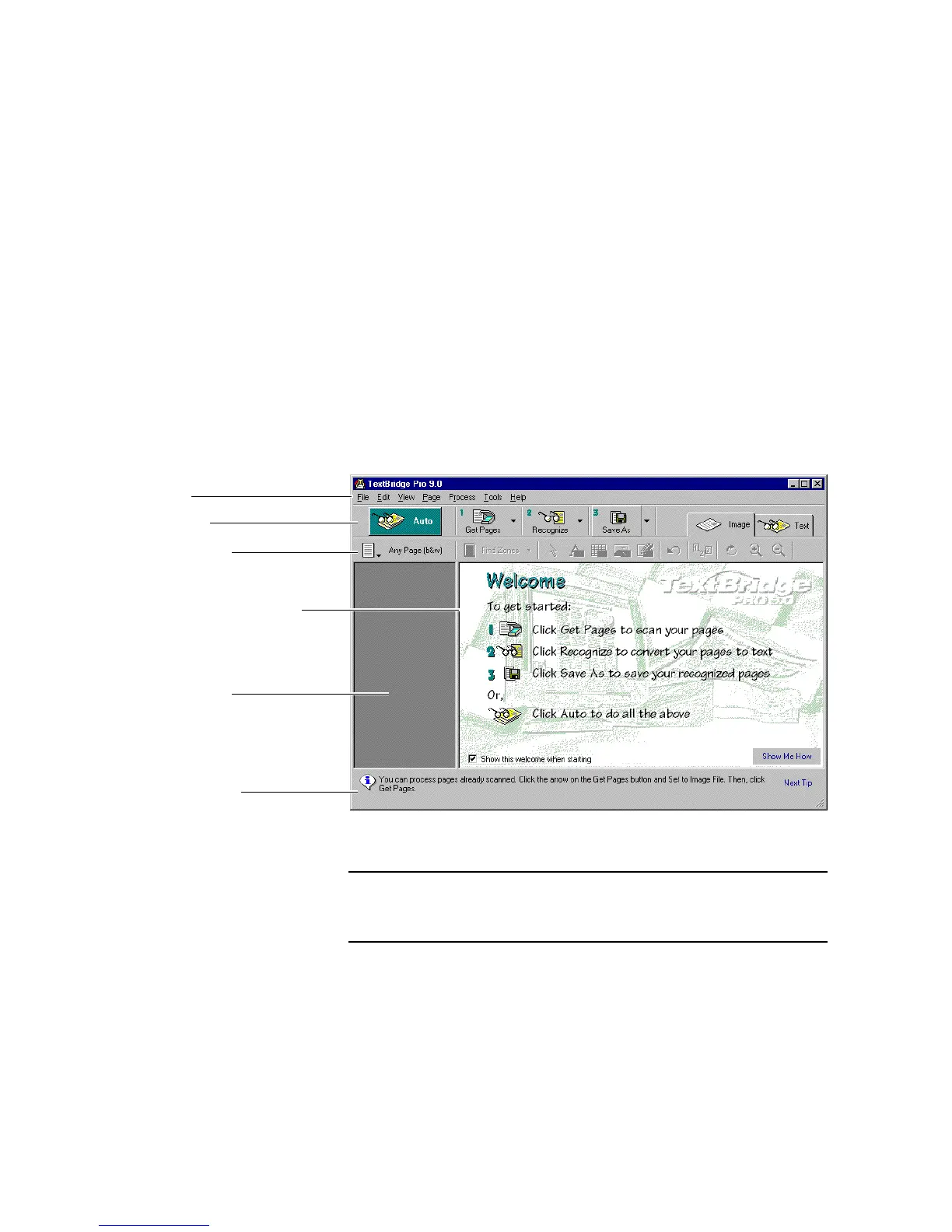
The TextBridge main window appears (Figure 4–1).
View area showing welcome
Menu Bar
Tip and Status bar
Main toolbar
Process toolbar
Thumbnail area
Figure 4–1. TextBridge Pro main window
Note The Welcome message appears when you start TextBridge for the
first time, and each time until you uncheck Show this welcome
when starting.



 To Next Page