Learning to Use TextBridge 4–21
Using the Show Me How Window
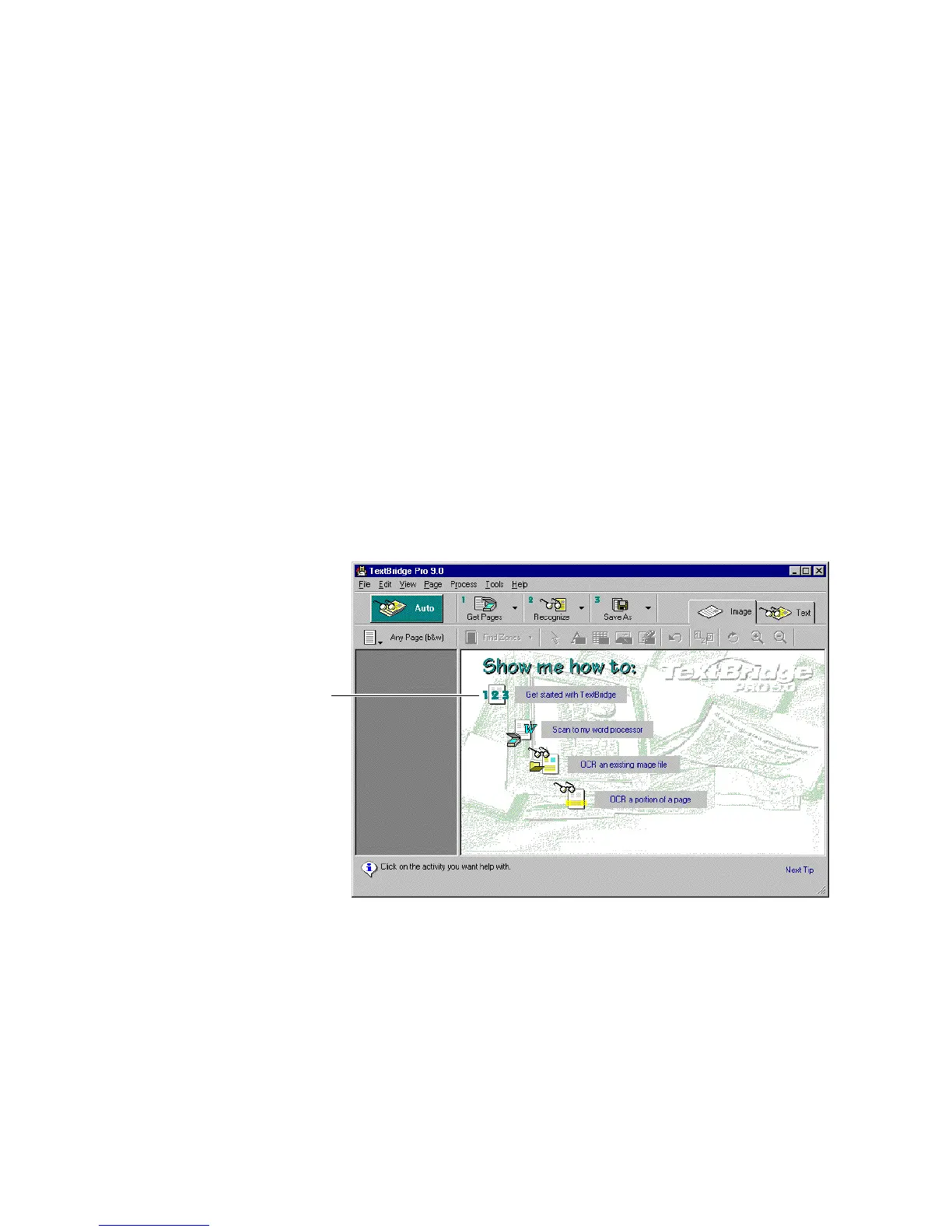
In the Welcome window, click Show Me How to display the
Show Me How window (Figure 4–12). The Show Me How Window
guides you through a specific task. It explains how to:
◆ Using the TextBridge tools
◆ Scan a document into your word processor
◆ OCR an existing image file such as a fax file or a TIF file
◆ OCR part of a page rather than the entire page
Click on the activity that you want to learn about. An animated
character describes the activity for you.
Click a topic to call the Assistant
Figure 4–12. Show Me How window
☞ You can also click Show Me How in the Help menu. The Show Me
How window appears, and you can select what you would like to
learn.



 To Next Page