5–6 TextBridge Pro User’s Guide
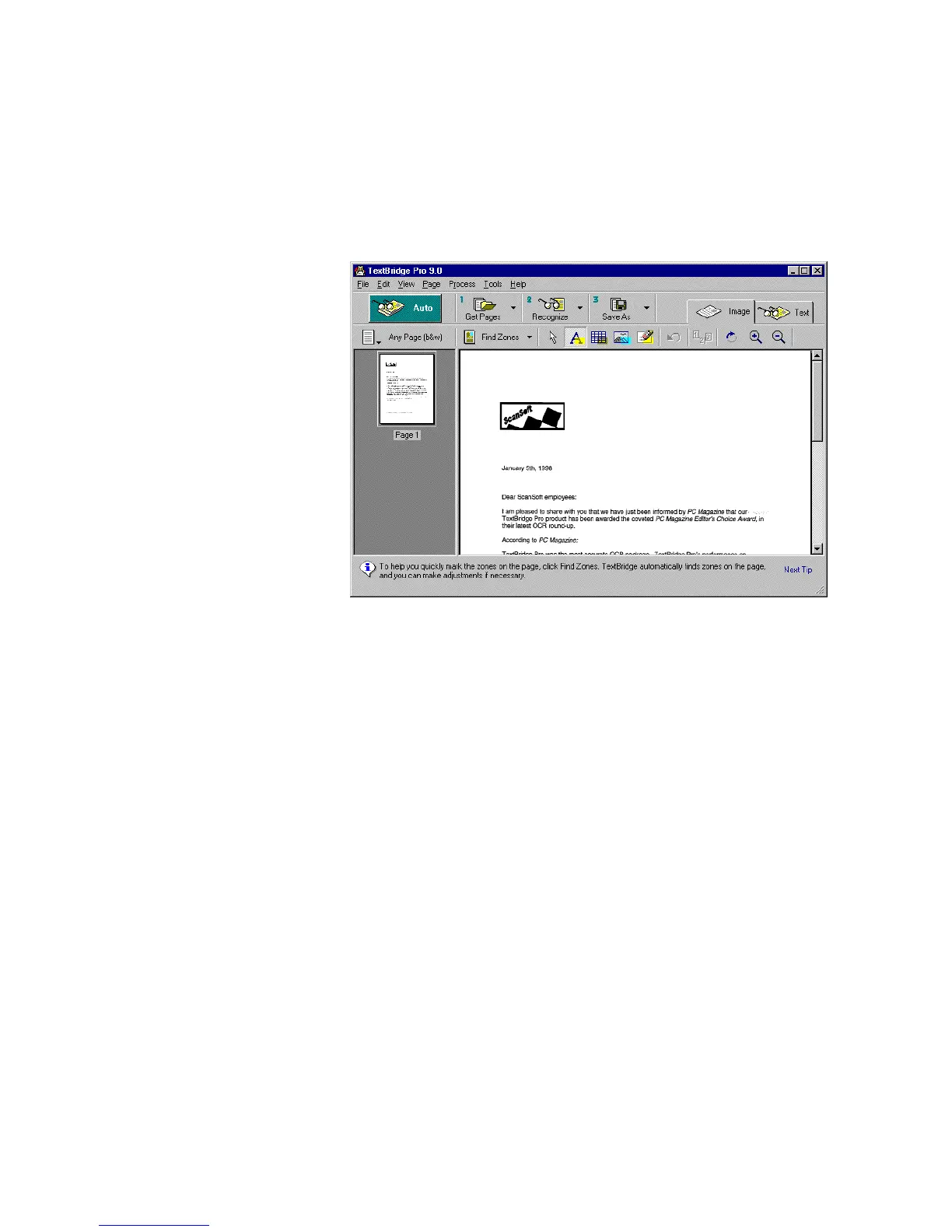
Figure 5–4. TextBridge - Image view
For this lesson, you just want to go back to where you started
without recognizing the document.
5. Click the New command in the File menu to discard the
current page.
A dialog box appears and tells you that the current page has not
been saved.
6. Click OK to return to the original TextBridge screen.
Now you know how to find and open a sample document. Proceed
to the learning sessions to work with TextBridge and familiarize
yourself with using its capabilities.



 To Next Page