Sample Sessions with TextBridge 5–17
Start Instant Access to
TextBridge
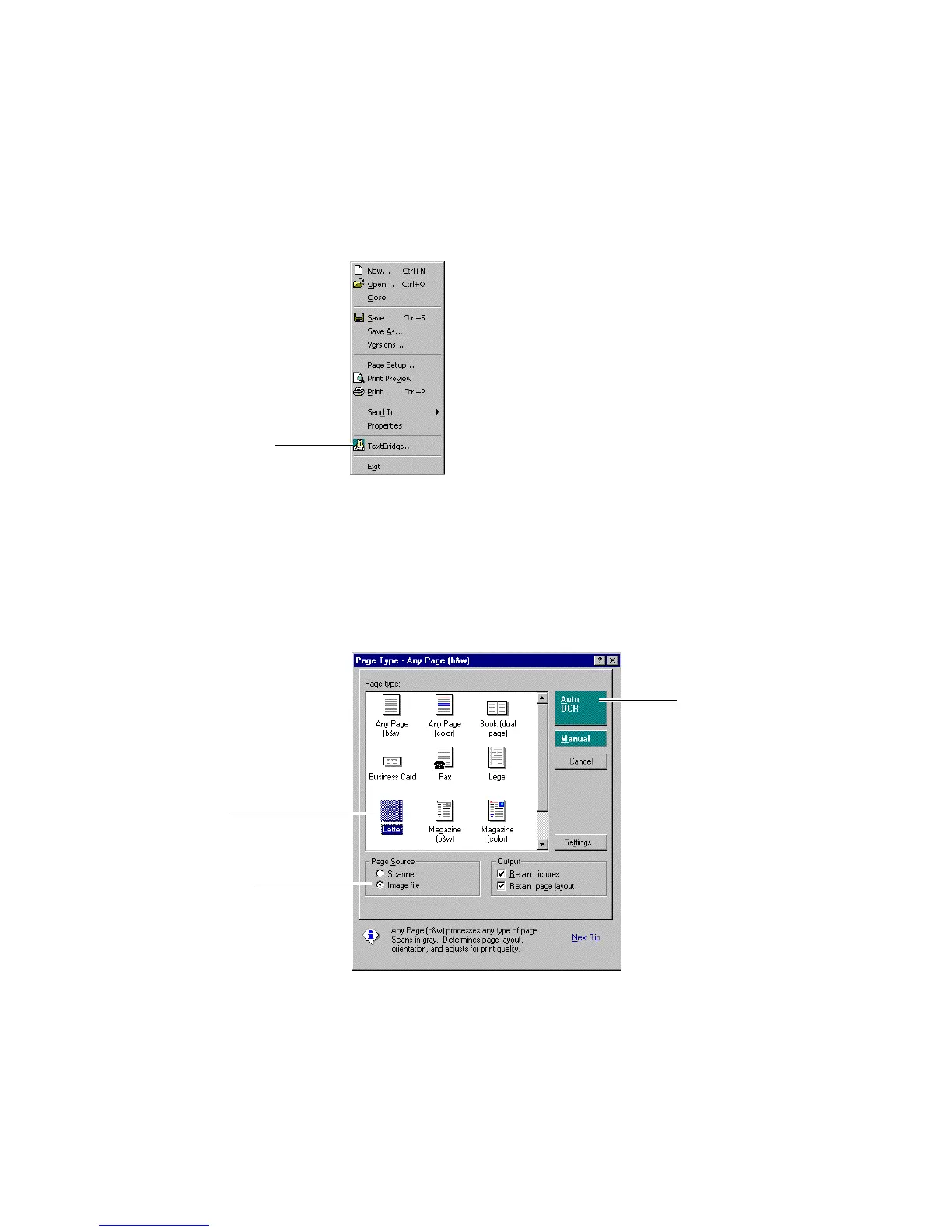
Figure 5–13. TextBridge... command in File menu
The Instant Access dialog box appears (Figure 5–14). Notice that
the Instant Access dialog box looks similar to the Page Type
dialog box in the standalone version of TextBridge. Auto OCR and
Manual buttons have been added, as well as choices for Page
Source.
3. Click Auto OCR
to start processing
1. Select Letter
2. Select Image File
Figure 5–14. Instant Access dialog box



 To Next Page