5–28 TextBridge Pro User’s Guide
11. Save the page as Magazine.
TextBridge provides a suggestion for the file name and uses the
type of file you selected last, automatically appending the
appropriate extension. Rich Text Format (RTF) supports
recomposition and is compatible with most word processing
applications.
If you prefer another name, enter the new name in the File name
box. Make any other changes, then click the Save button.
TextBridge formats the document and saves the file.
Check to be sure that Retain page layout, Retain pictures, and
Open file when done are selected.
12. View Magazine in your word processor.
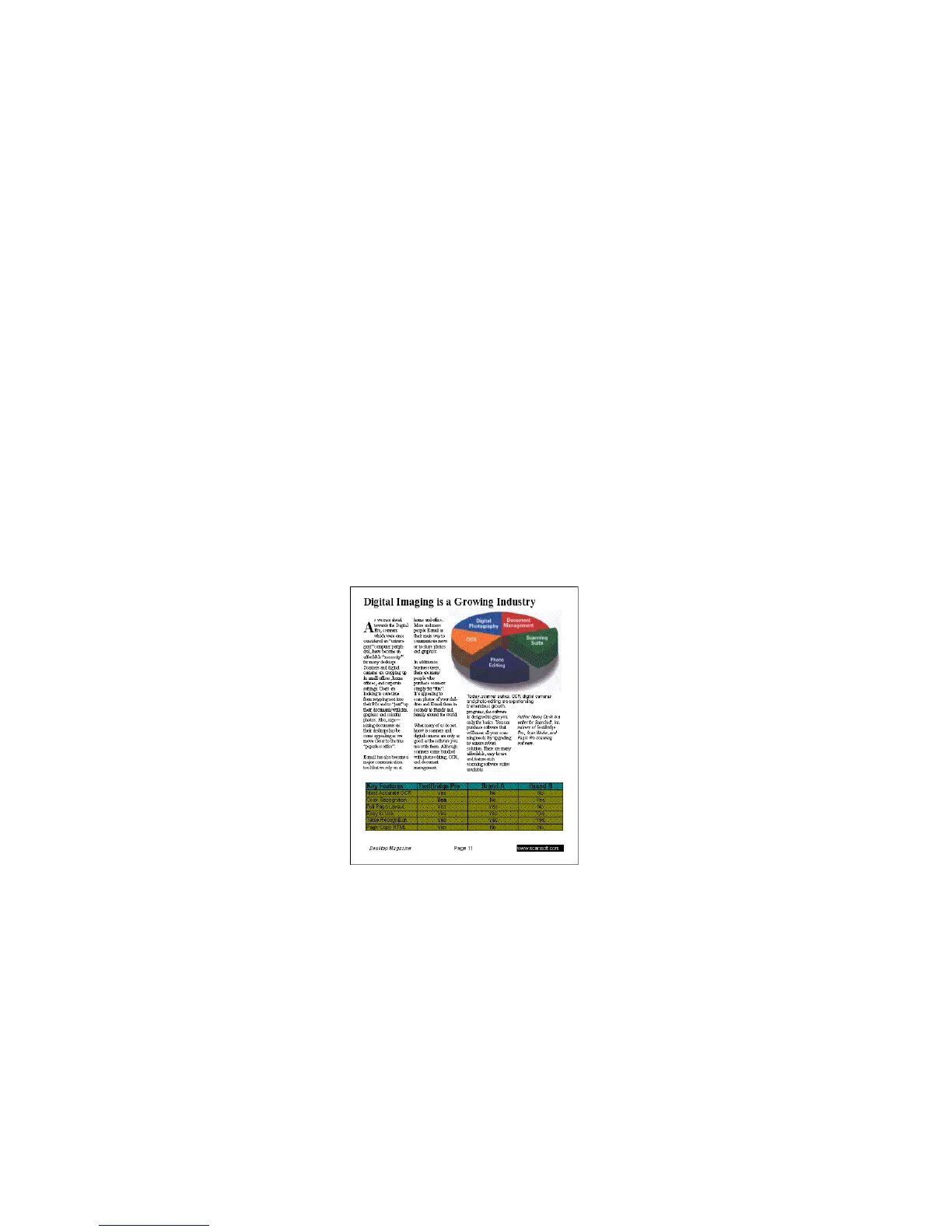
Figure 5–20. Complex sample document
If Open file when done is checked in the Save As dialog, your
word processor will automatically start up and open Magazine.



 To Next Page