1–2 TextBridge Pro User’s Guide
You can use TextBridge to scan and convert printed pages to
text documents for your word processor, spreadsheet program,
web browser, database program, or other text application. Pages
may be from most sources, including computer printers, fax
machines, photocopiers, magazines, and newspapers. Pages can
be black and white or color. TextBridge can also recognize
standard page image files from fax modems, image applications,
and other sources.
Using the latest document recognition technology from ScanSoft,
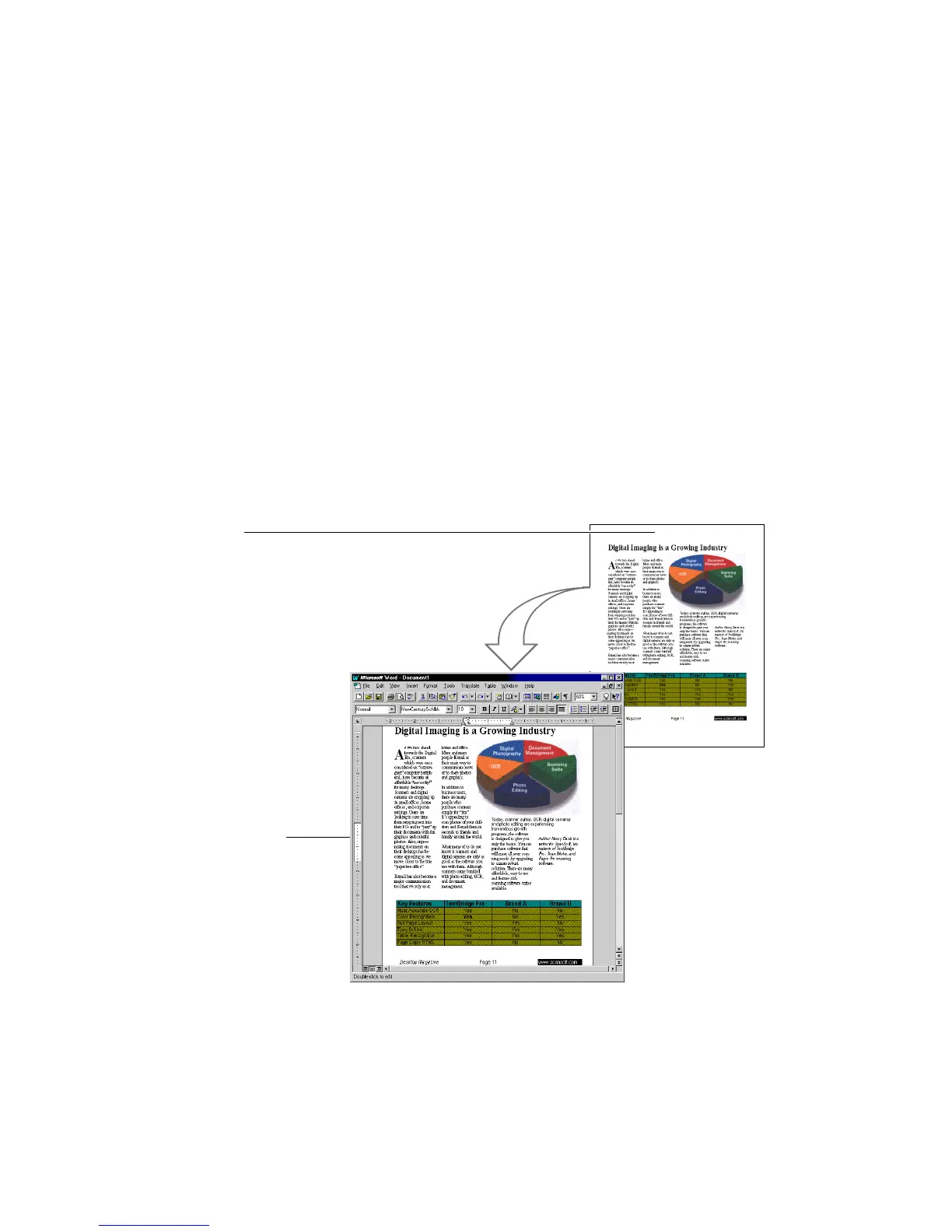
TextBridge OCR uses its recomposition capability to produce a
fully-editable electronic document with the original pictures and
document layout (Figure 1–1,).
Original document
Recomposed document
in word processor
Figure 1–1. TextBridge document recomposition



 To Next Page