OCR and Basic TextBridge Operations 3–9
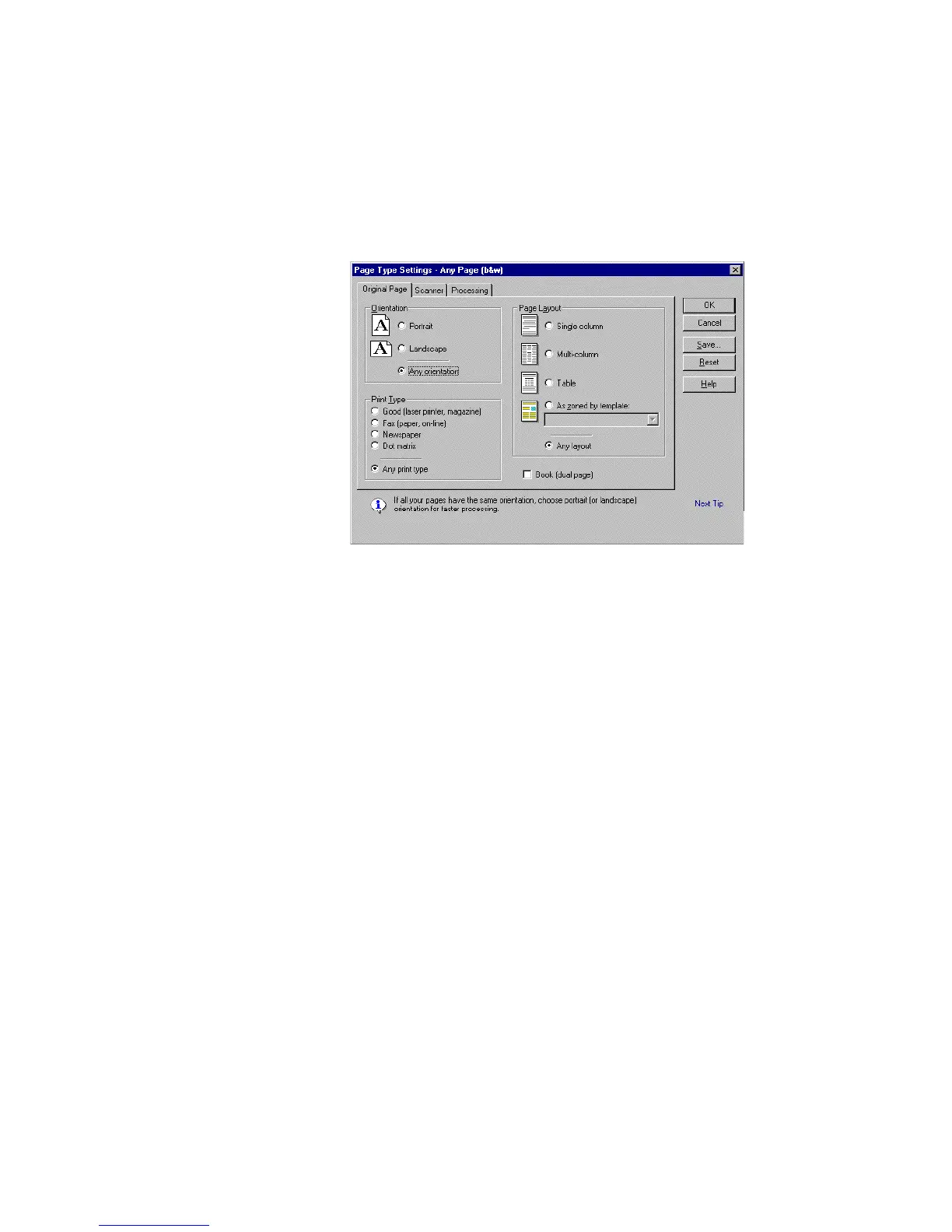
Figure 3–2. Original Page tab in Page Type Settings dialog box
This dialog box has three tabs: Original Page, Scanner, and
Processing. Each lets you view or change Page Type settings.
Original Page Settings
On the Original Page tab, you can choose the following settings:
◆ Set the page orientation for the way text and images are printed
on the original page:
• Any orientation
• Portrait
• Landscape
If you select Any orientation, TextBridge automatically
determines the page orientation. Use this setting if you don’t
know the orientation of your pages or have pages with different
orientations. Use Portrait or Landscape for faster processing.



 To Next Page