3–12 TextBridge Pro User’s Guide
◆ TextBridge determines the best scan resolution and color for the
Original Page and Picture Output settings. Click Custom if you
want to override this default scan resolution setting.
◆ Set the scan page size to reflect the actual size of the original
page.
◆ To override the default scan Brightness setting, uncheck Adjust
Automatically and move the slider.
Processing Settings
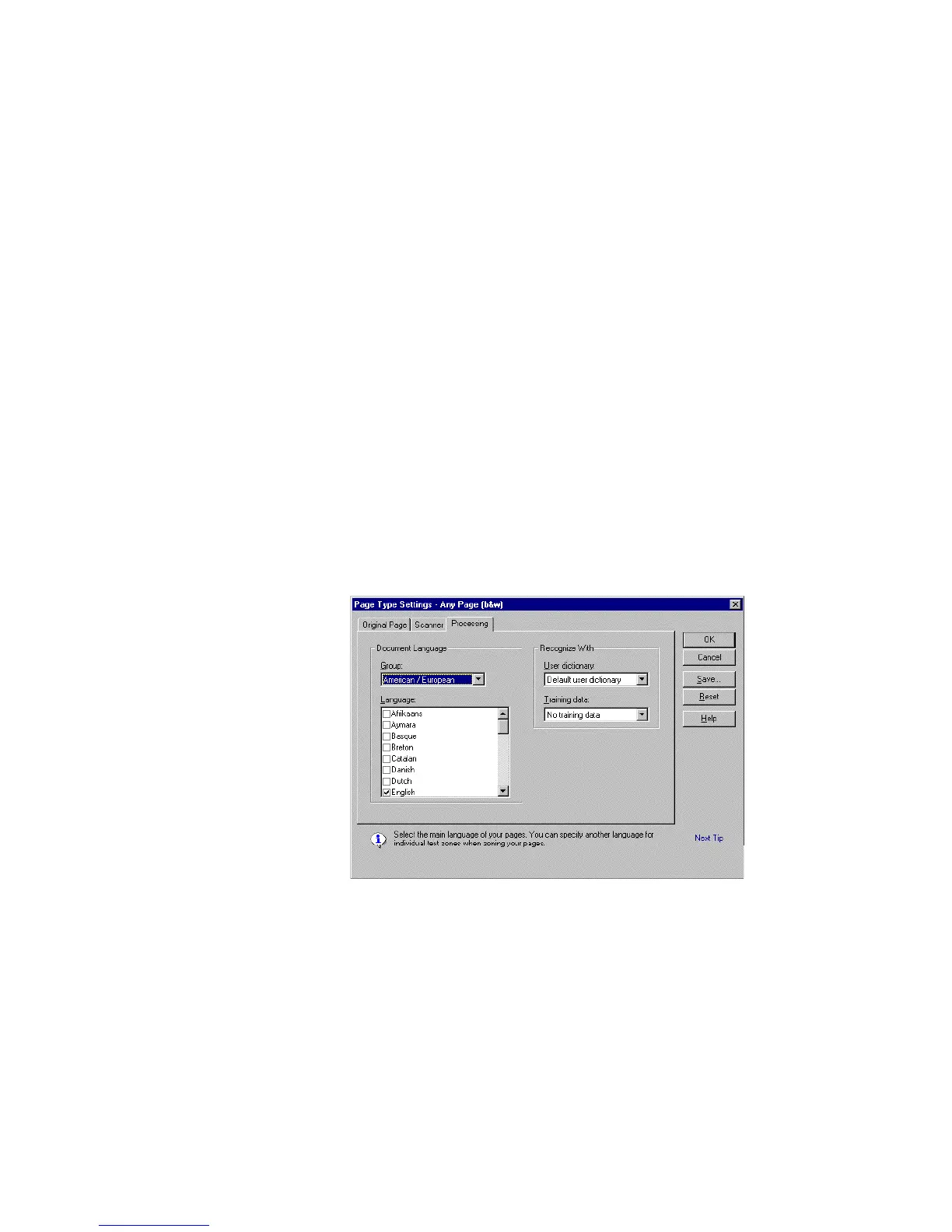
You can view and change the settings for processing in the
Processing tab of the Page Type Settings dialog box (Figure 3–4,
next page). Check the settings to be sure they are the best ones
for processing your pages.
Figure 3–4. Processing tab in Page Type Settings dialog box



 To Next Page