Learning to Use TextBridge 4–13
◆ Delete the page from the document.
◆ Add more pages to the document.
◆ Cancel the process by creating a new file or opening another file.
◆ Look at the properties of the page.
◆ Continue processing the page.
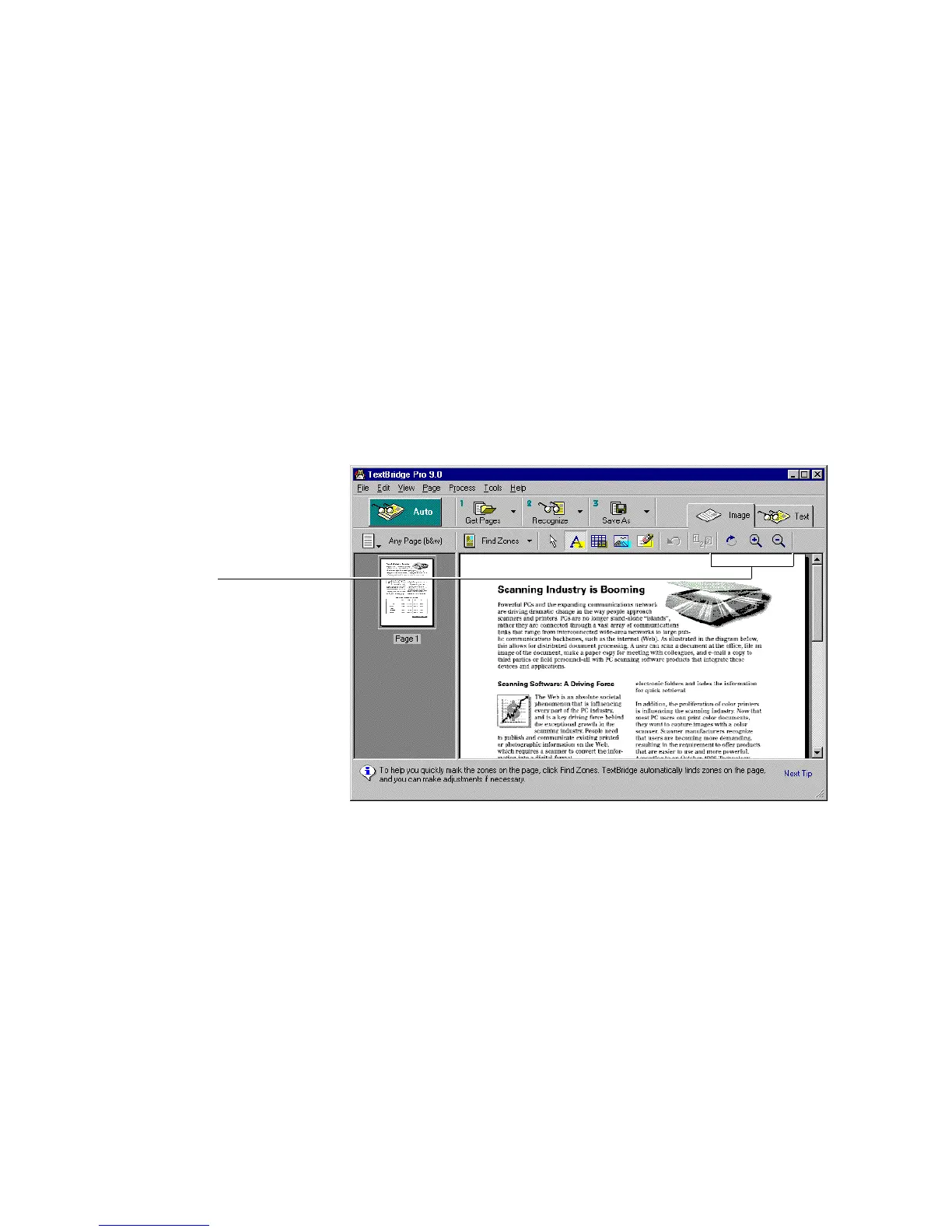
You can use the Image Tab toolbar or View and Page menu
commands to examine and orient the acquired page.
Preview tools
Figure 4–8. Preview the page using the Preview tools



 To Next Page