Learning to Use TextBridge 4–19
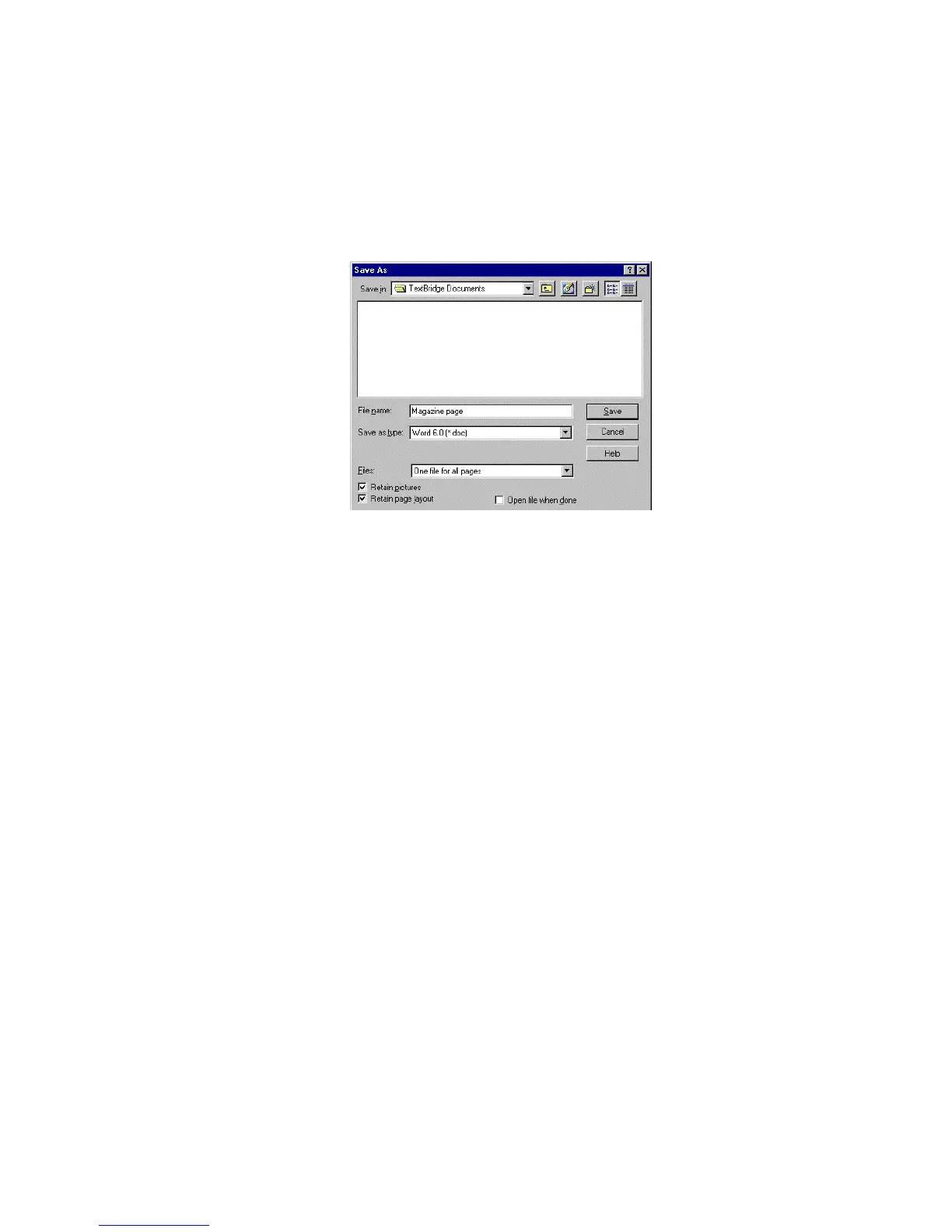
Figure 4–11. Saving the page using the Save As dialog box
After you save the document, your document remains in
TextBridge. You can then do any of the following:
◆ Save the document in another format
◆ Add or delete pages
◆ Change zoning
◆ Recognize the document again
◆ “Send To” a text application
◆ Use the New command in the File menu to begin a new job
◆ Close TextBridge



 To Next Page